Printers & Scanners
Explore our full lineup of home, office, and commercial printers and document scanners.
ProPrintMart carries the full range of printers and scanners — from affordable home inkjets starting at $49.99 to enterprise-class laser multifunction devices built for departments printing hundreds of thousands of pages per month. Every product is brand new, factory-sealed, and backed by the full manufacturer warranty. Use the filters to narrow by category, price, print speed, or connectivity to find the perfect match for your needs.
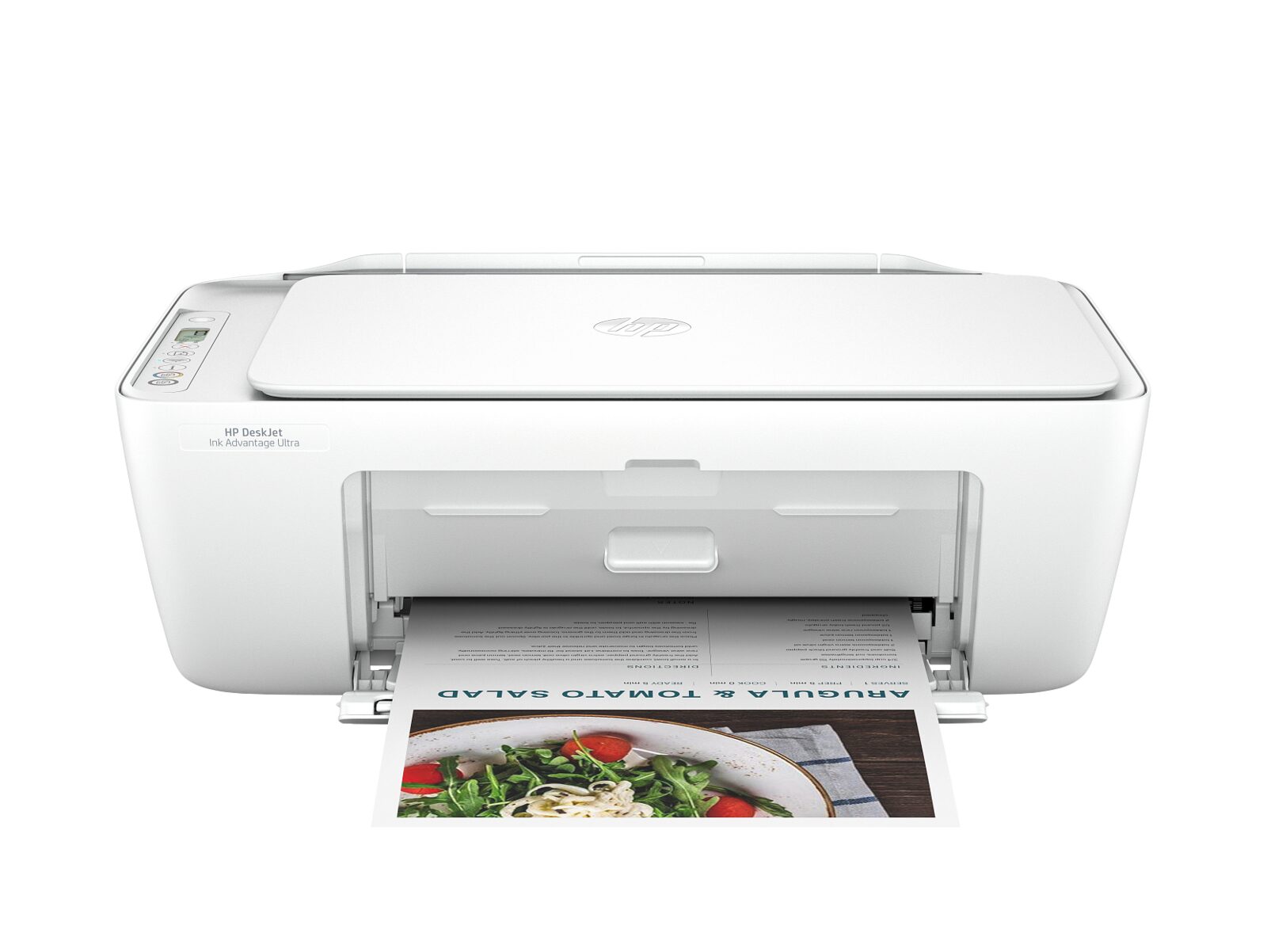
HP DeskJet 2827e
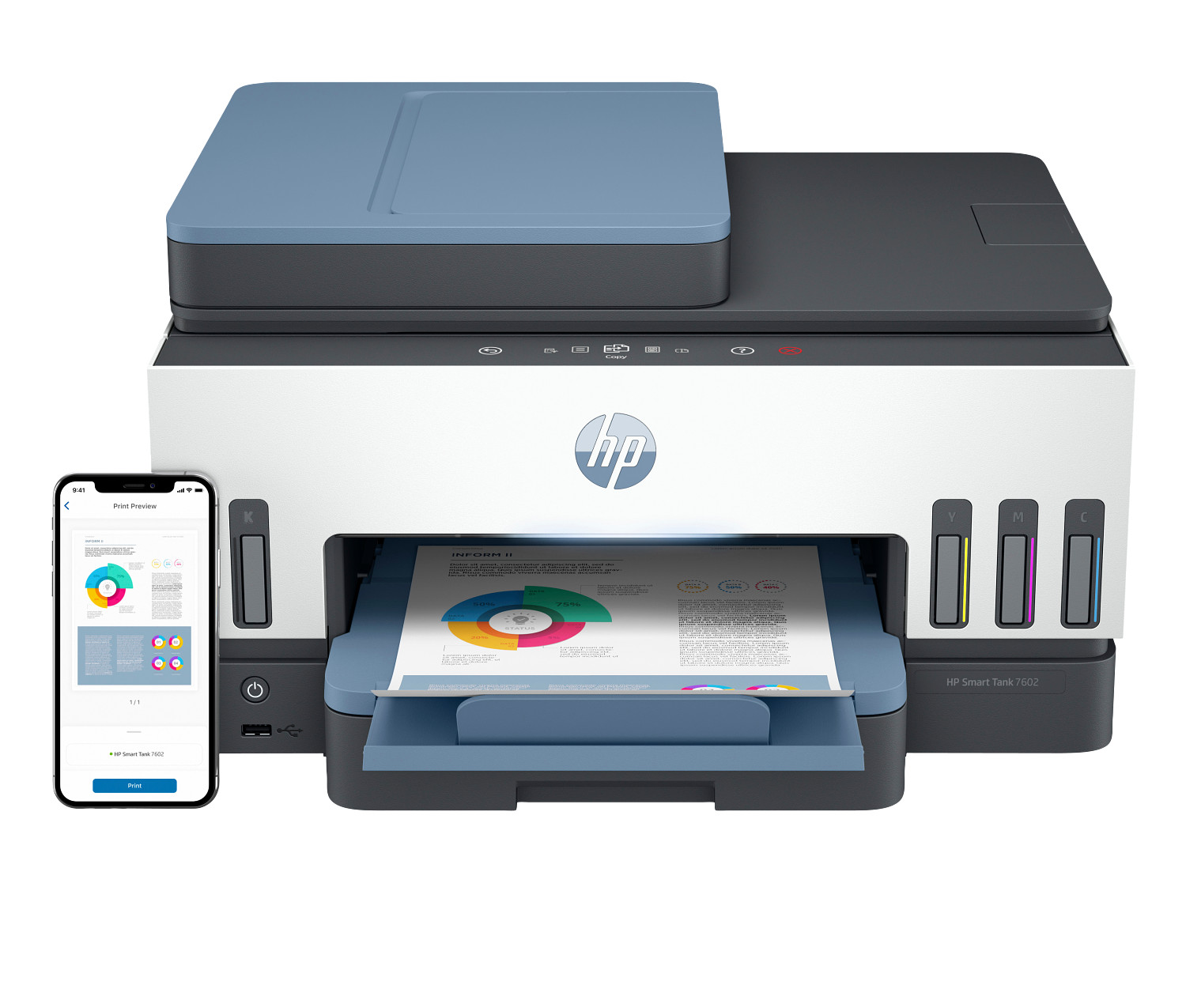
HP Smart Tank 7602
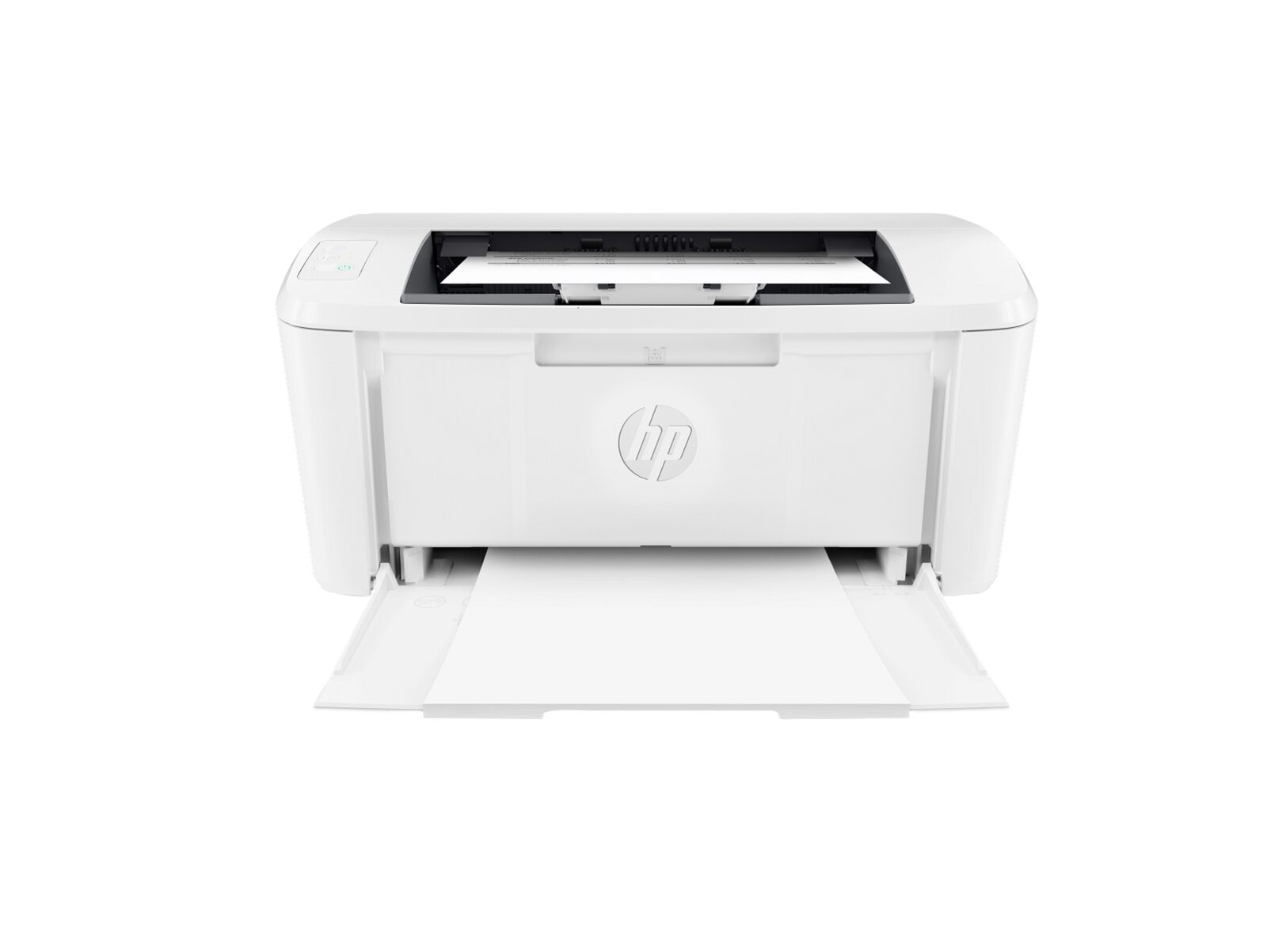
HP LaserJet M110w
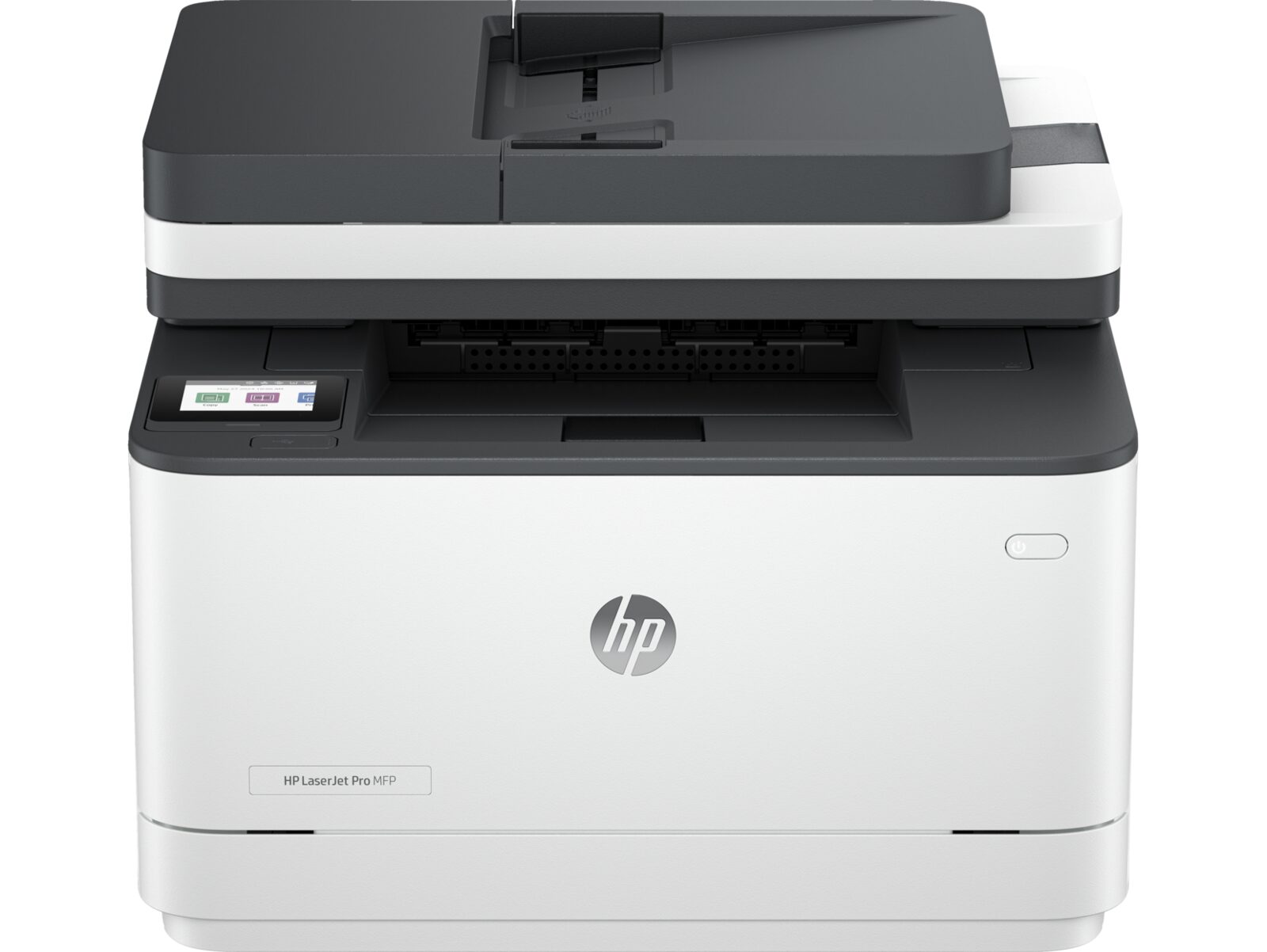
HP LaserJet Pro MFP 3101sdw
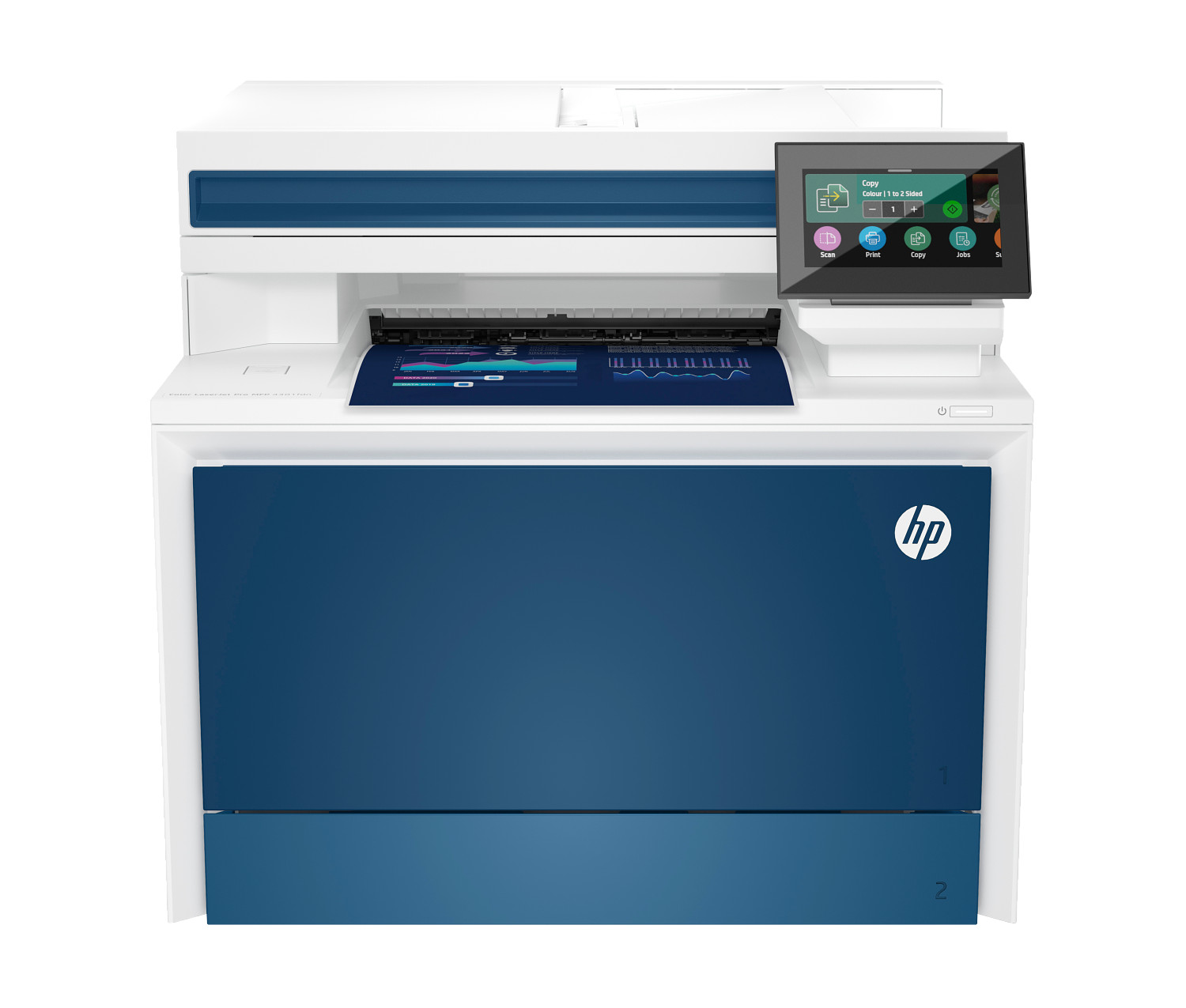
HP Color LaserJet Pro MFP 4301fdn
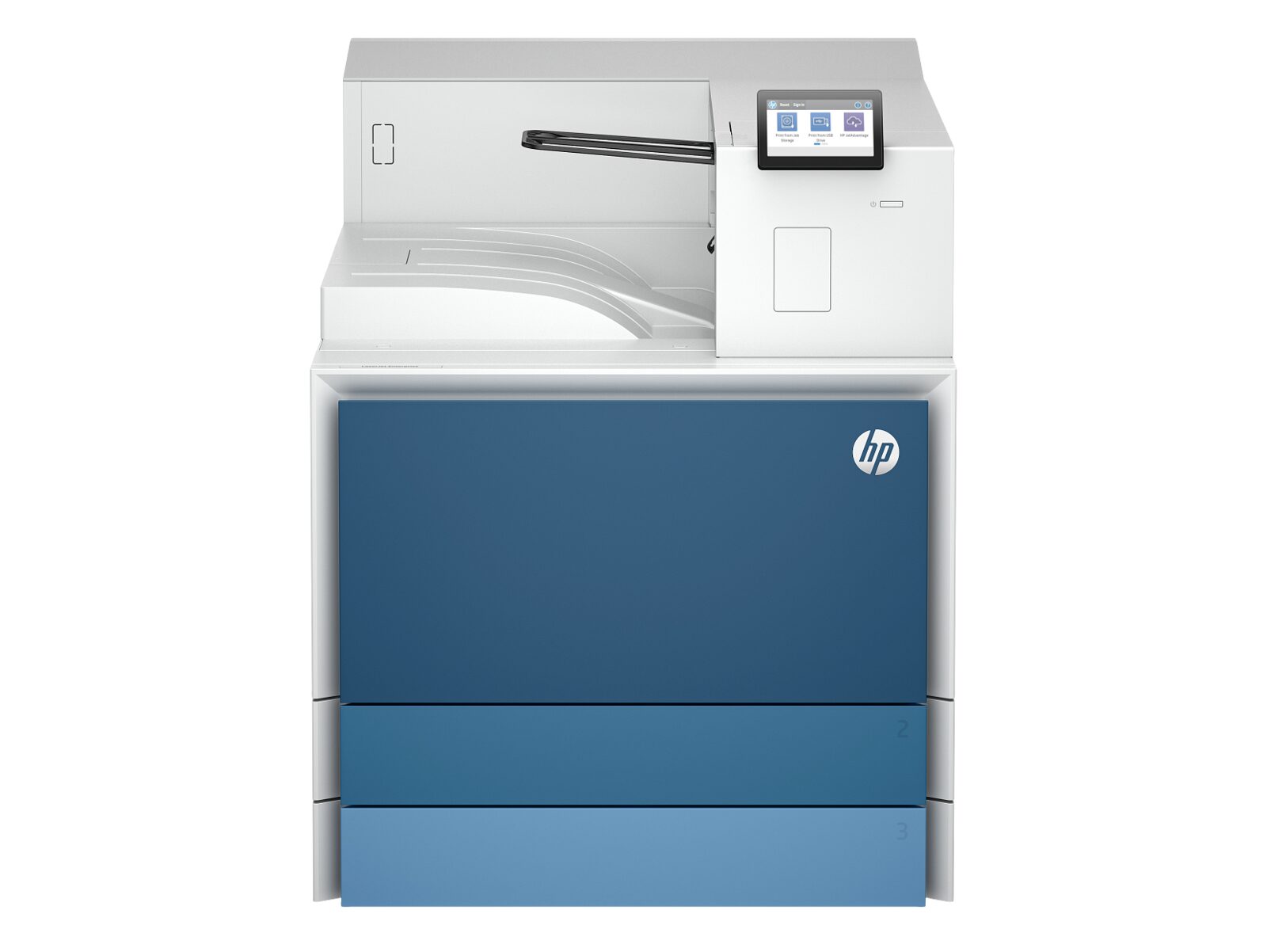
HP LaserJet Enterprise 8501dn
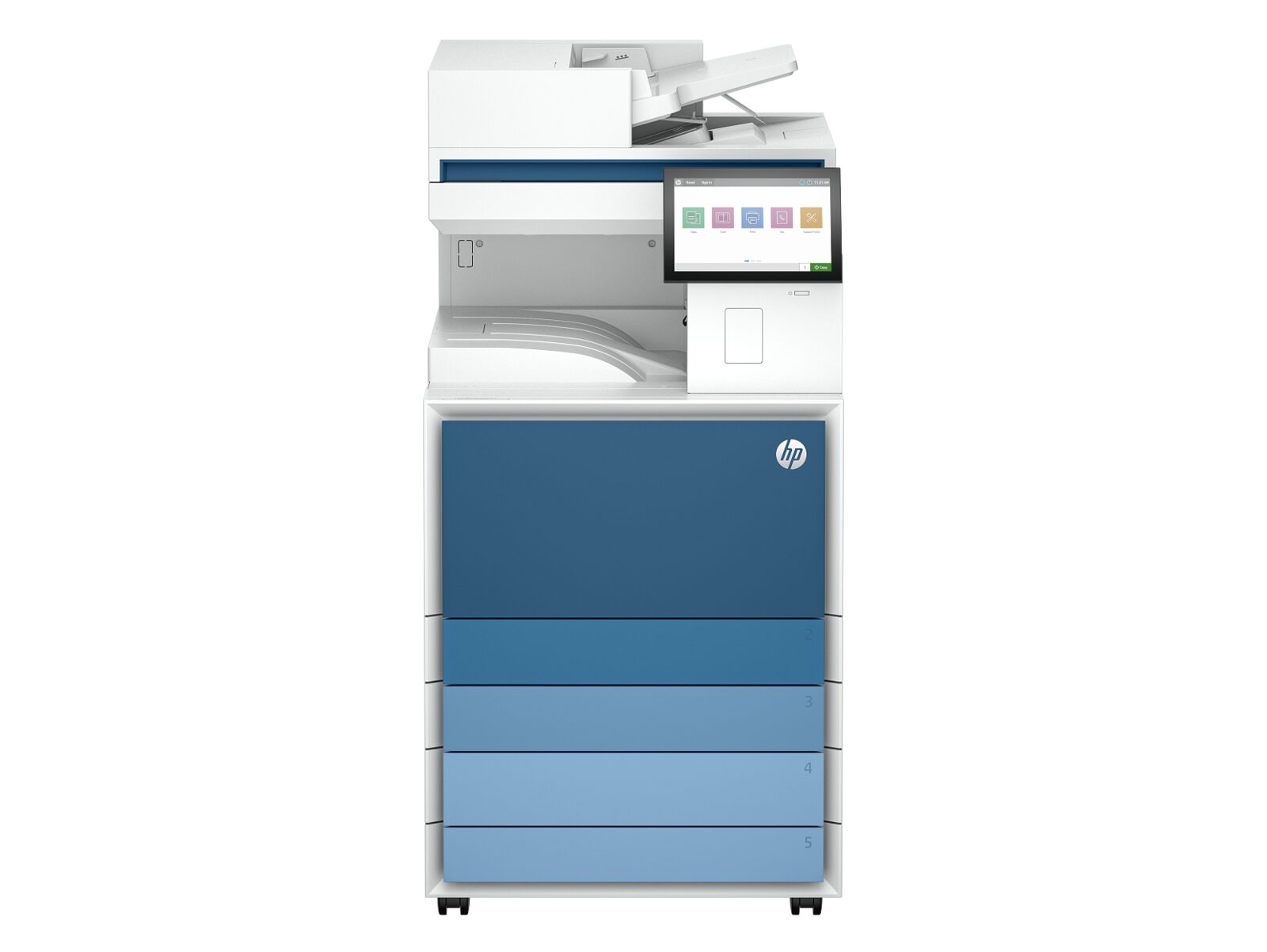
HP LaserJet Enterprise MFP 8601dn
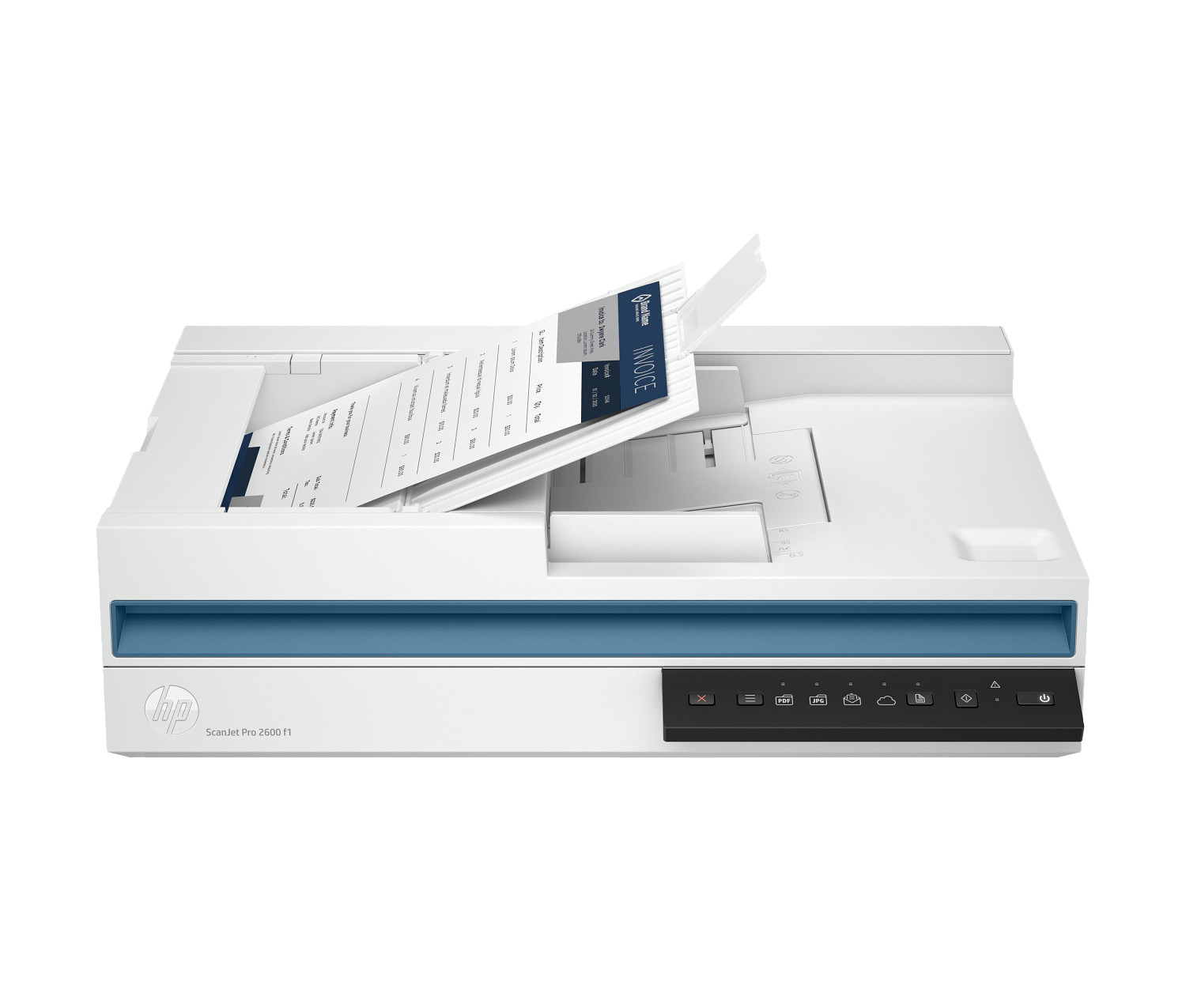
HP ScanJet Pro 2600 f1
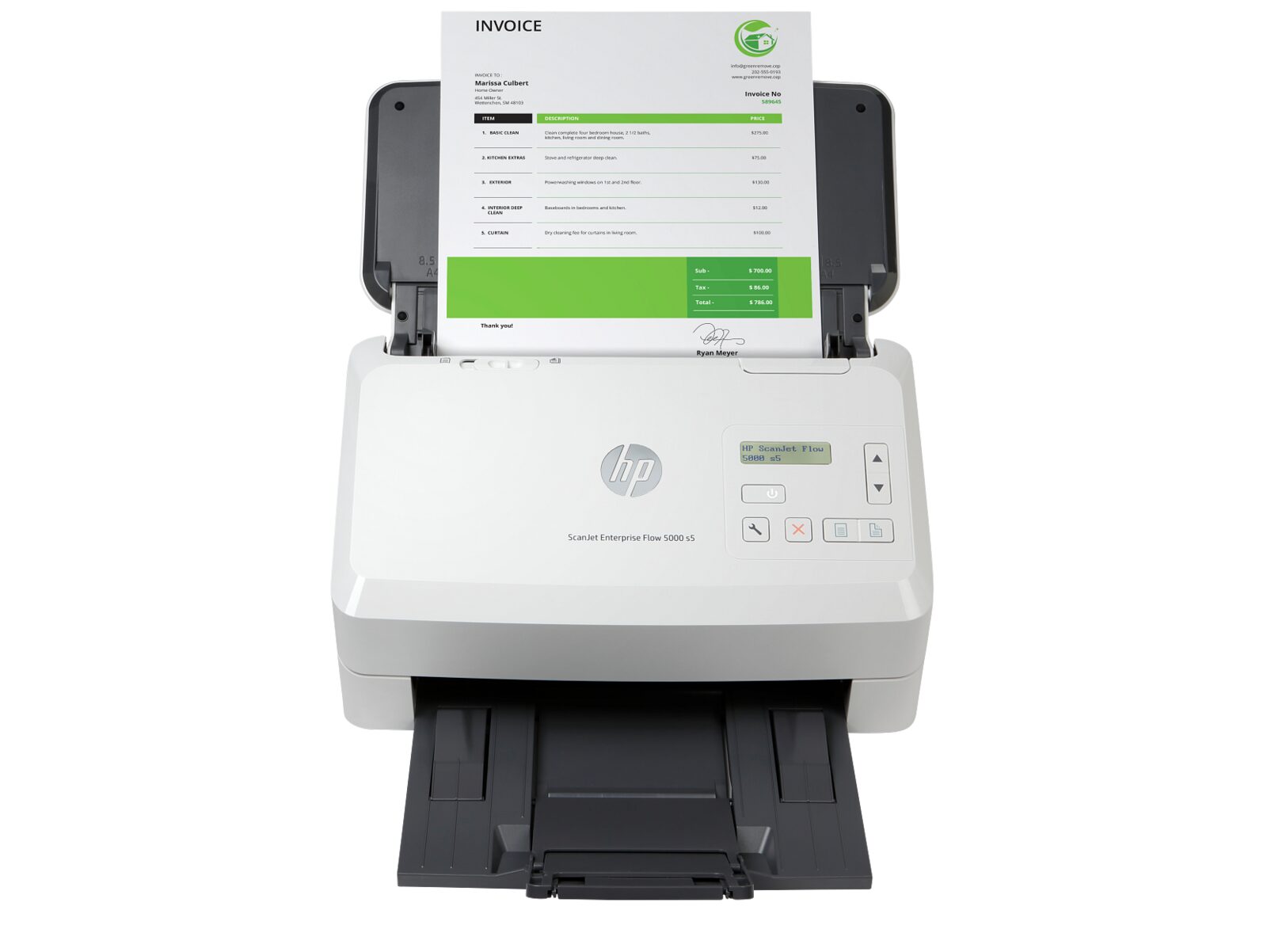
HP ScanJet Enterprise Flow 5000 s5
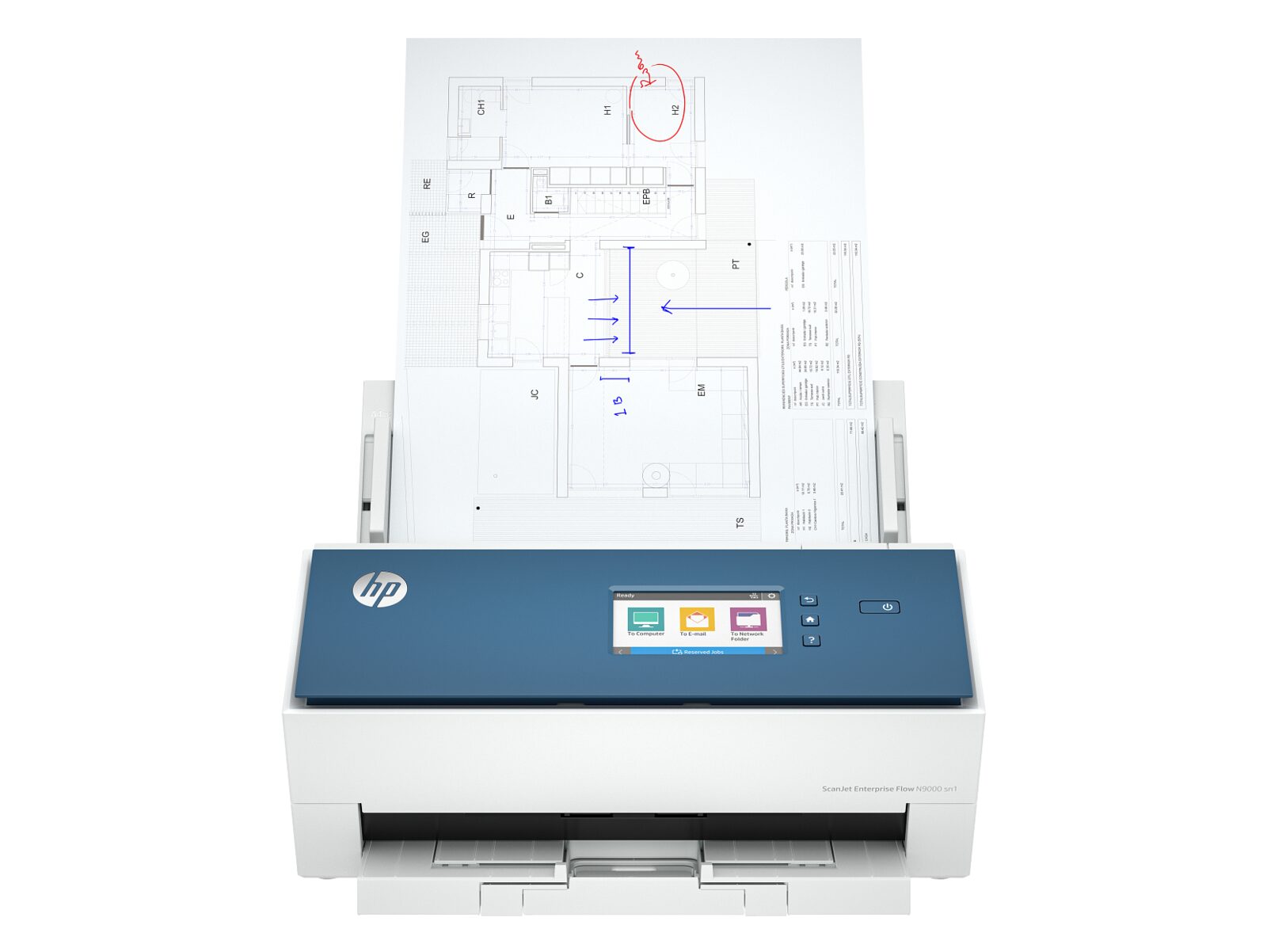
HP ScanJet Enterprise Flow N9000 sn1
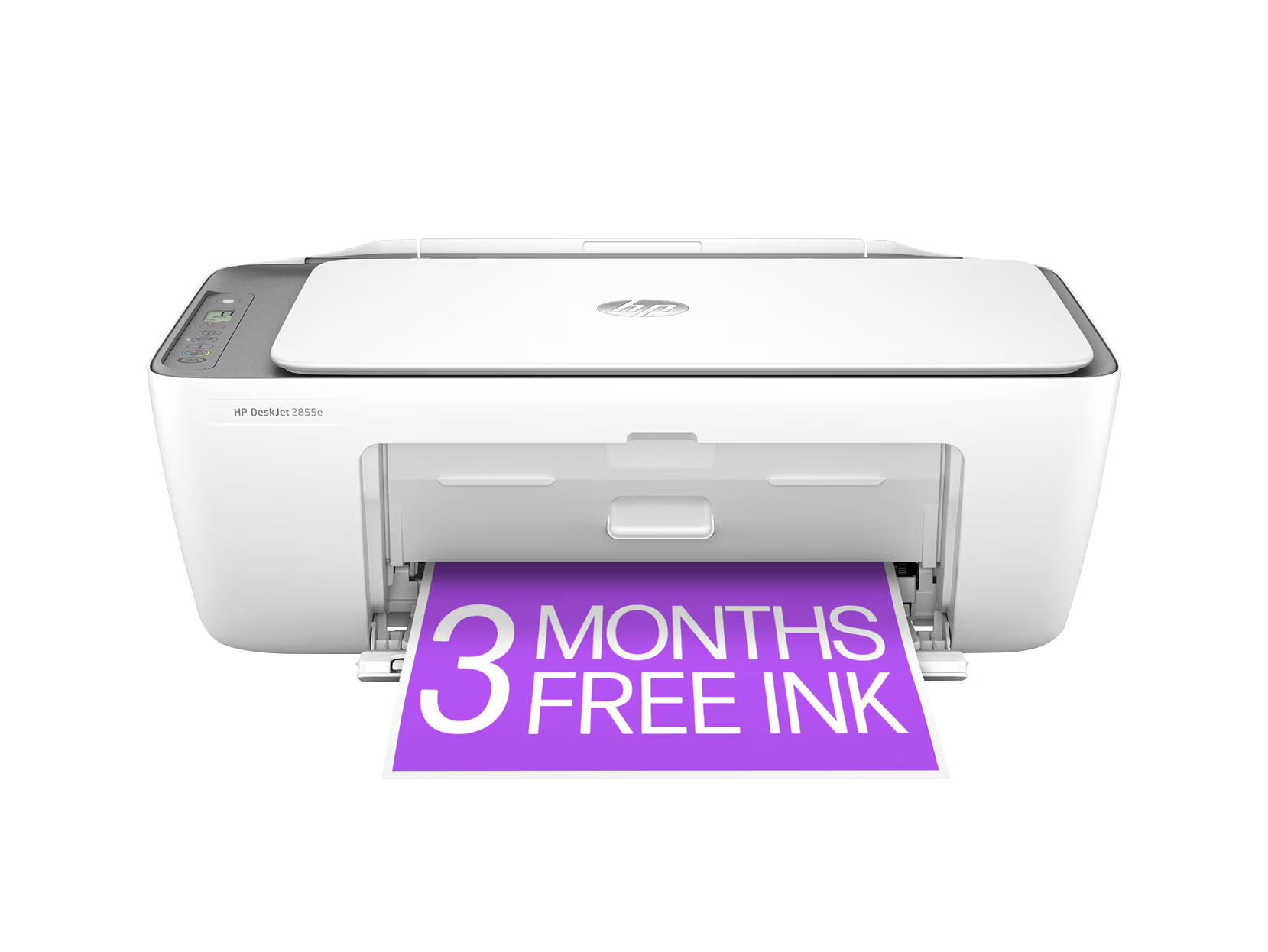
HP DeskJet 2855e
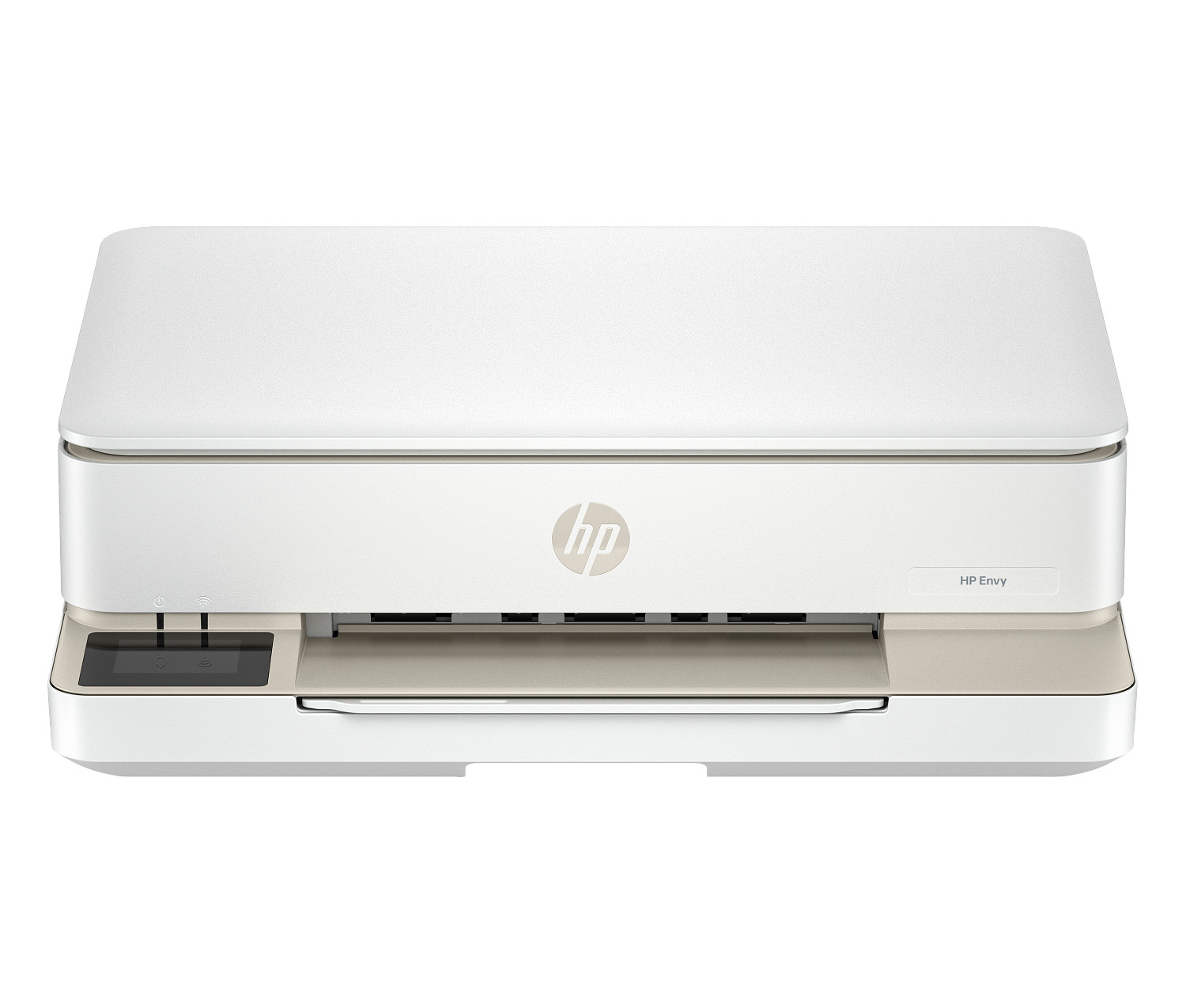
HP Envy 6155e
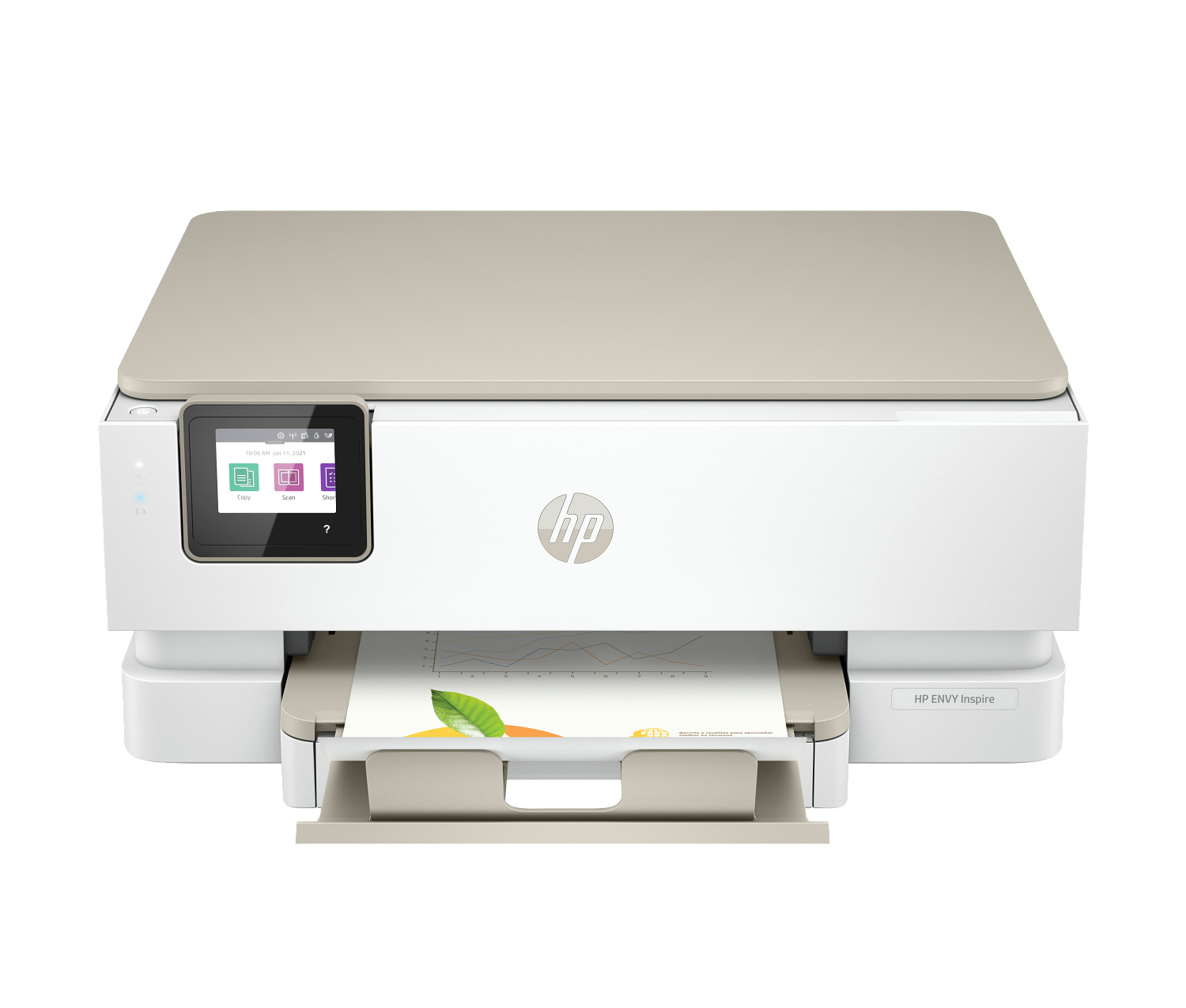
HP Envy Inspire 7255e
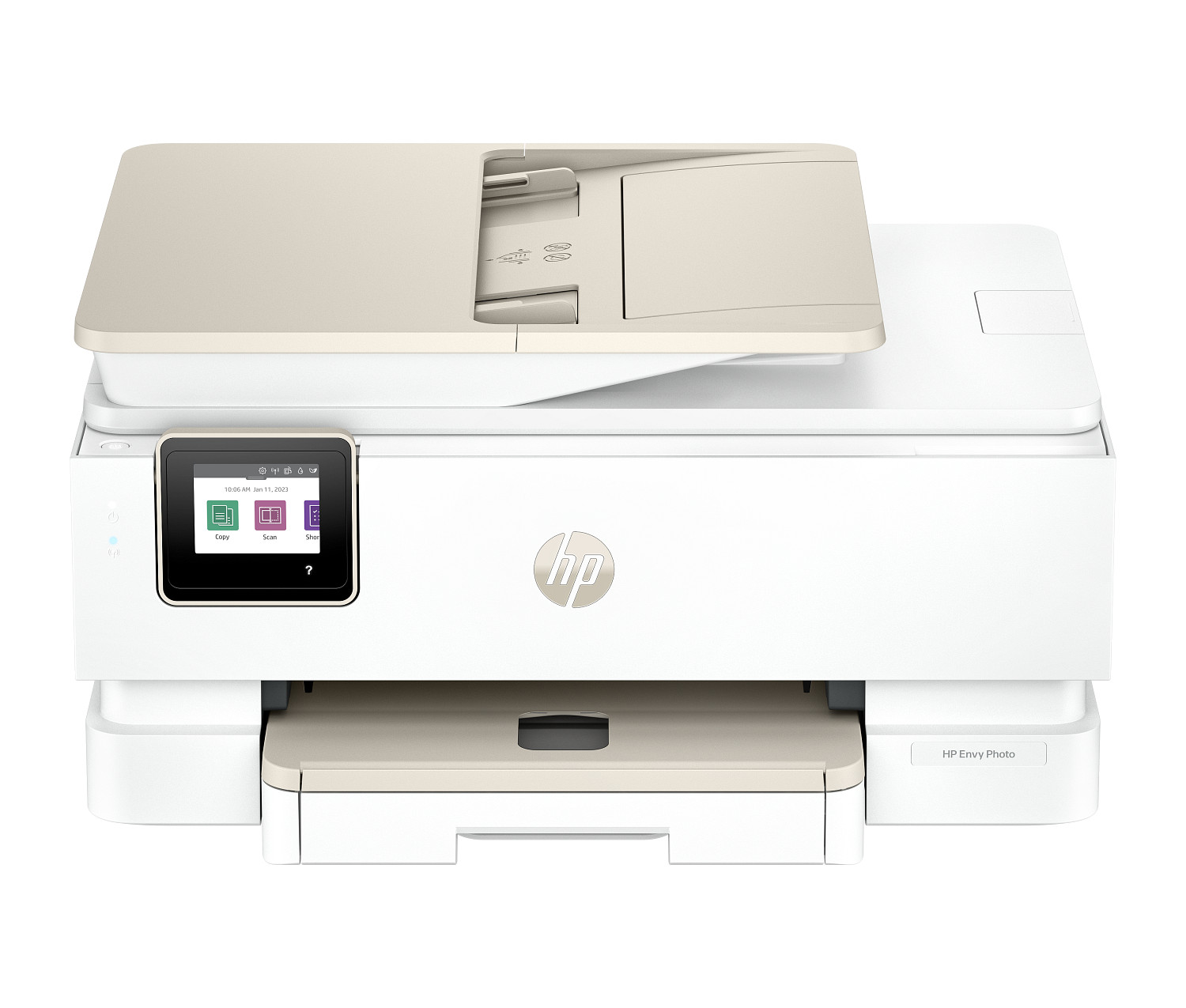
HP Envy Photo 7975
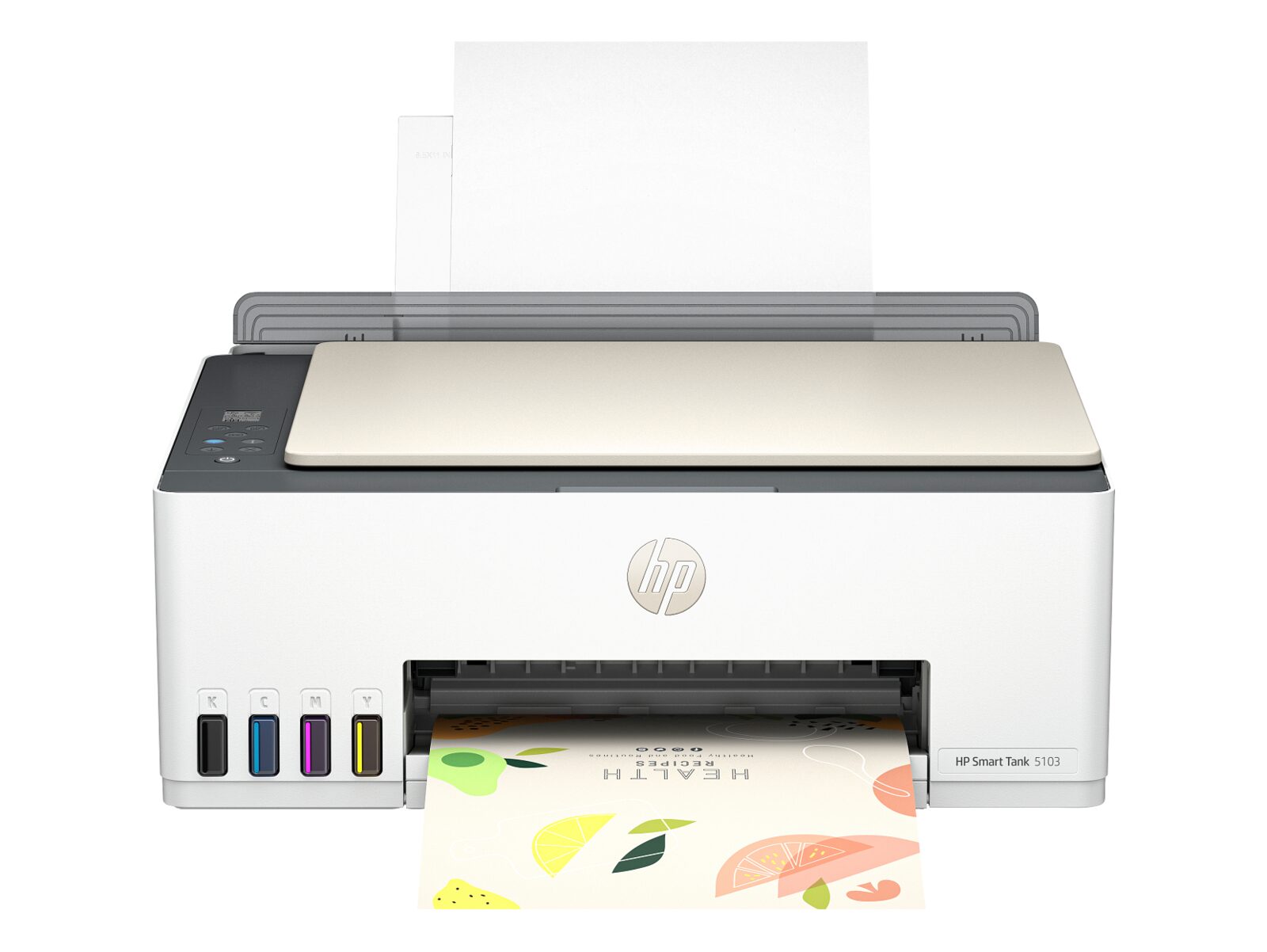
HP Smart Tank 5103
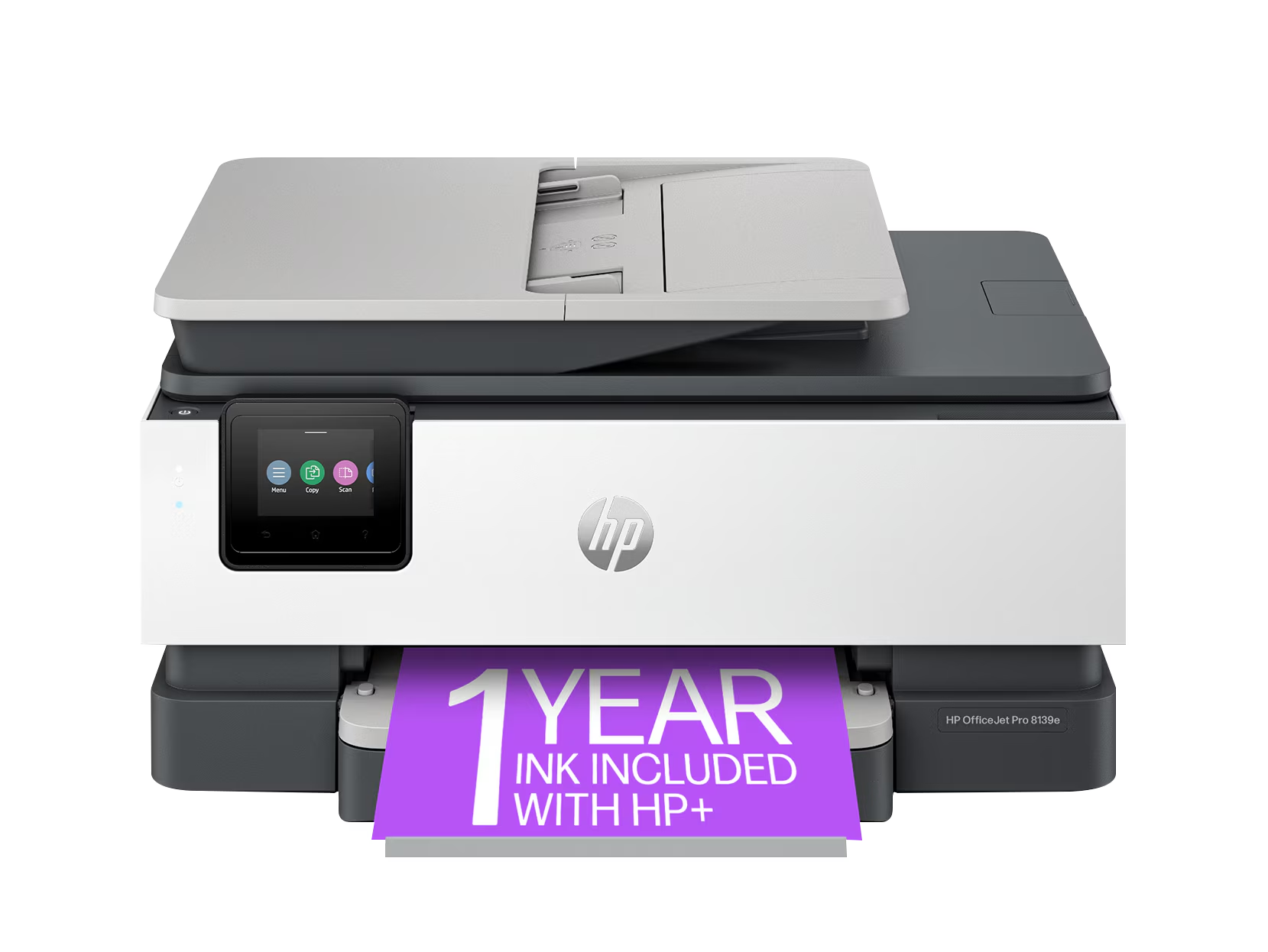
HP OfficeJet Pro 8139e
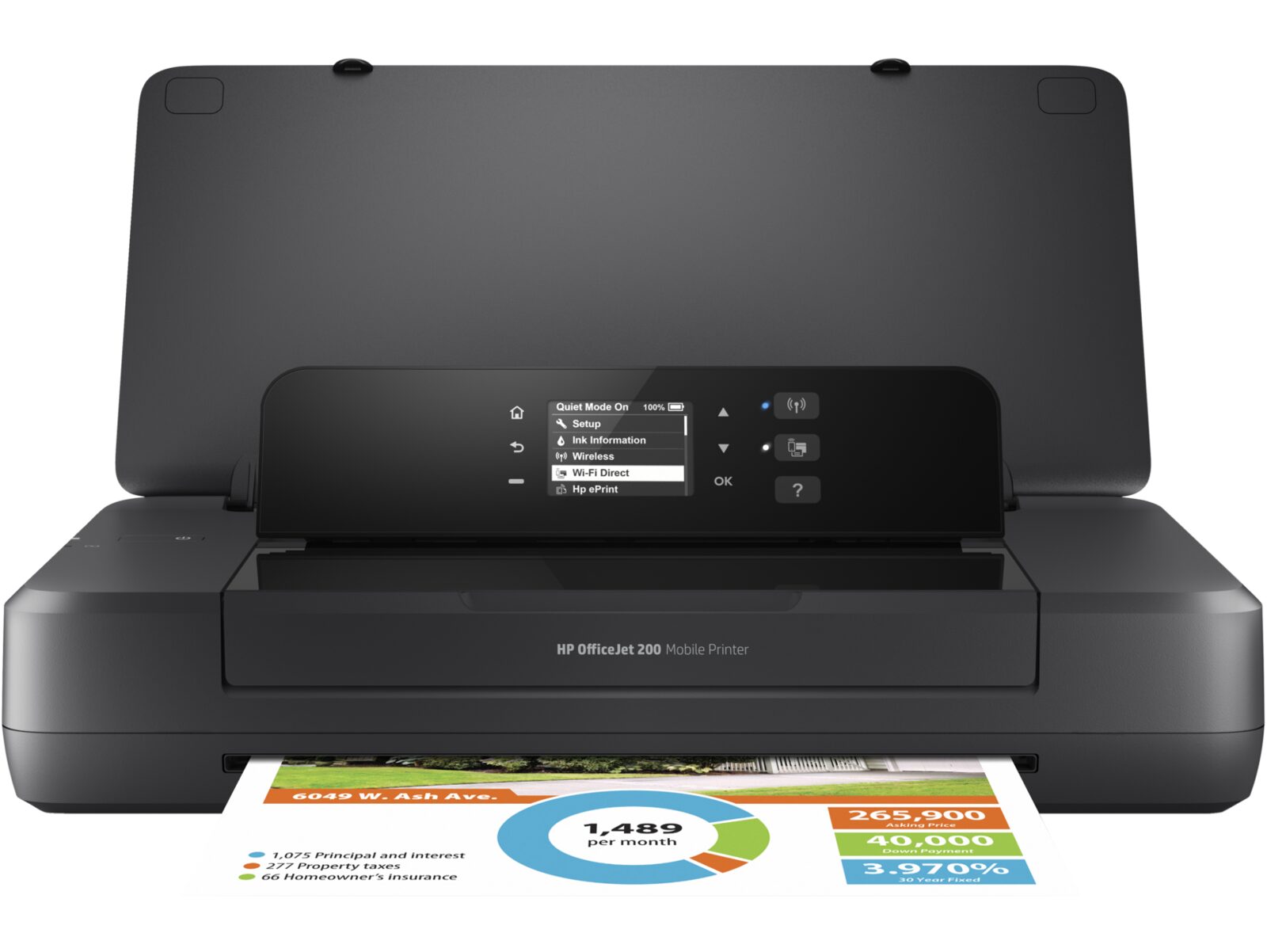
HP OfficeJet 200 Mobile
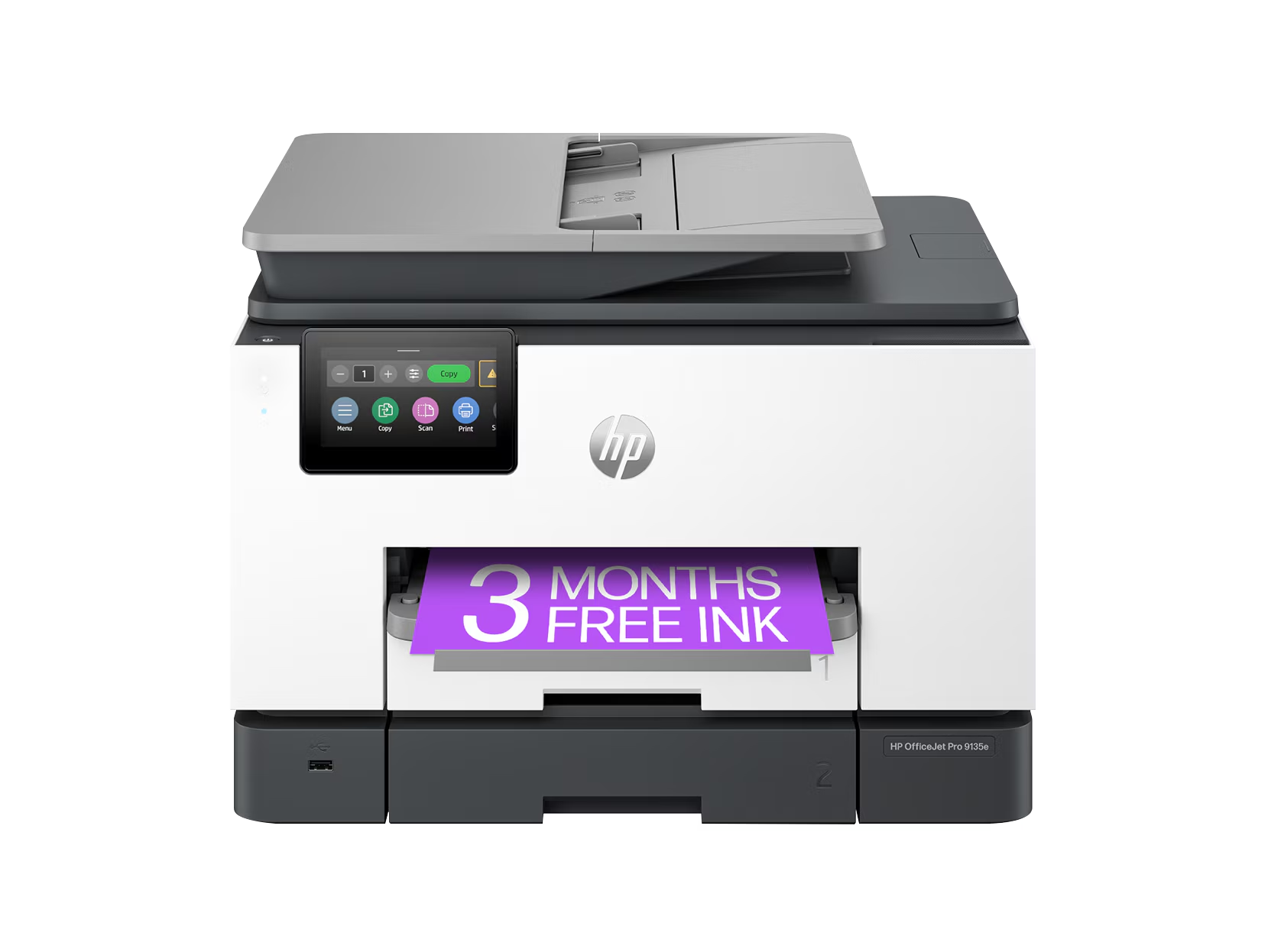
HP OfficeJet Pro 9135e
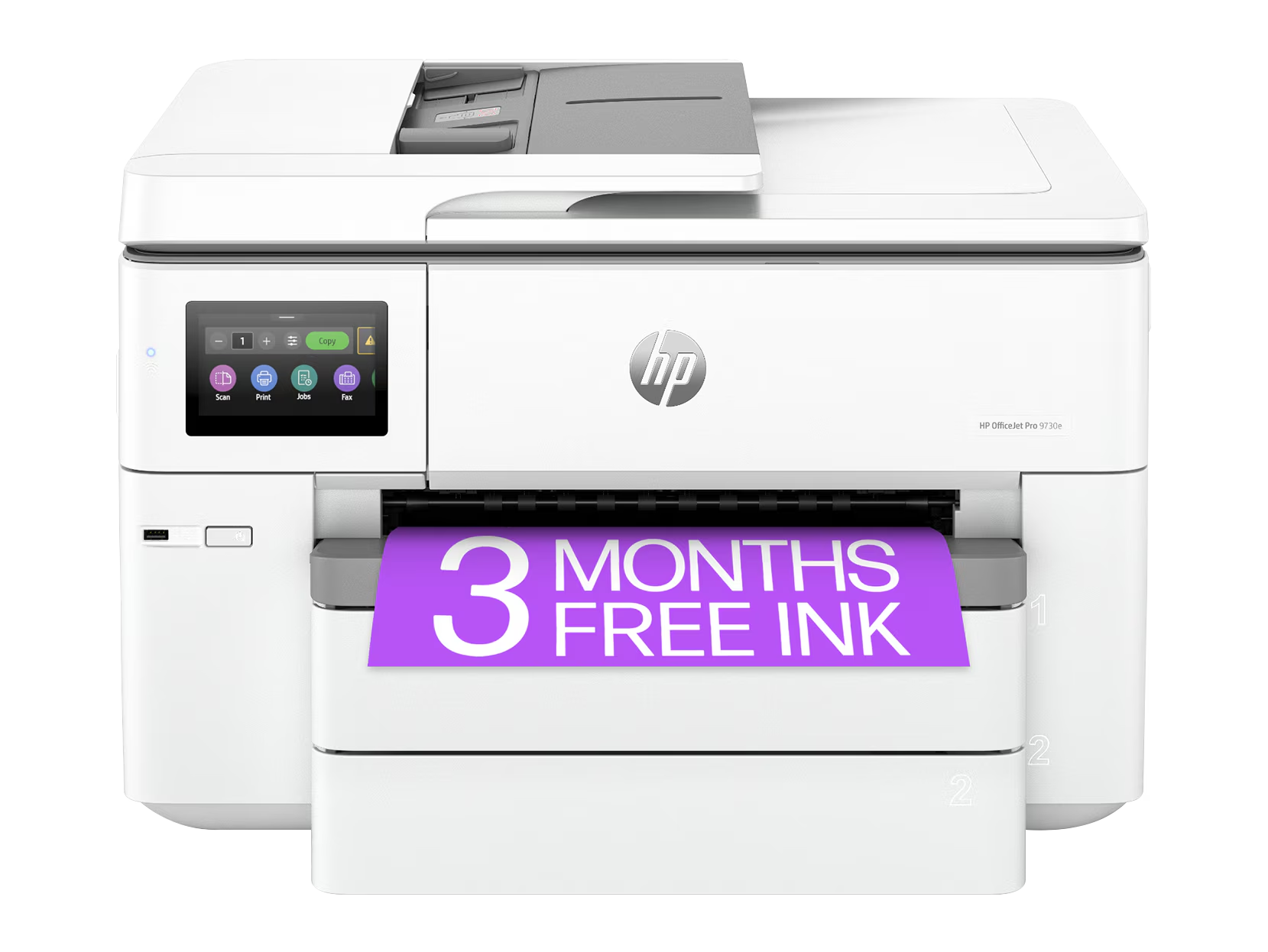
HP OfficeJet Pro 9730e
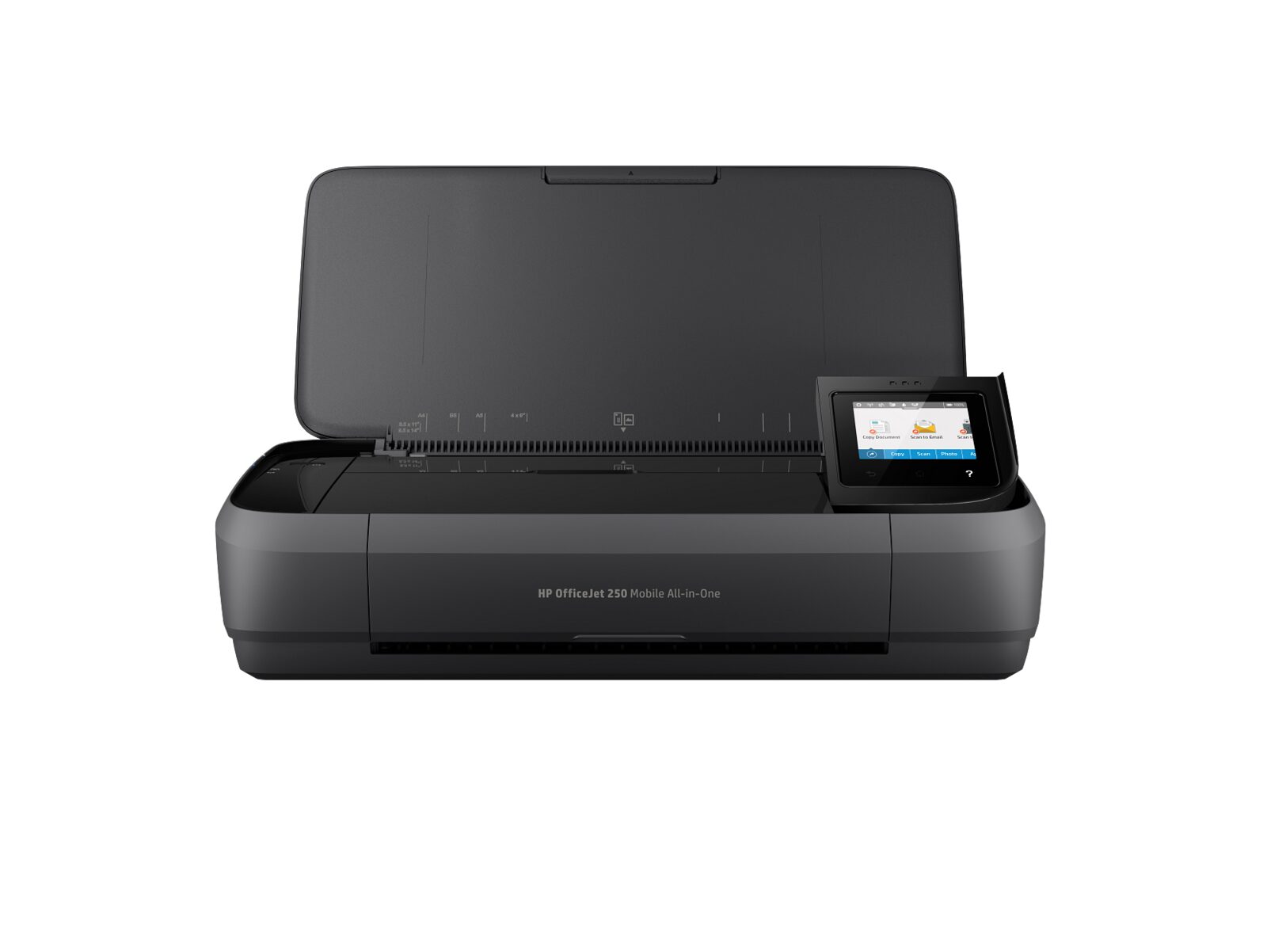
HP OfficeJet 250 Mobile
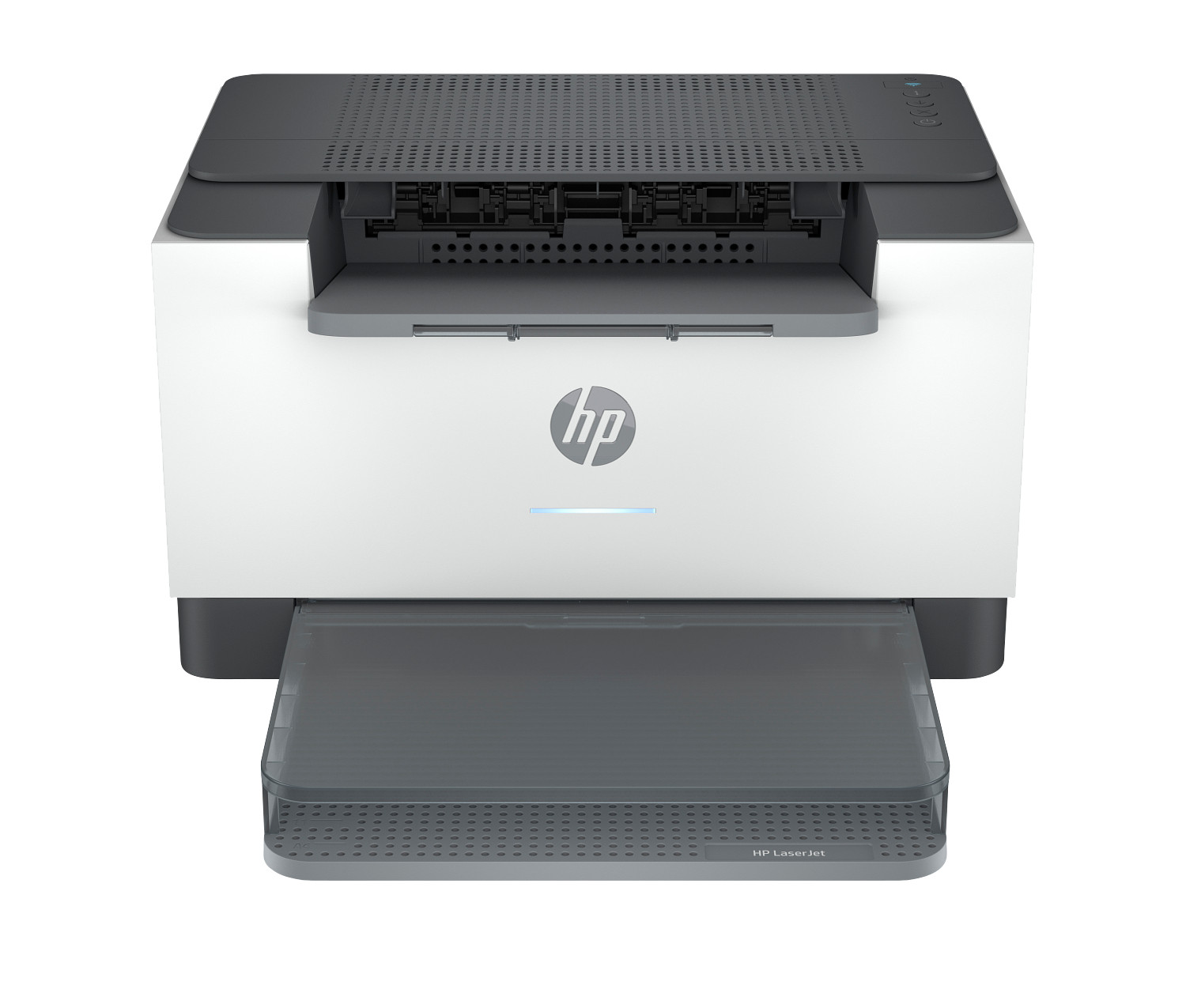
HP LaserJet M209d
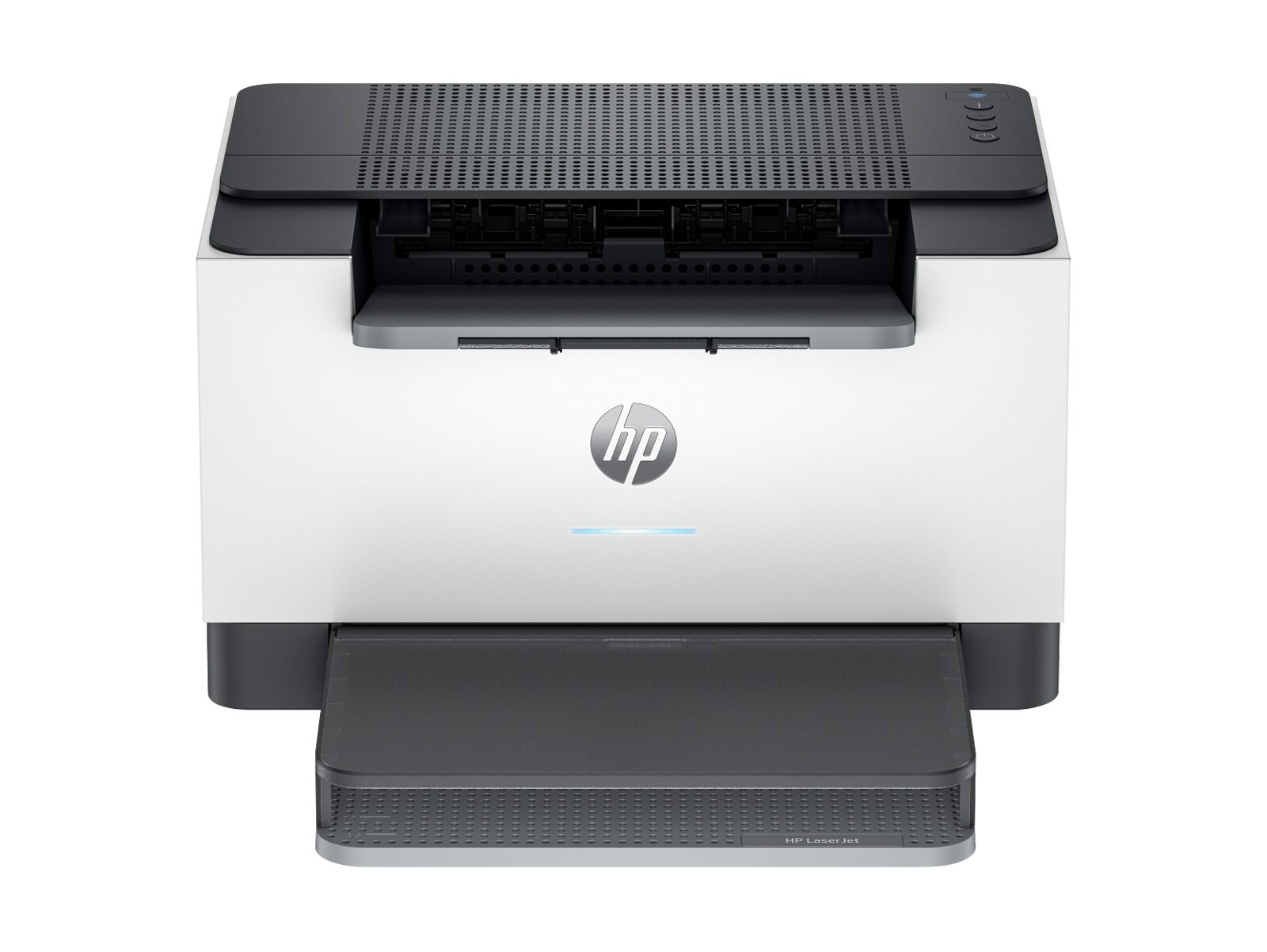
HP LaserJet M207dw
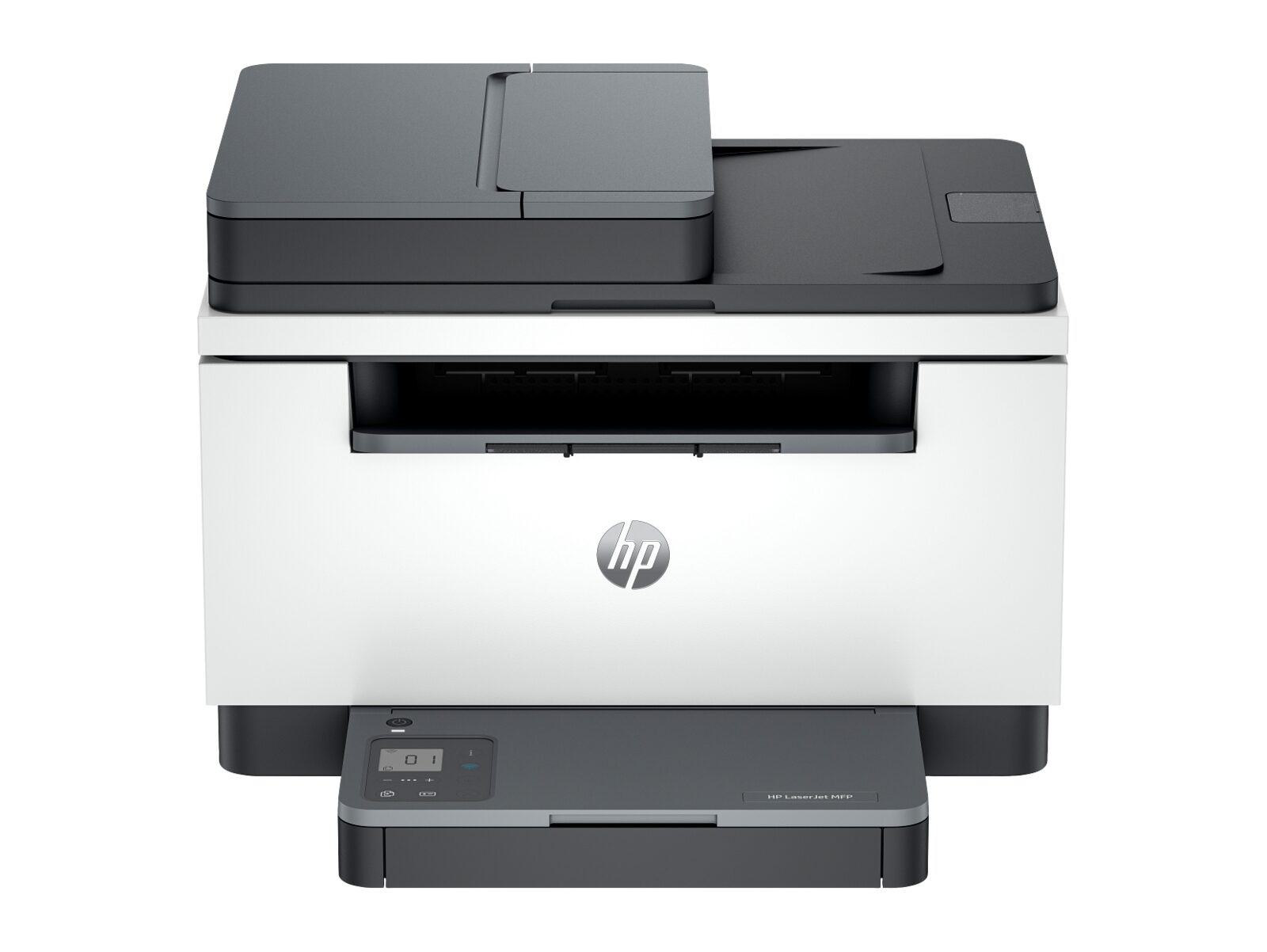
HP LaserJet MFP M235sdw
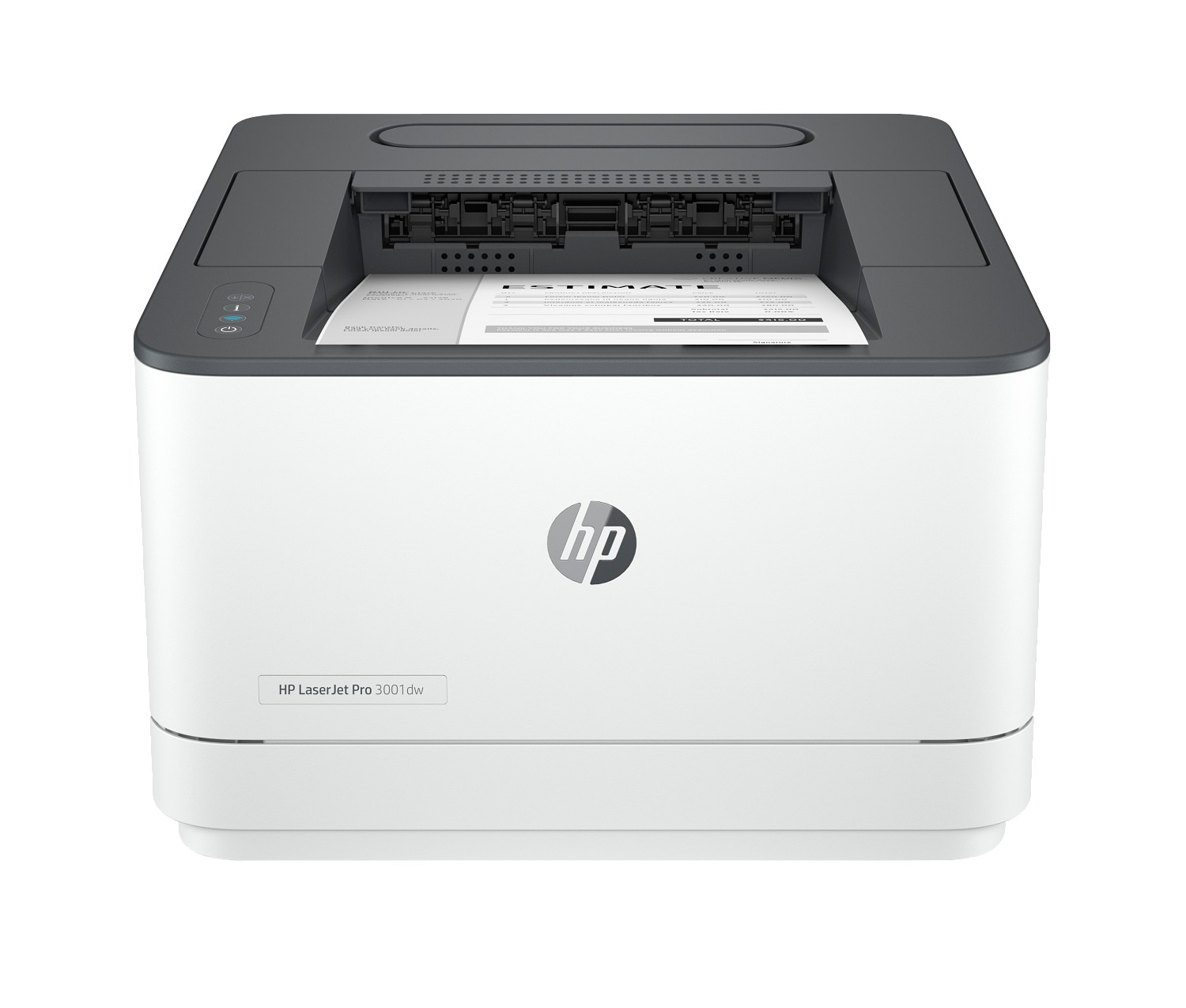
HP LaserJet Pro 3001dw
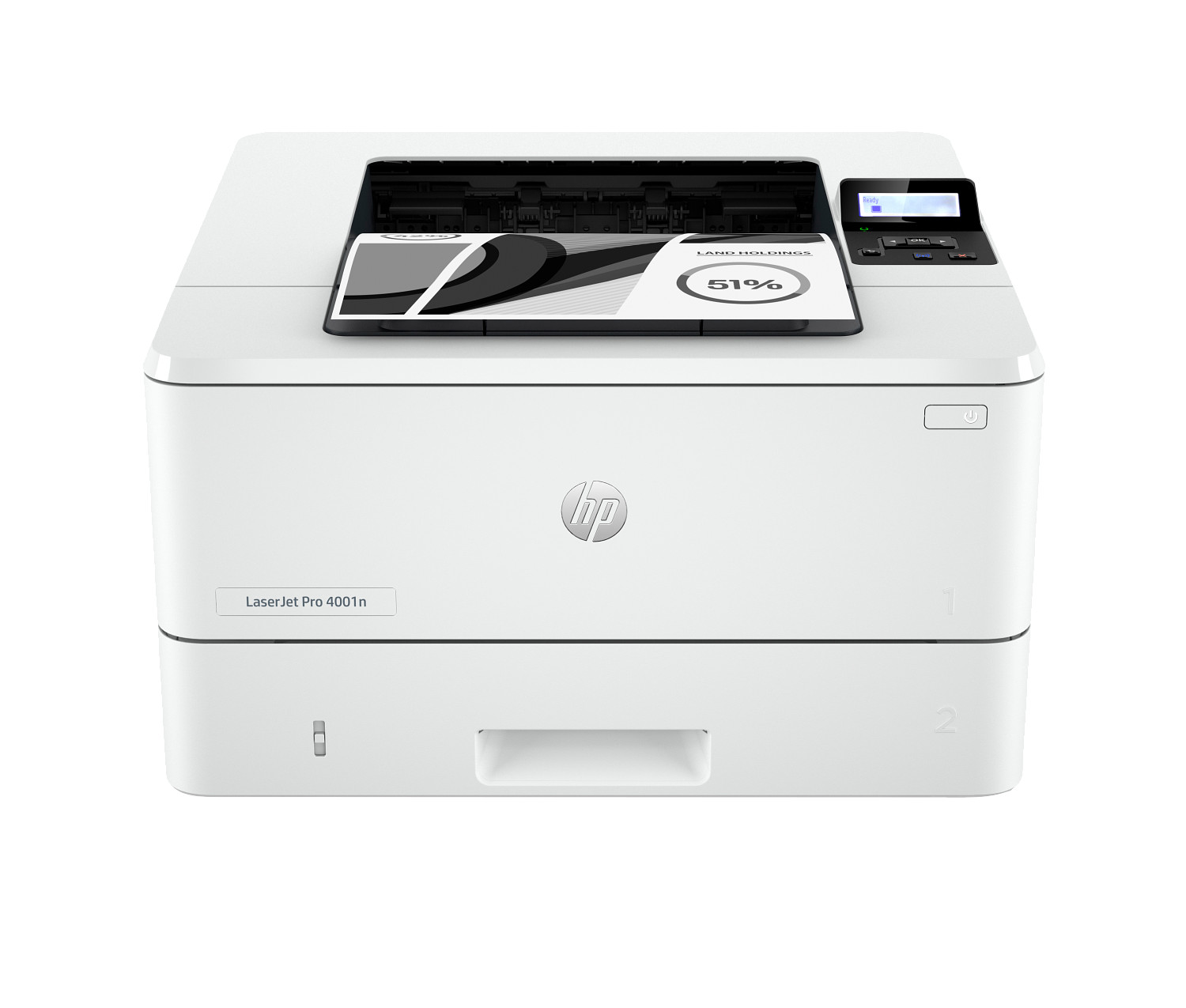
HP LaserJet Pro 4001n
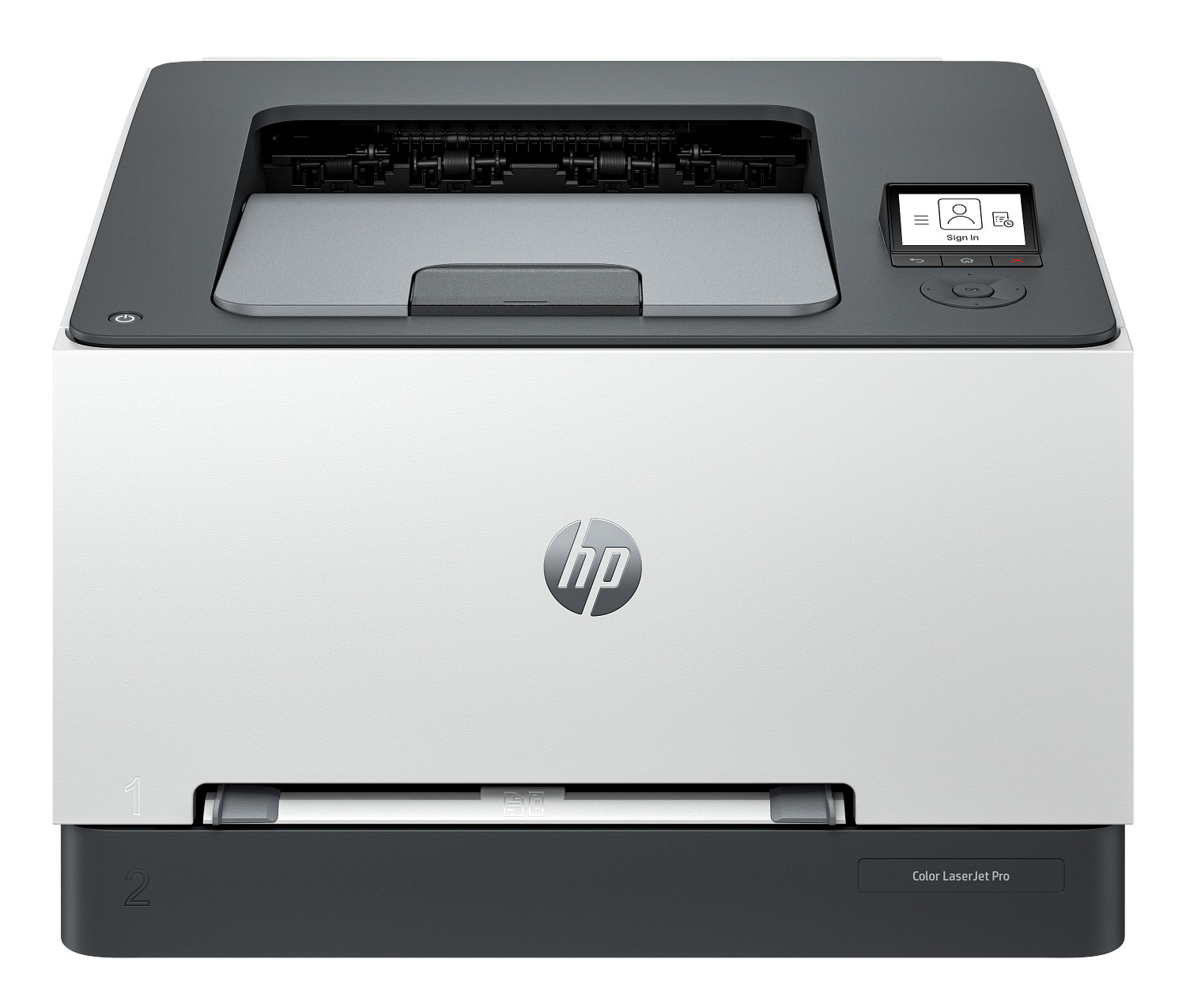
HP Color LaserJet Pro 3201dw
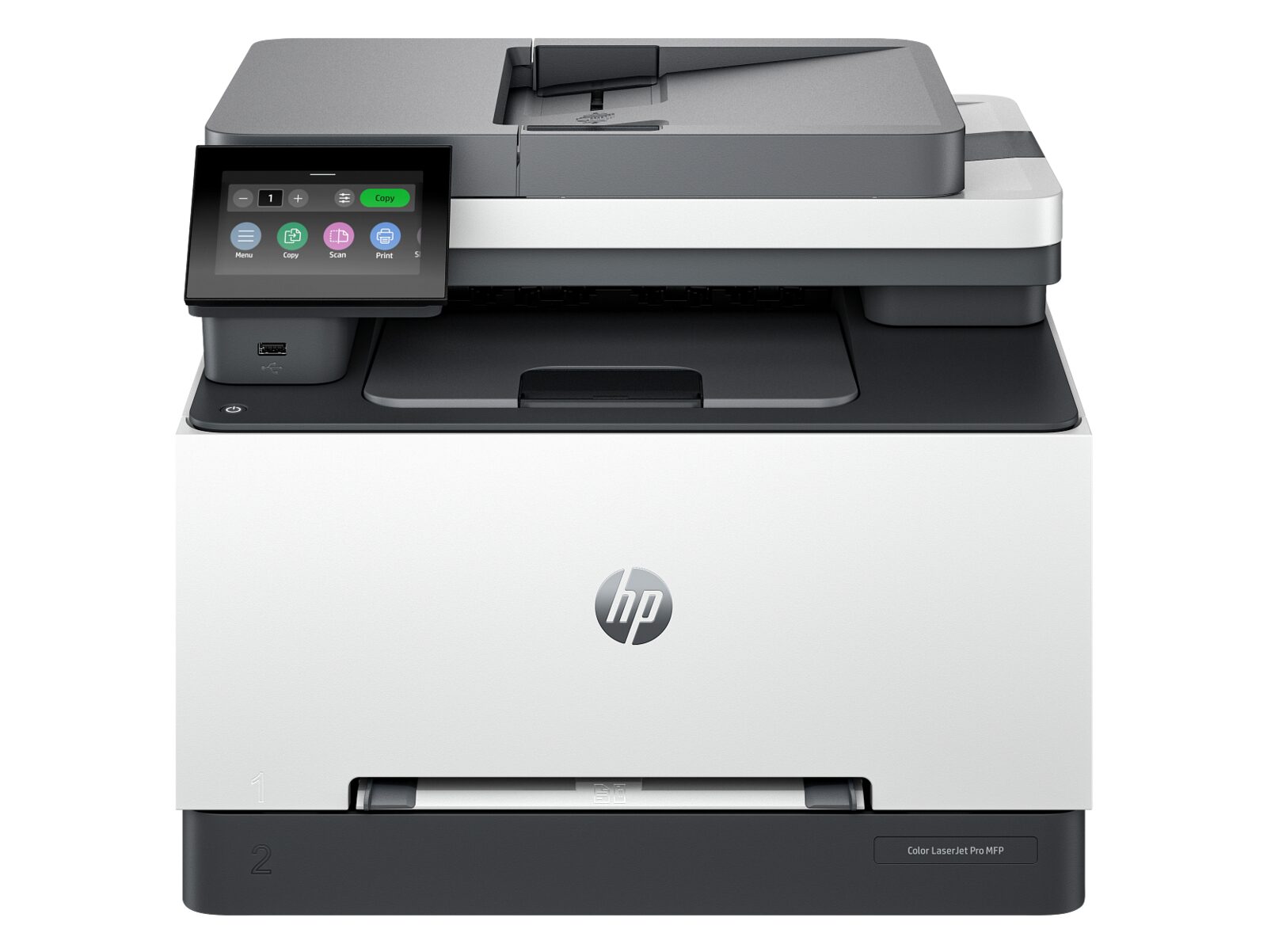
HP Color LaserJet Pro MFP 3301sdw
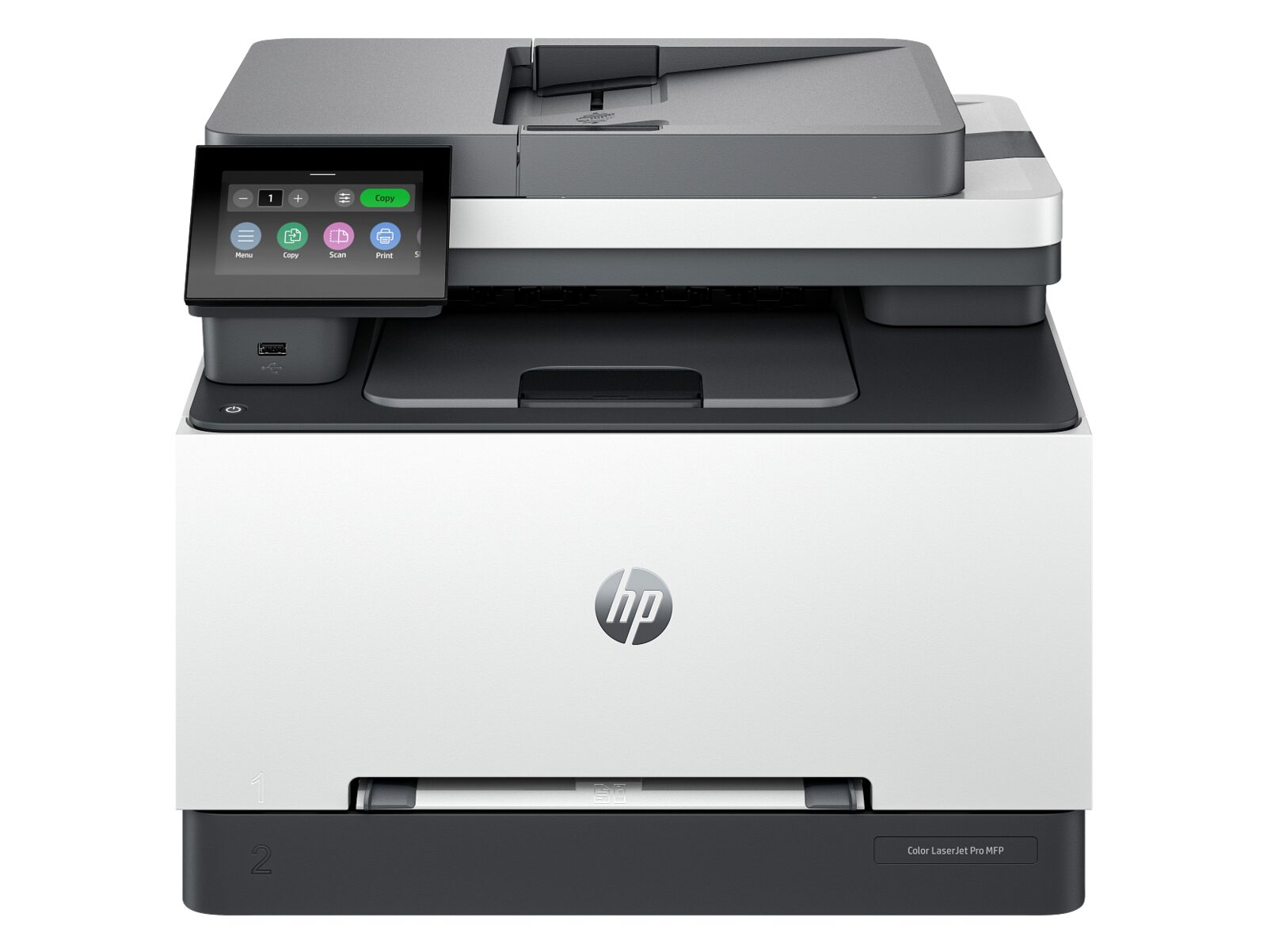
HP Color LaserJet Pro MFP 3301sdw II
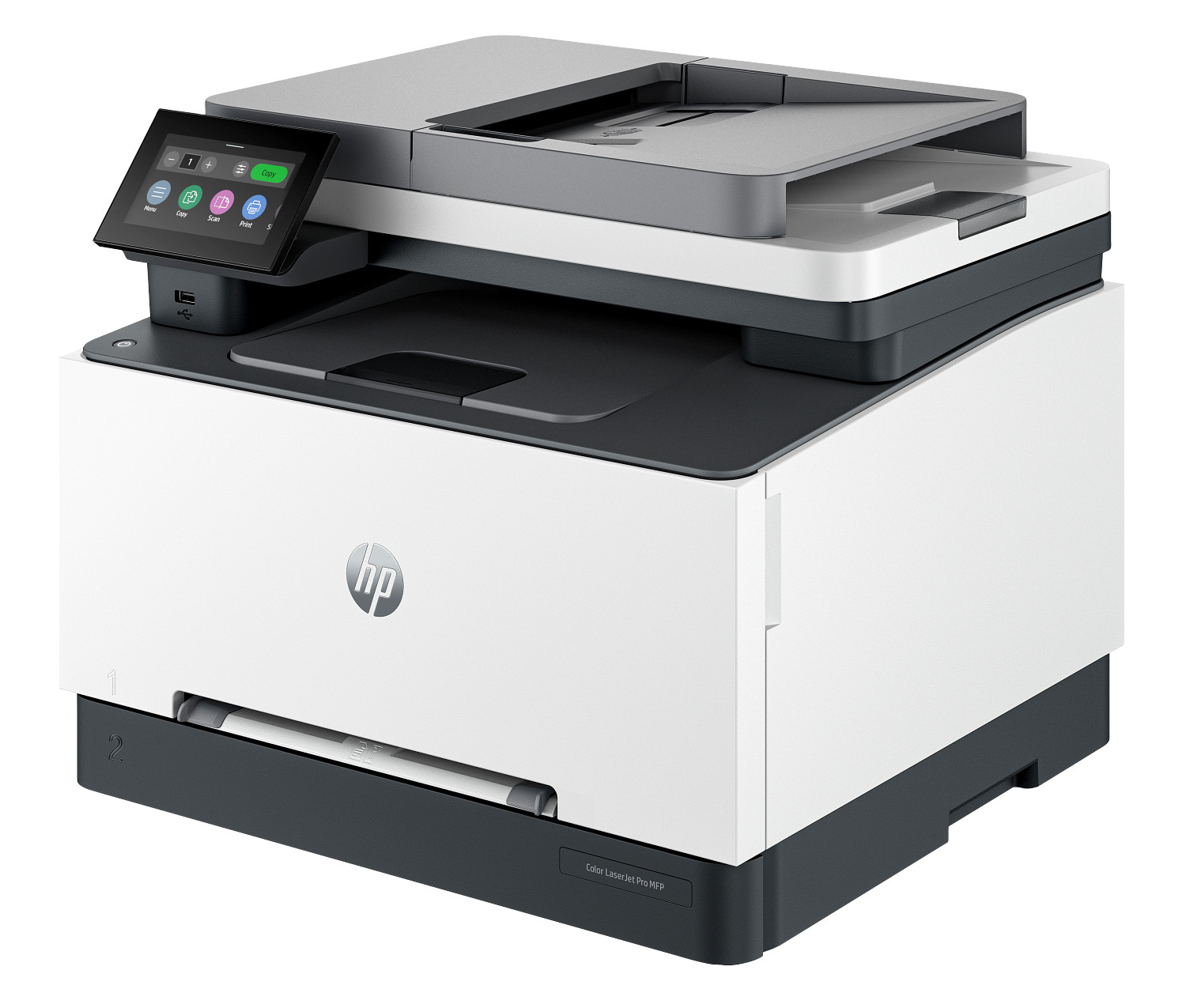
HP Color LaserJet Pro MFP 3301fdw
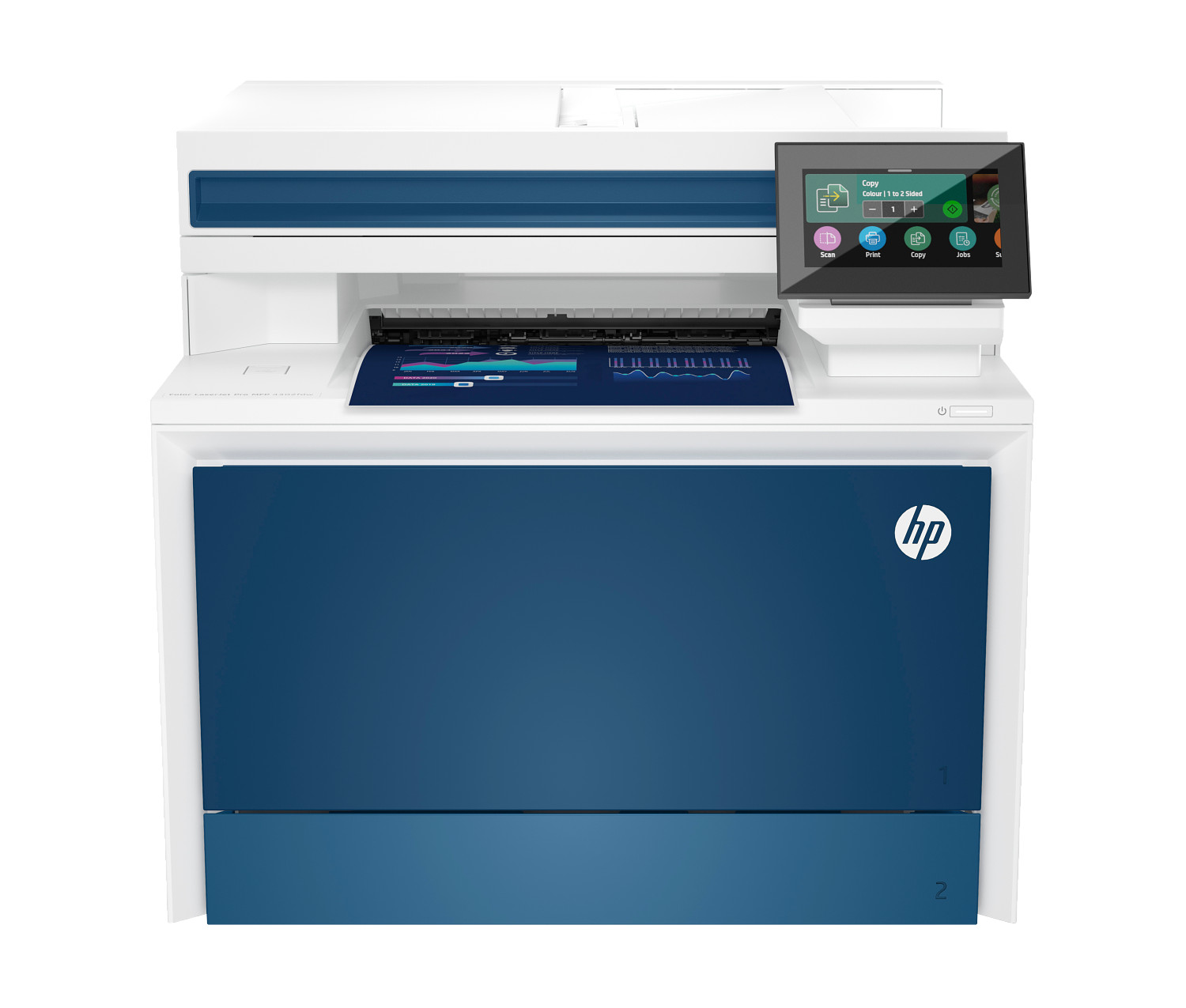
HP Color LaserJet Pro MFP 4301fdw
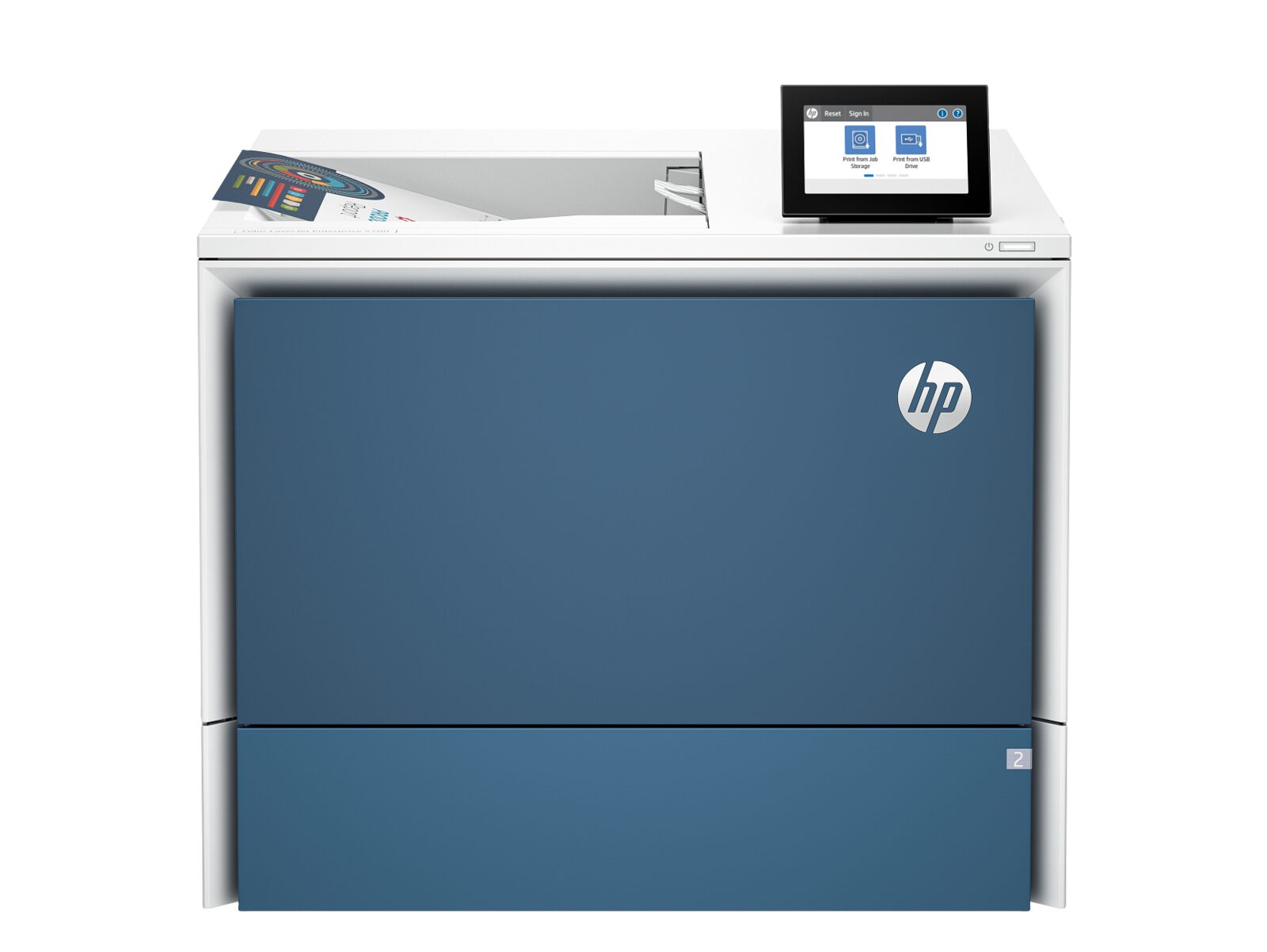
HP Color LaserJet Enterprise 5700dn
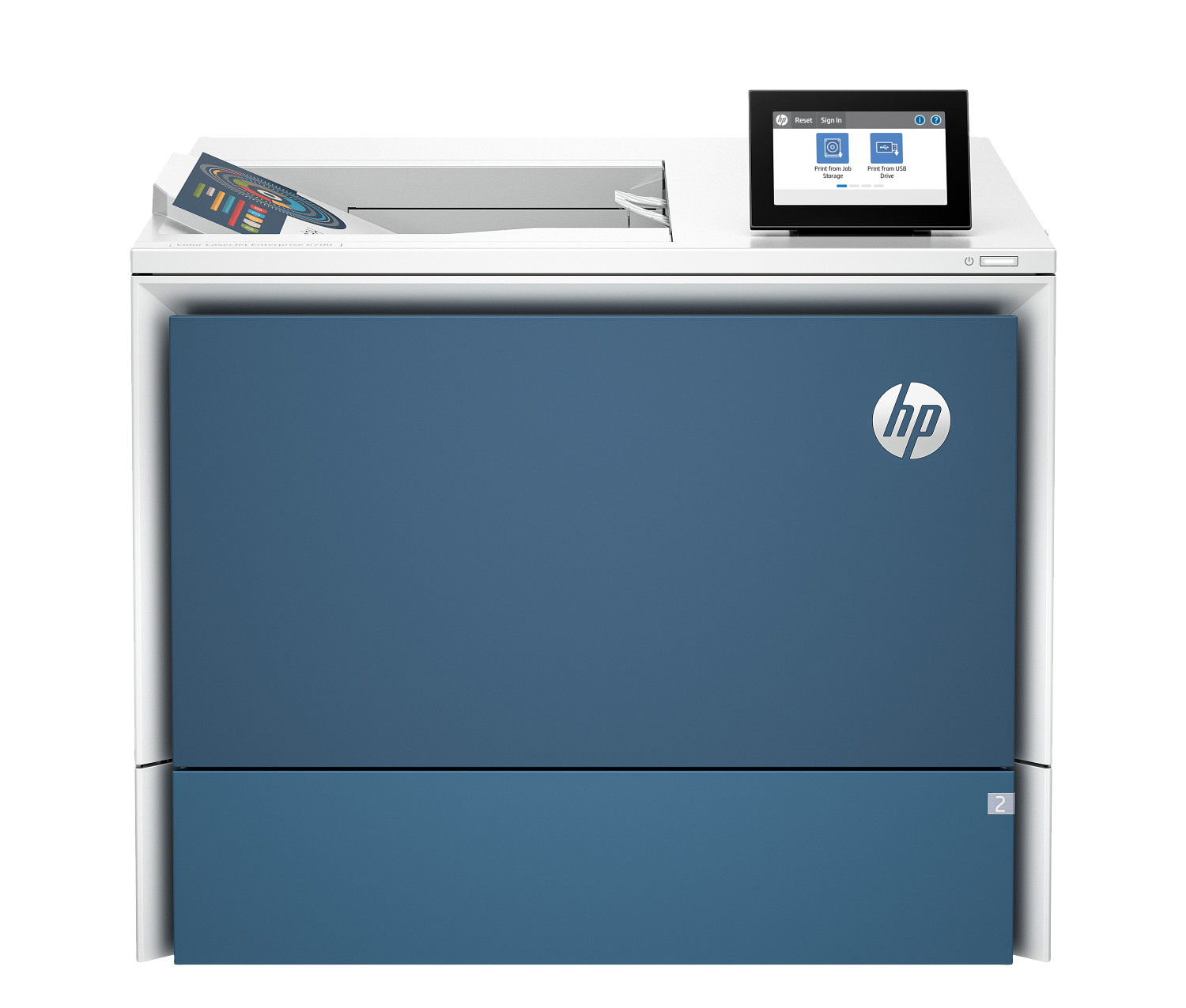
HP Color LaserJet Enterprise 6700dn
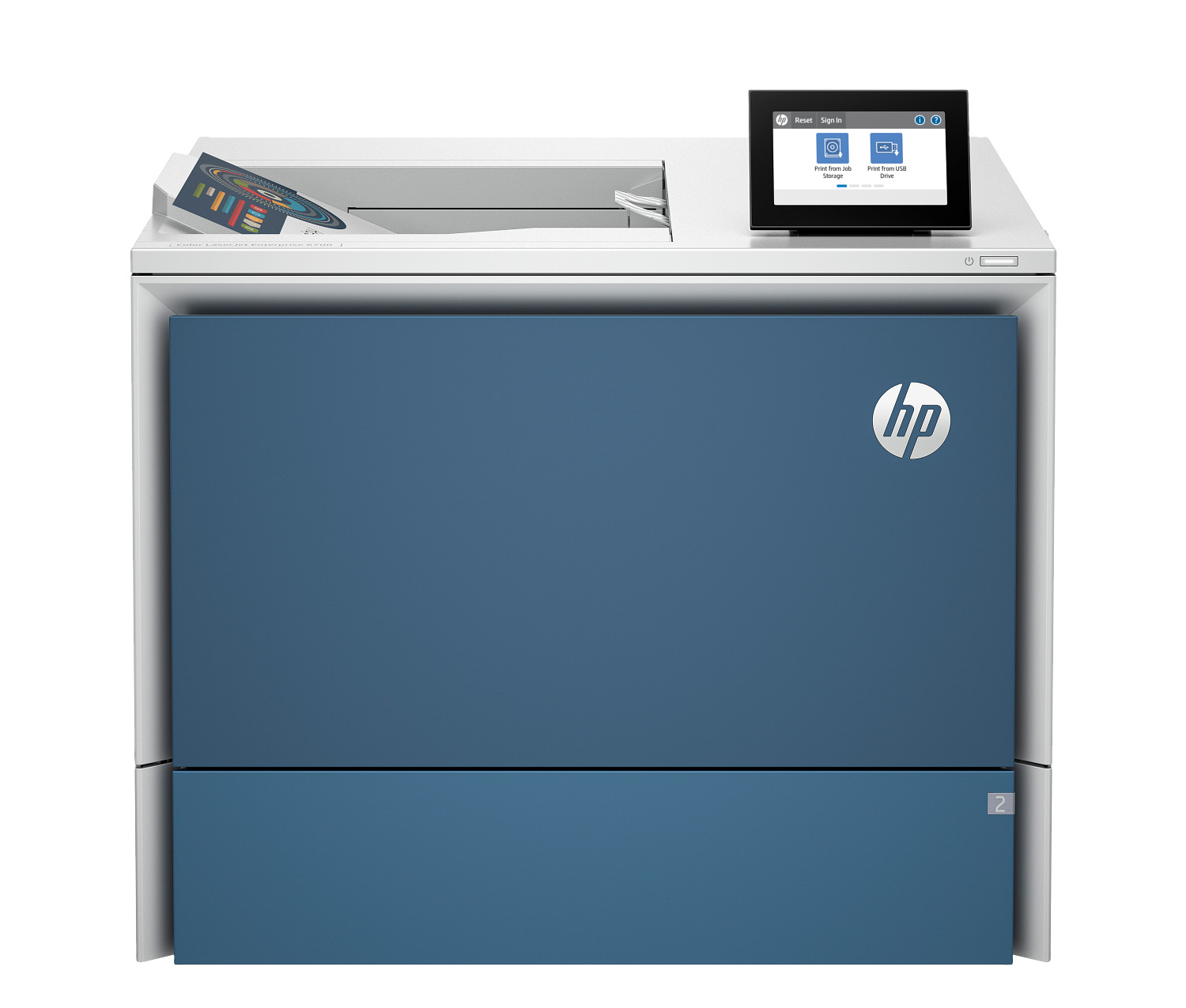
HP Color LaserJet Enterprise 6701dn
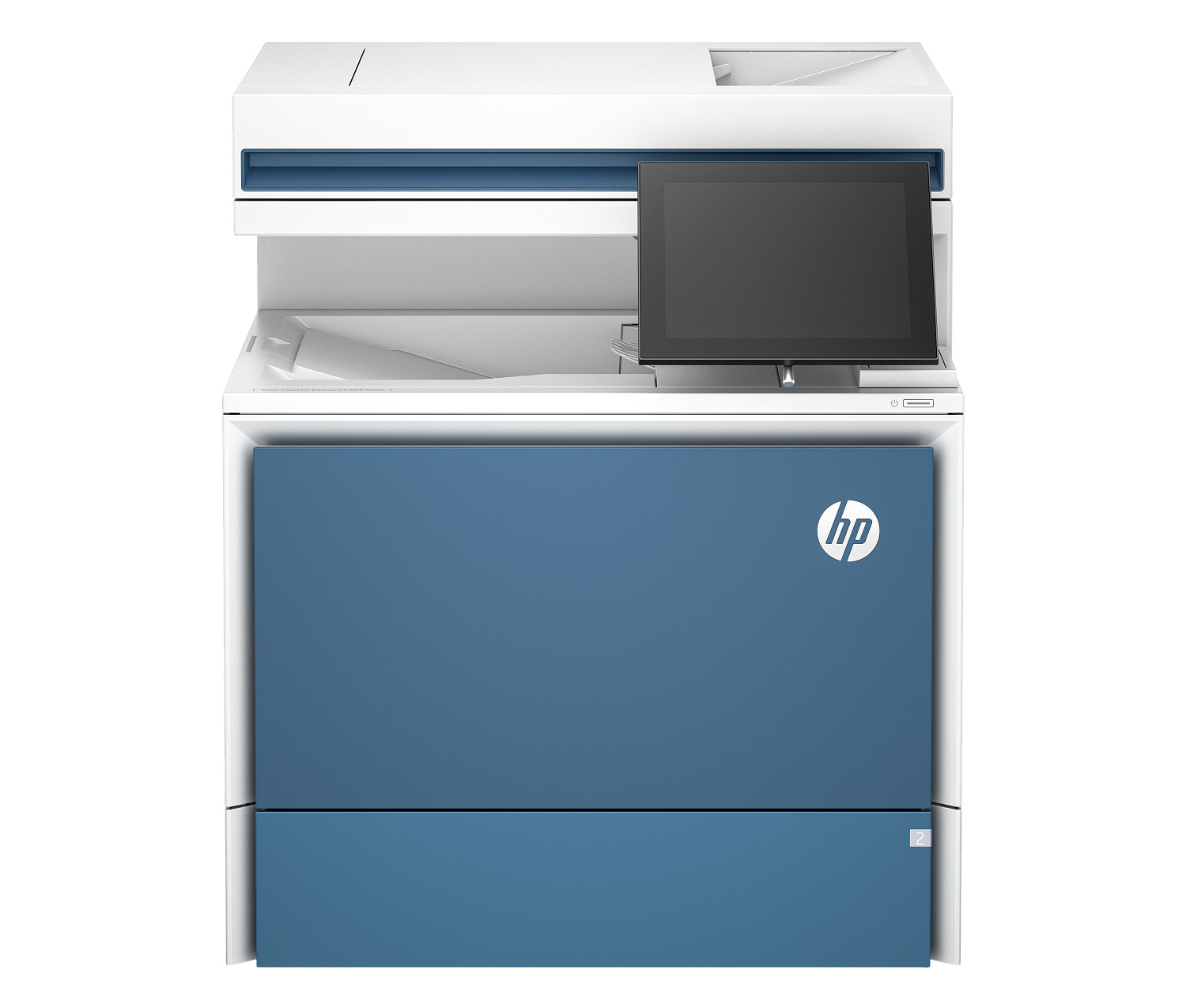
HP Color LaserJet Enterprise MFP 5800dn
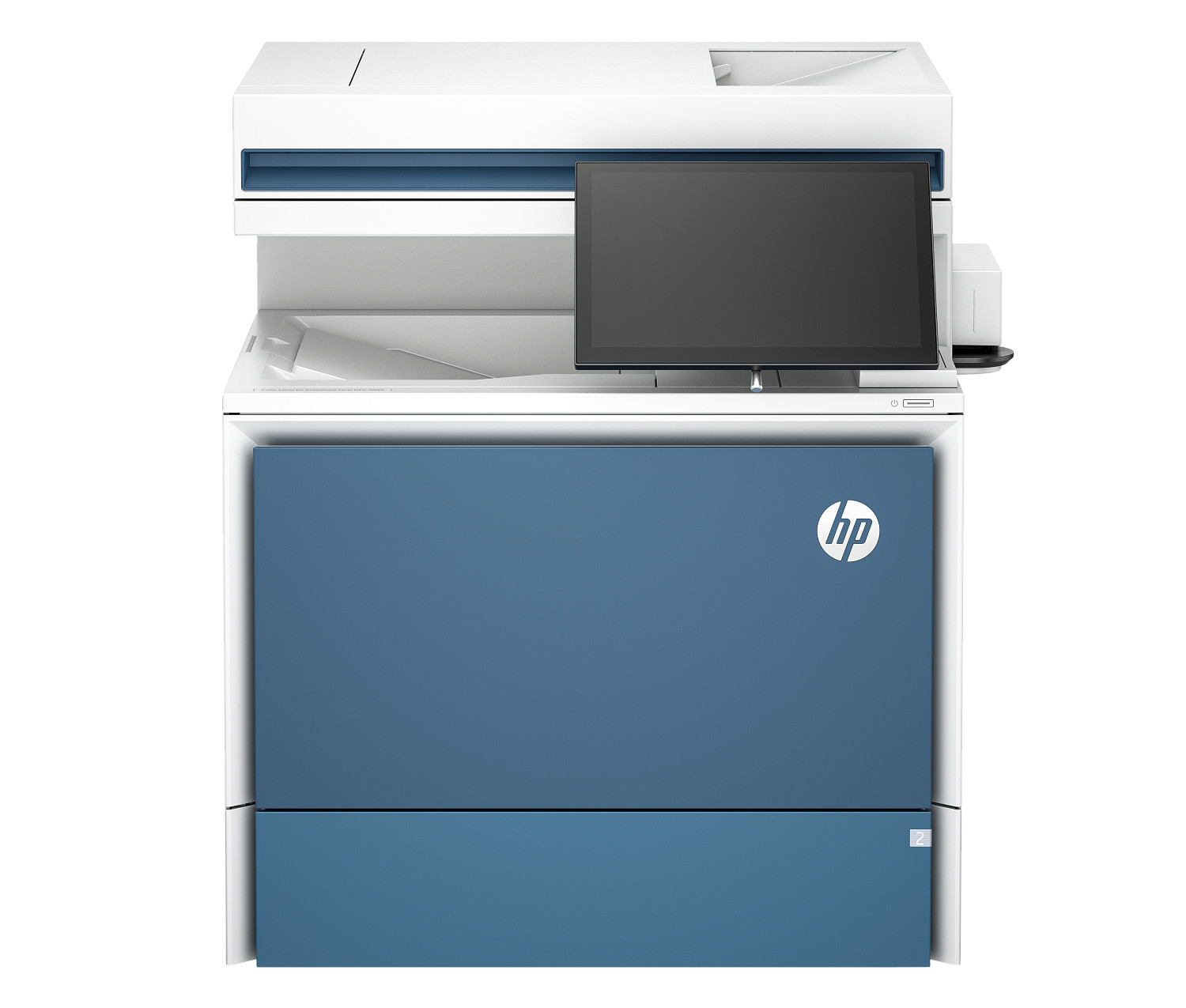
HP Color LaserJet Enterprise Flow MFP 5800zf
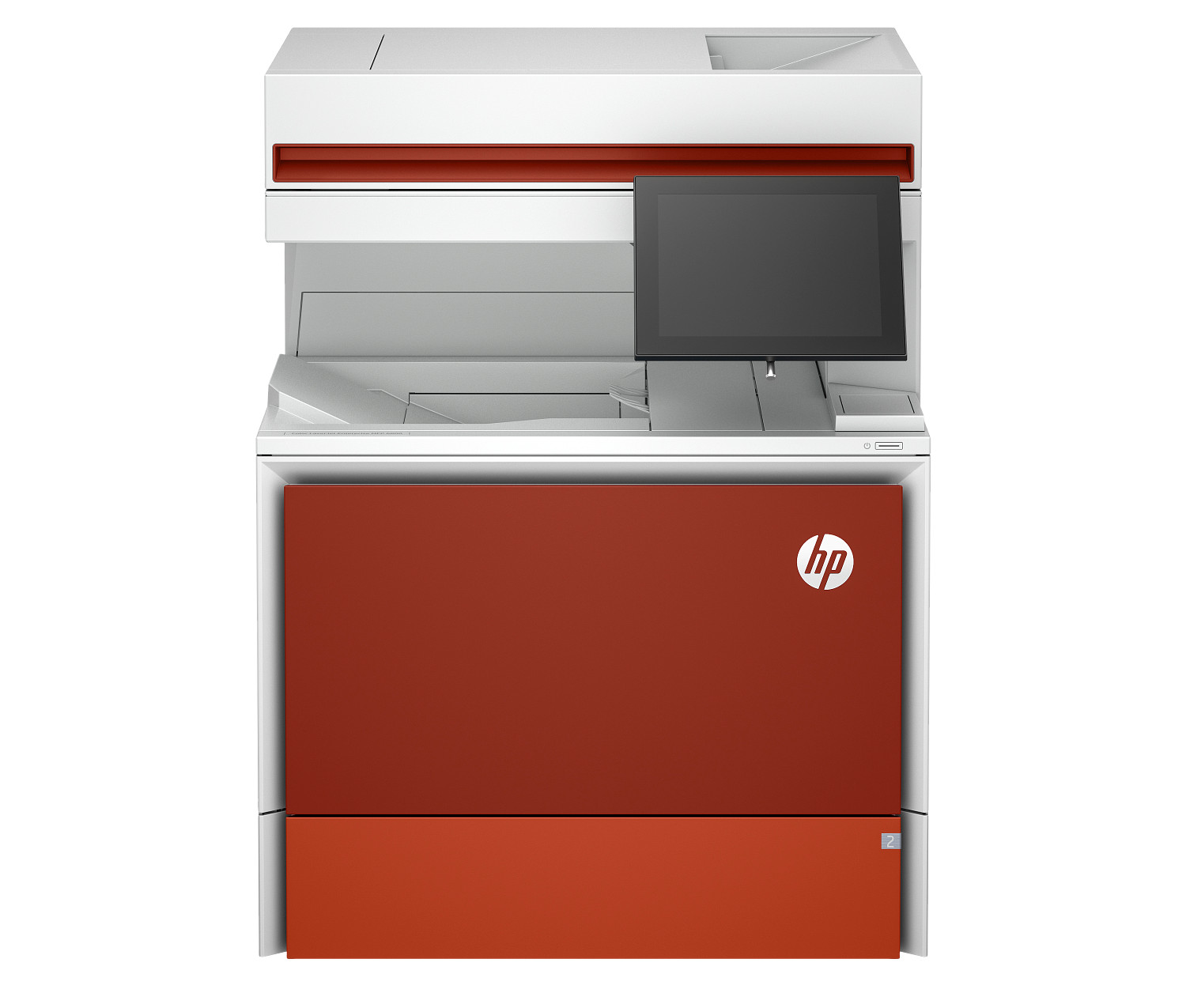
HP Color LaserJet Enterprise MFP 6800dn
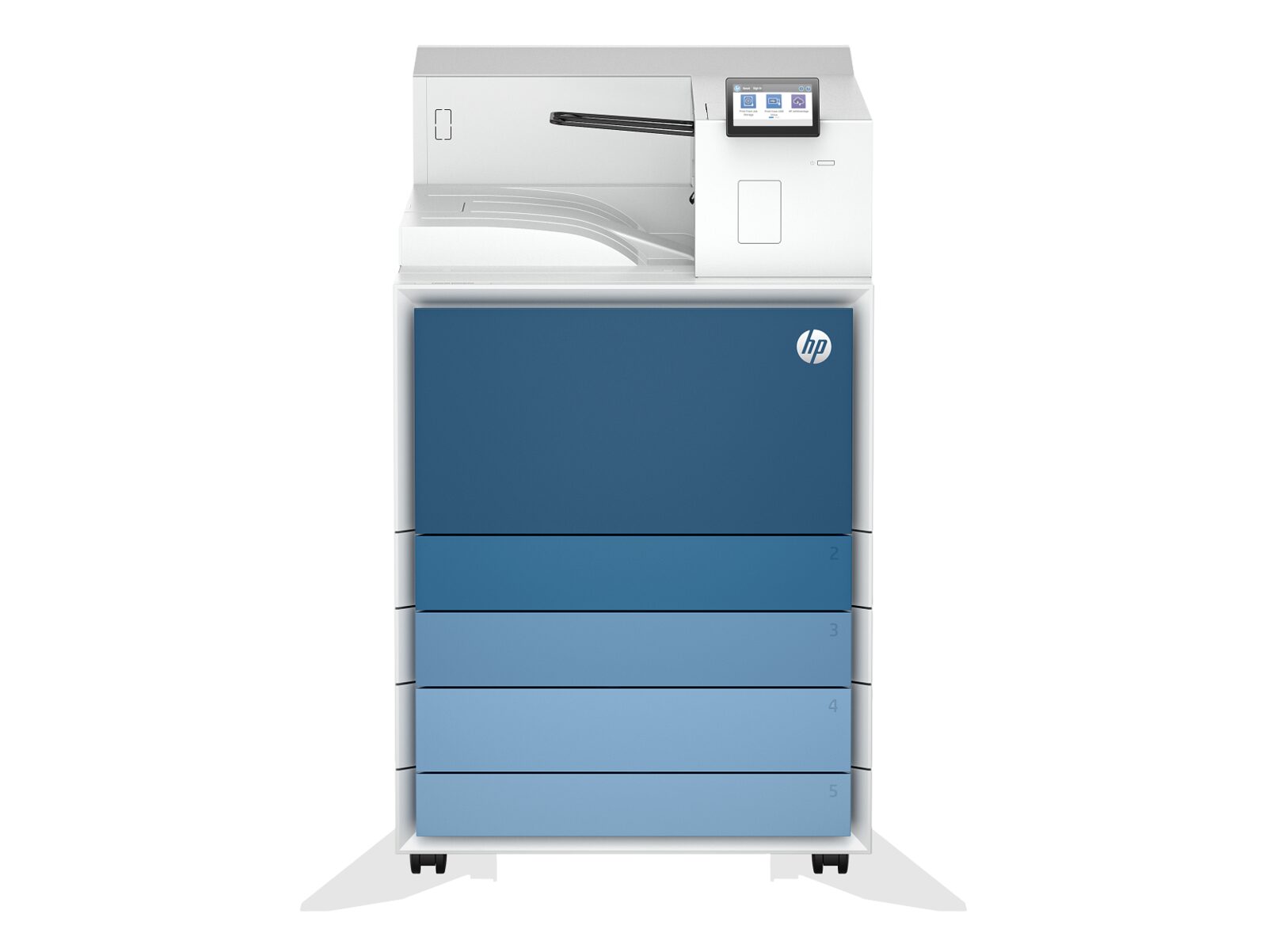
HP LaserJet Enterprise 8501x
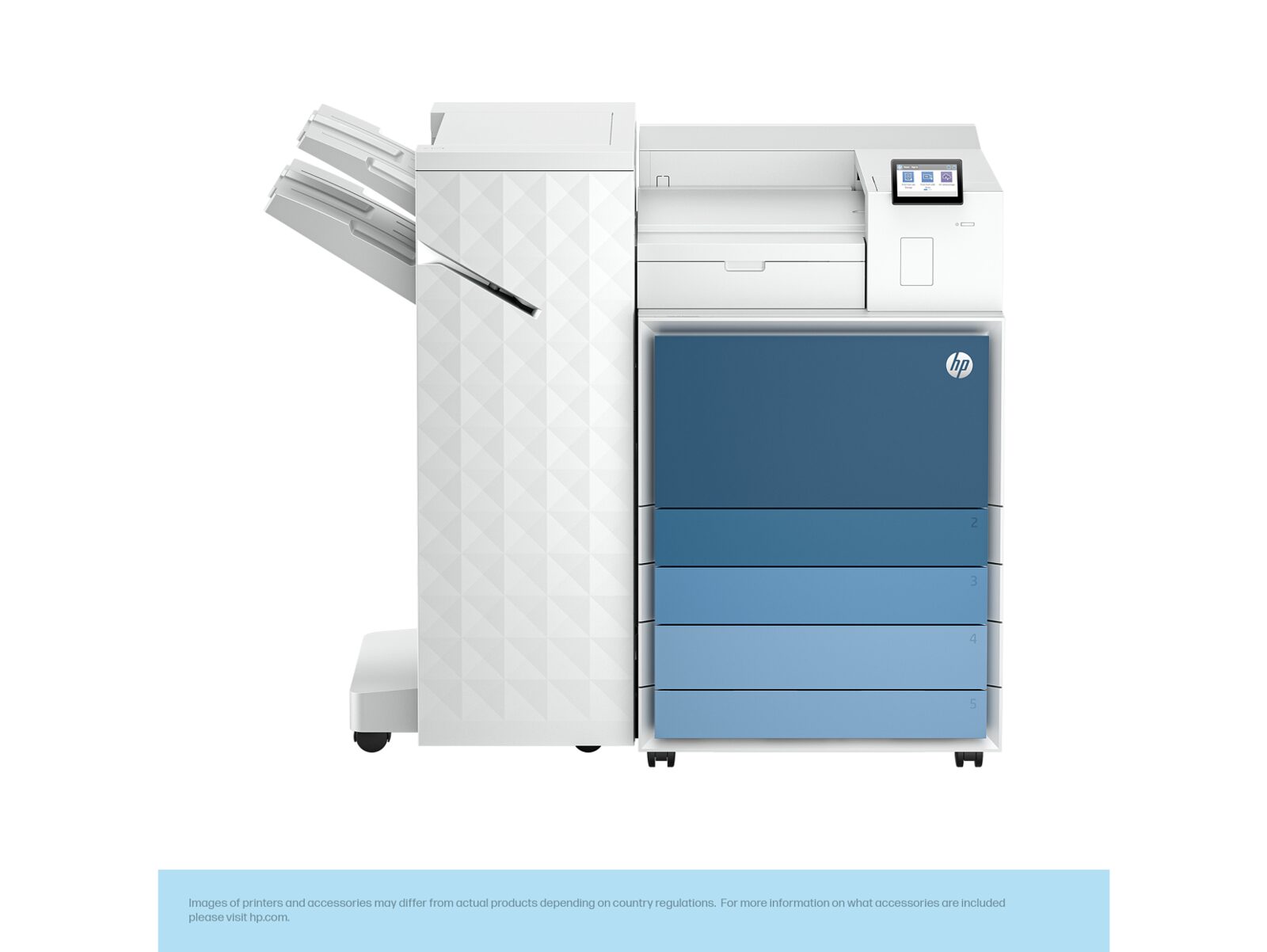
HP LaserJet Enterprise 8501x+
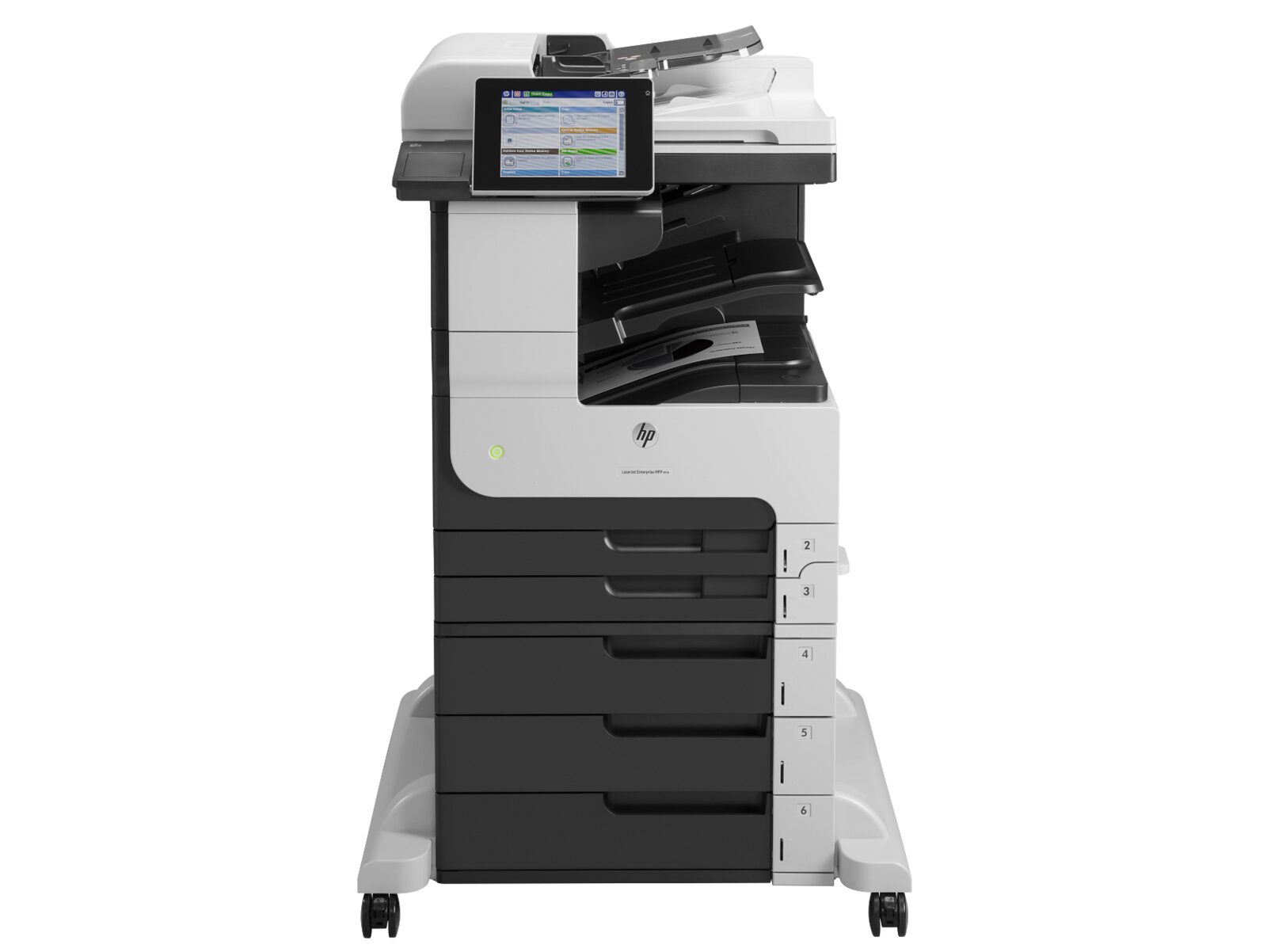
HP LaserJet Enterprise MFP M725z
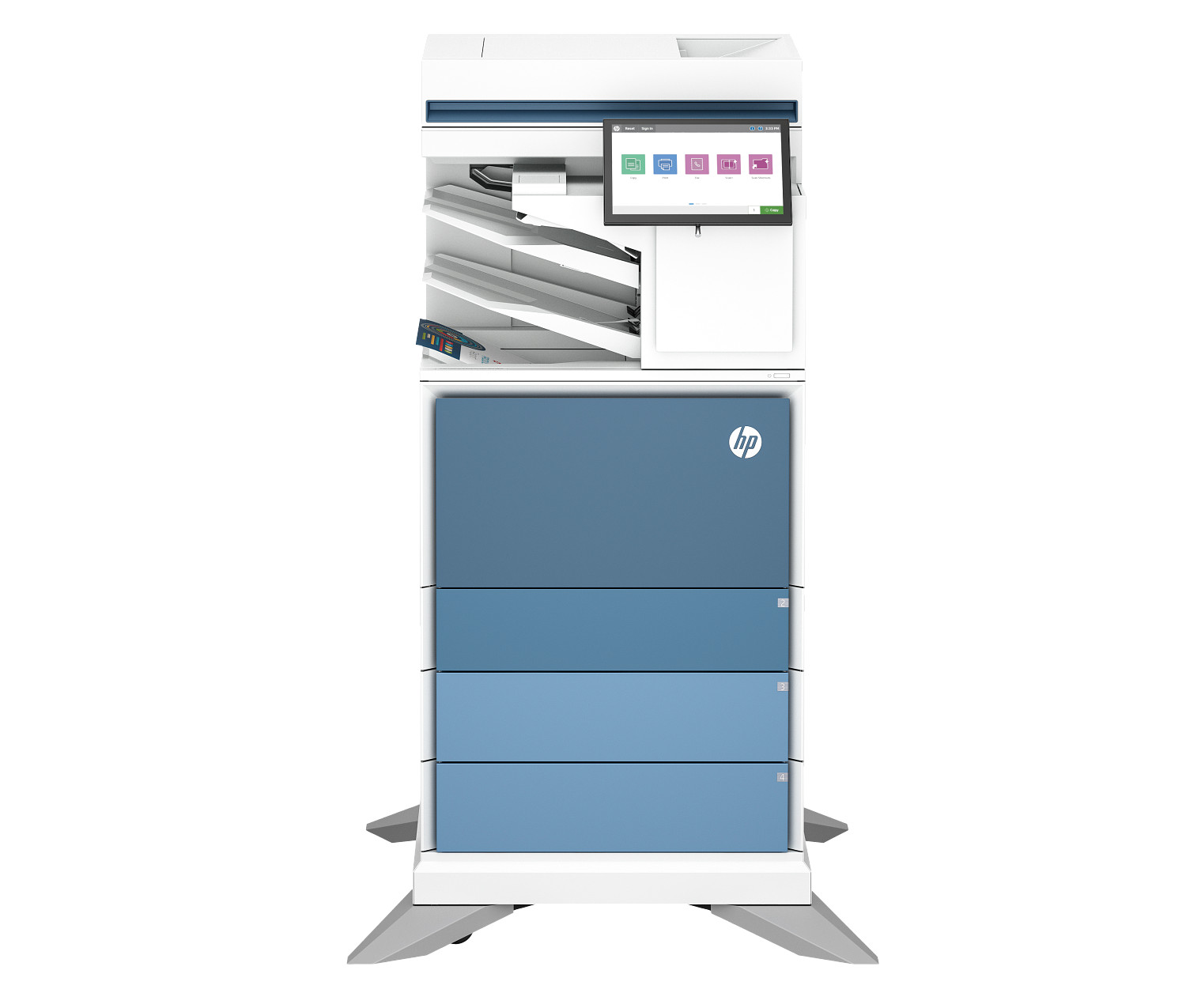
HP Color LaserJet Enterprise Flow MFP 6800zfsw
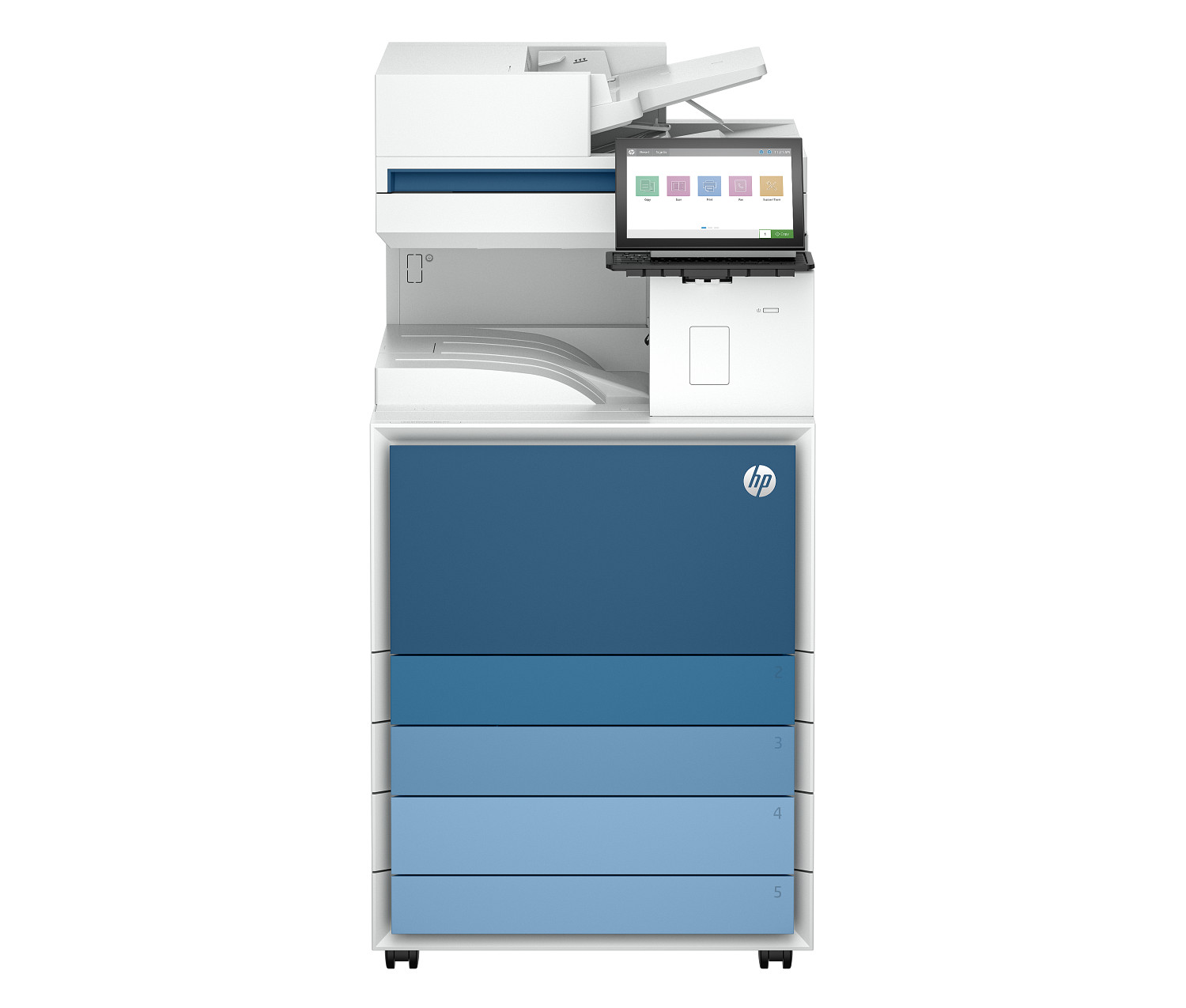
HP LaserJet Enterprise Flow MFP 8601z
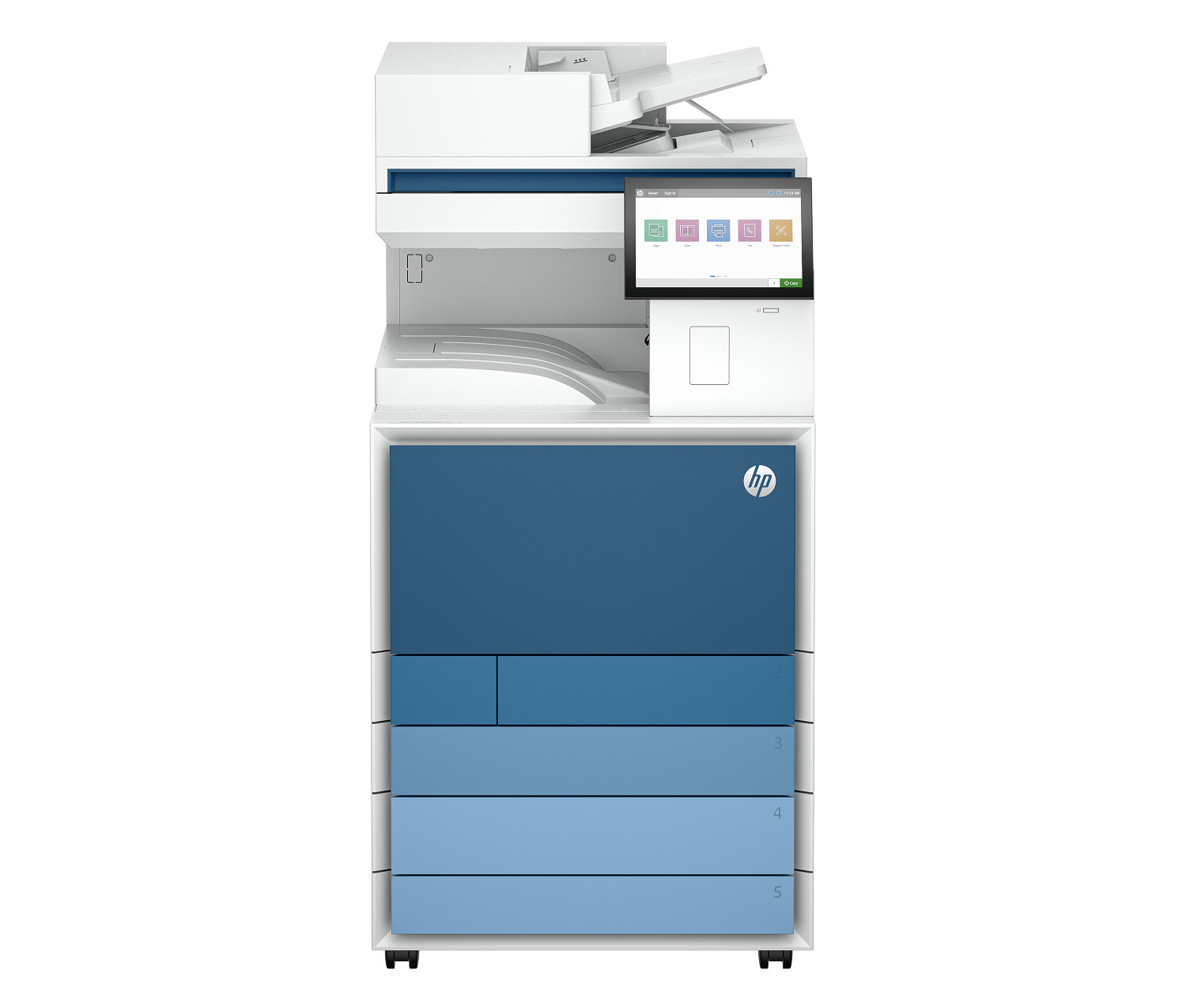
HP Color LaserJet Enterprise MFP 8801dn
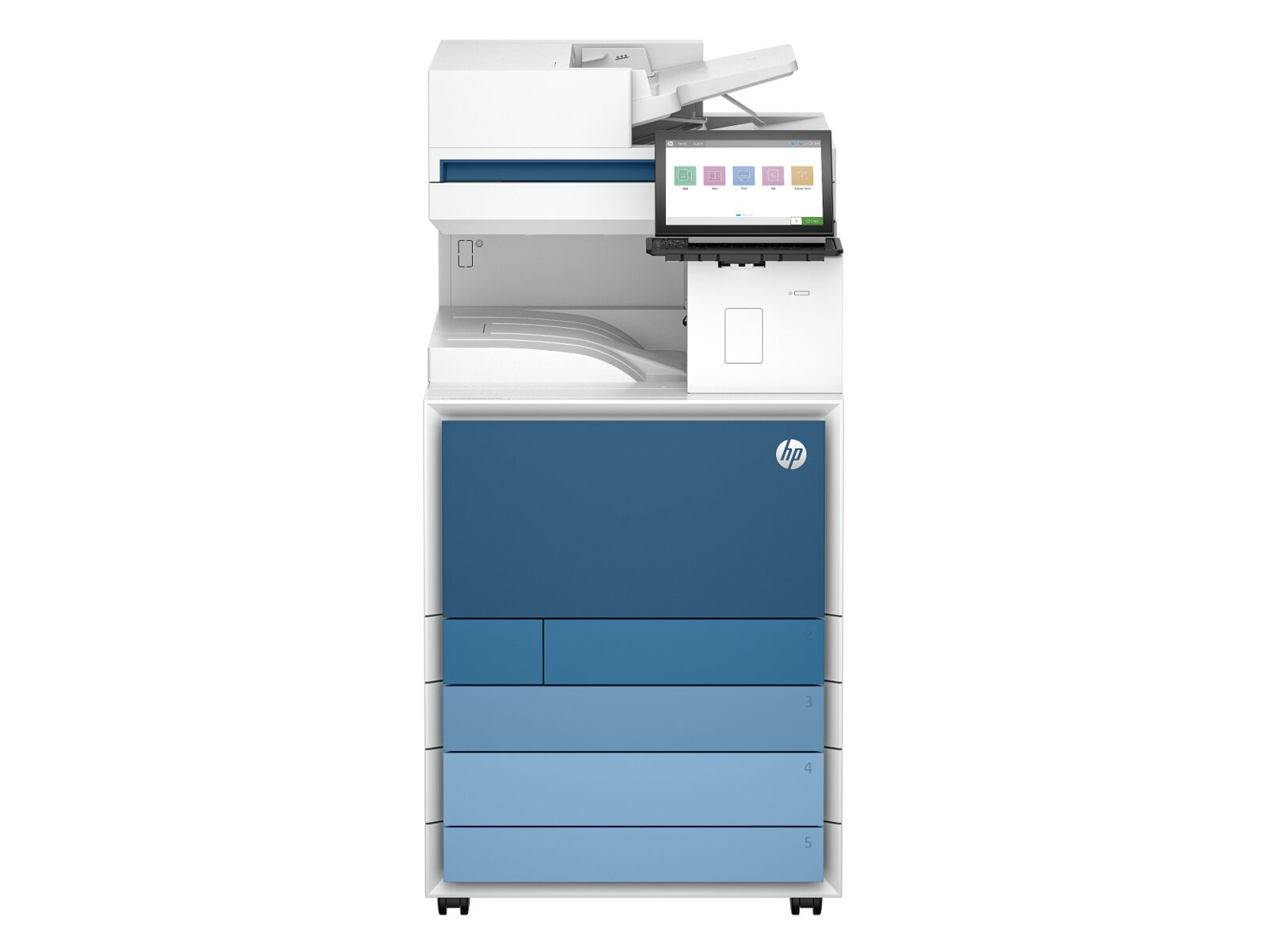
HP Color LaserJet Enterprise Flow MFP 8801z
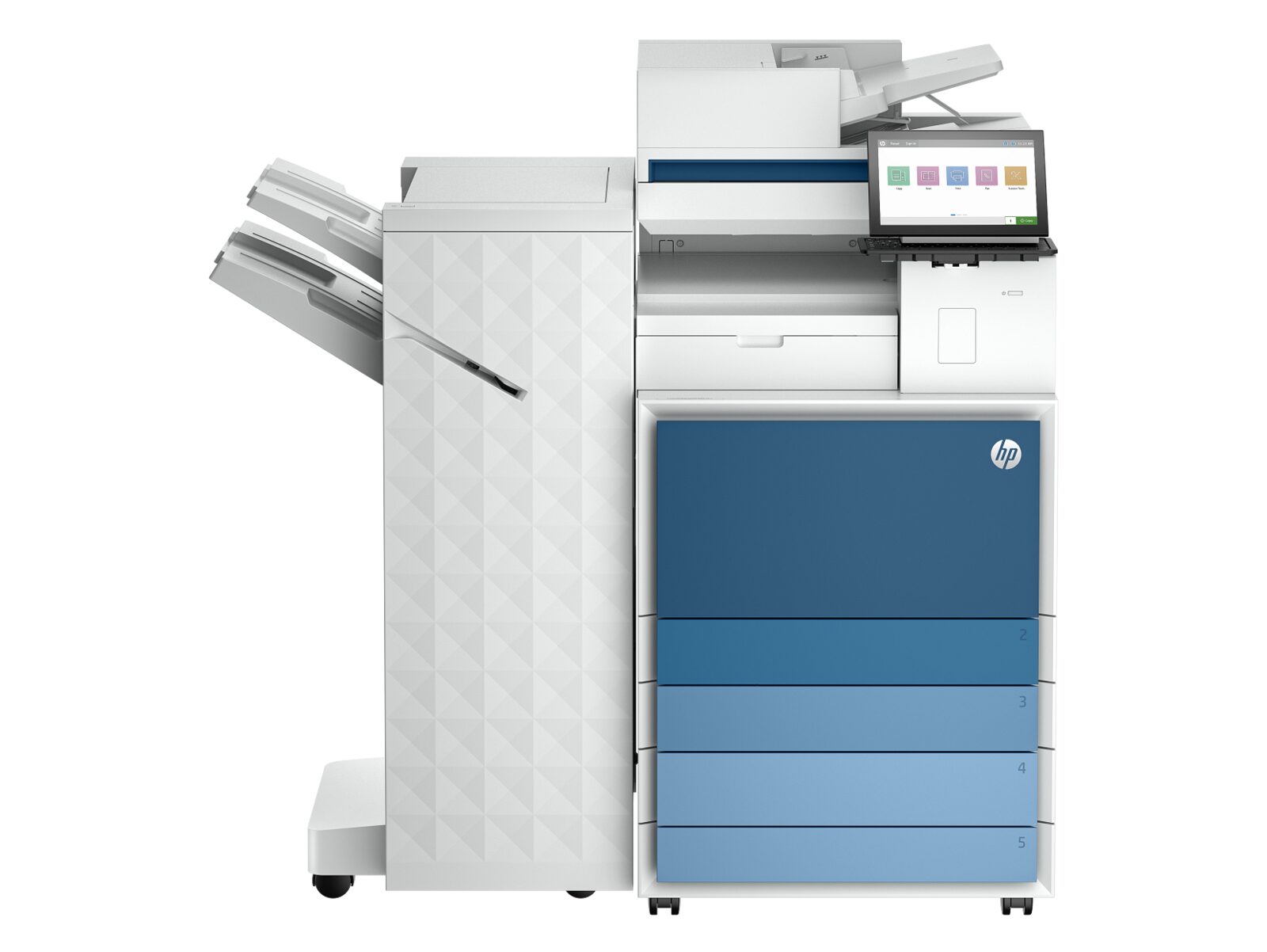
HP LaserJet Enterprise Flow MFP 8601z+
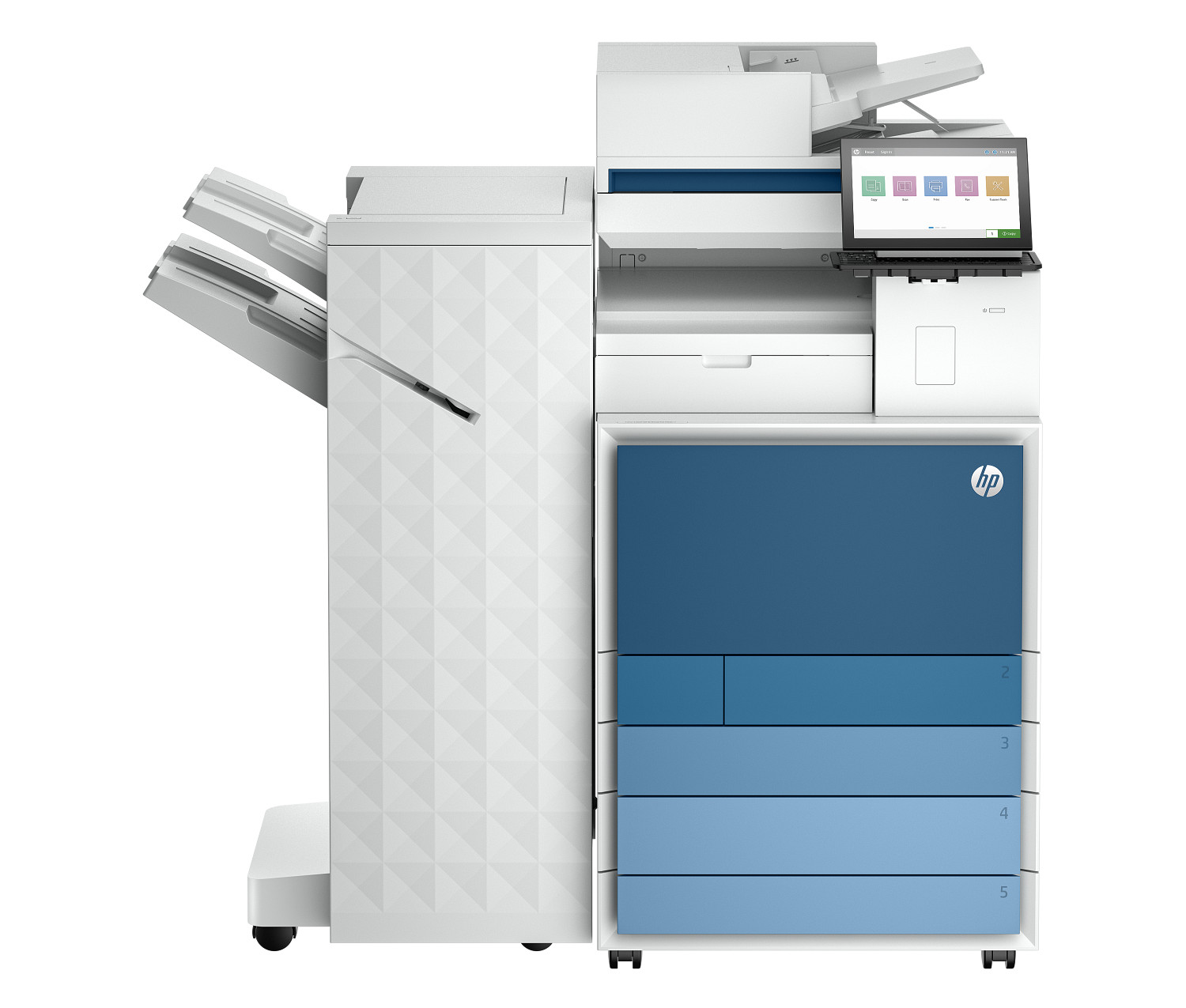
HP Color LaserJet Enterprise Flow MFP 8801z+
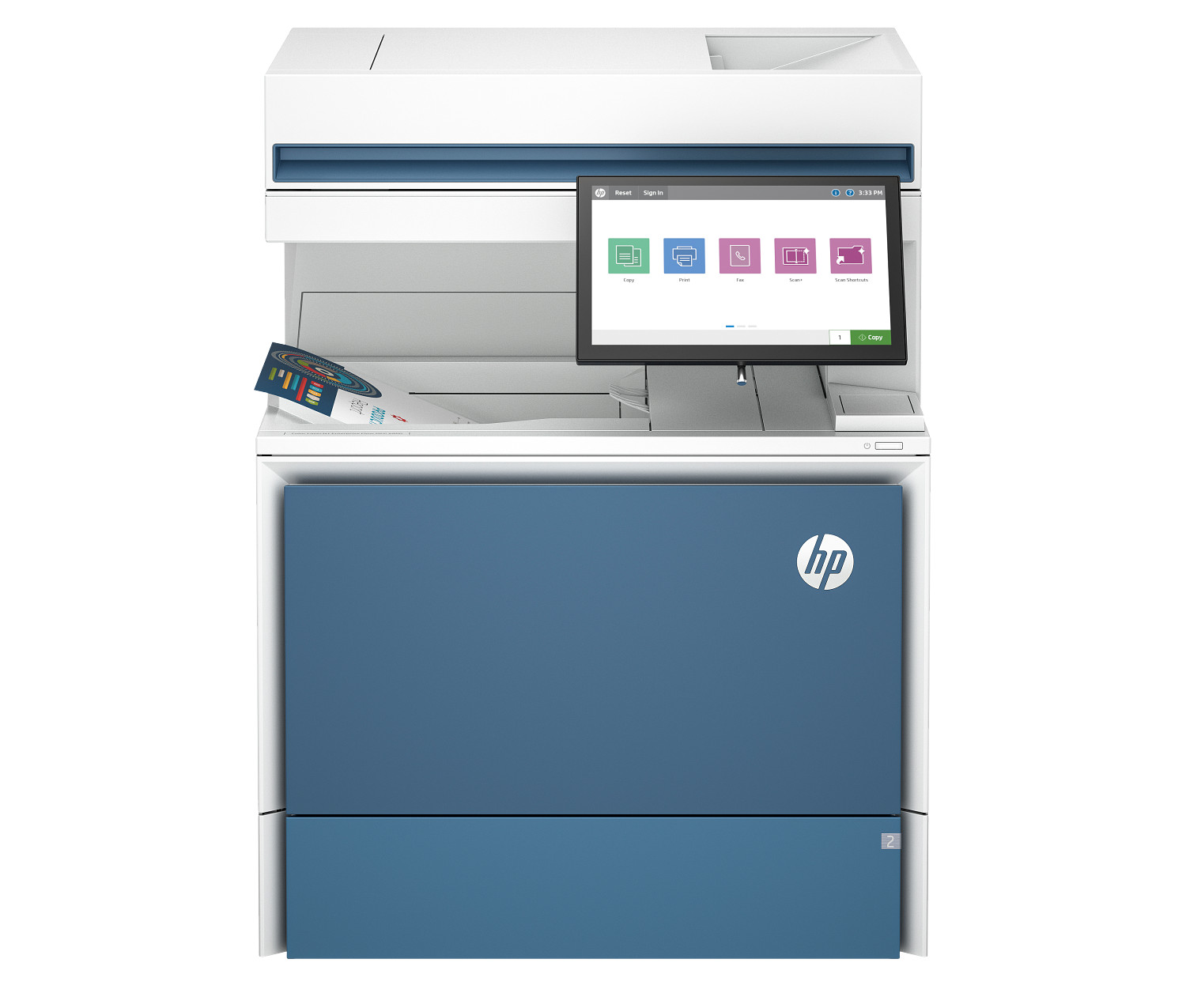
HP Color LaserJet Enterprise Flow MFP 6800zf
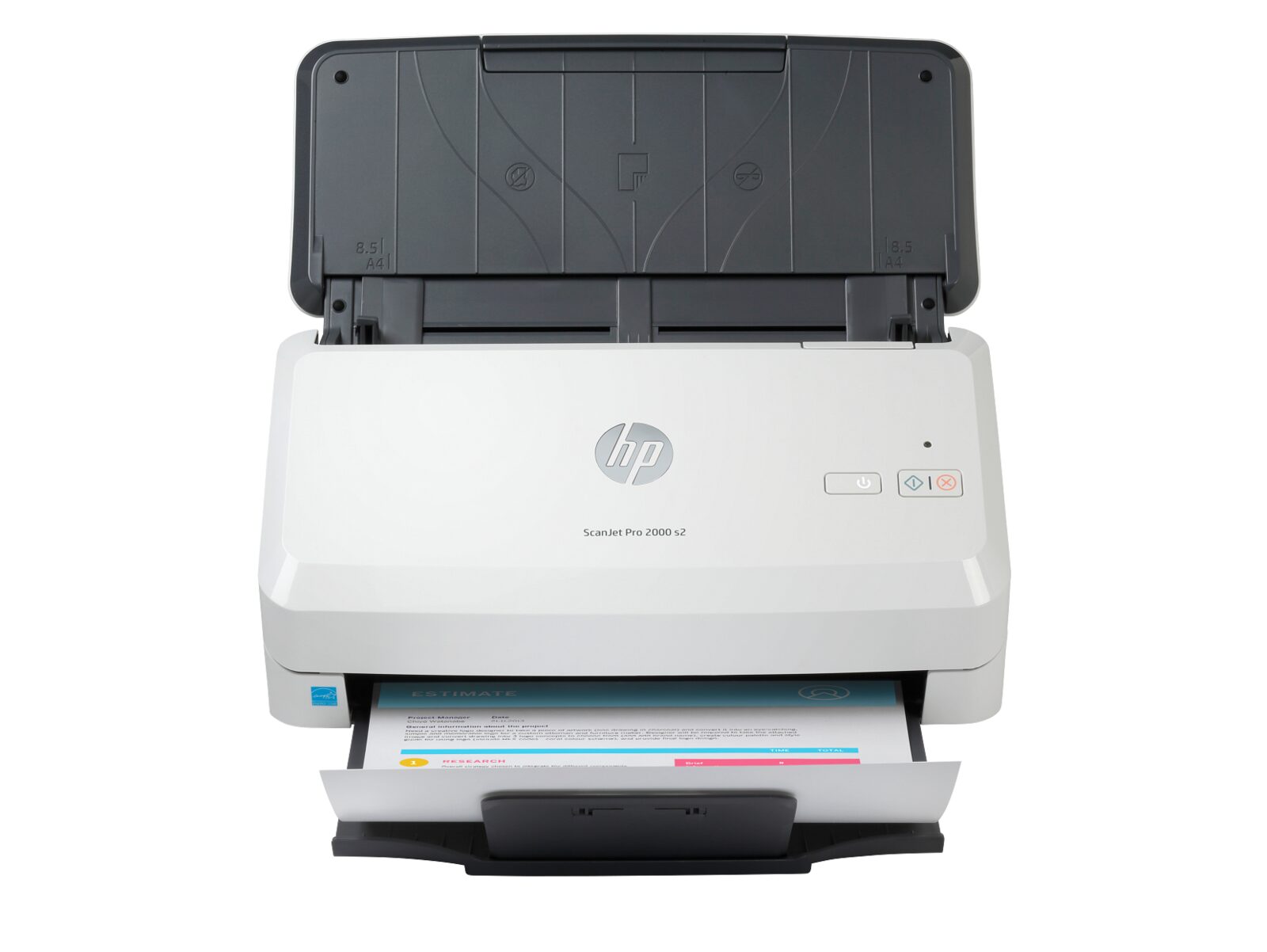
HP ScanJet Pro 2000 s2
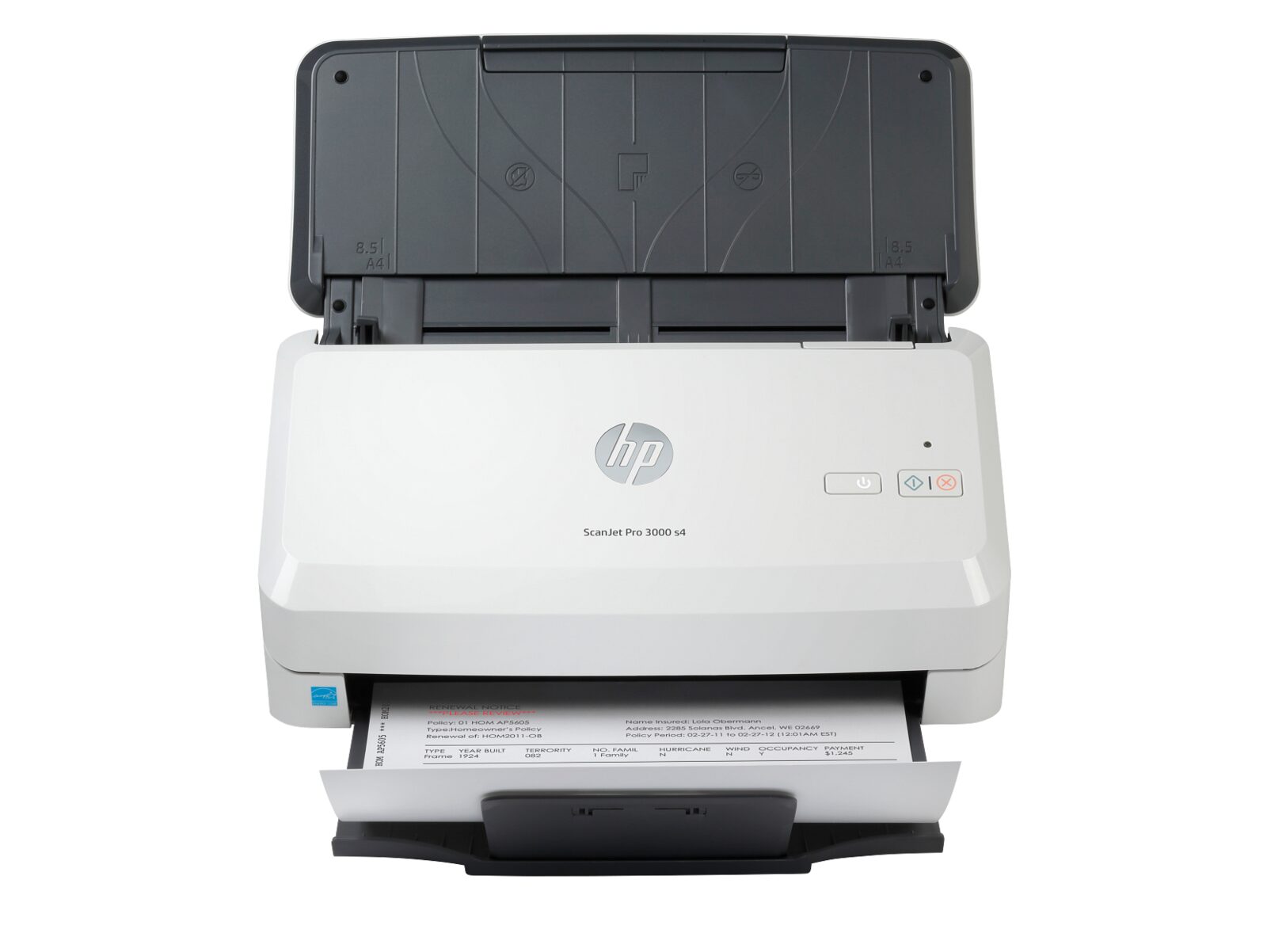
HP ScanJet Pro 3000 s4
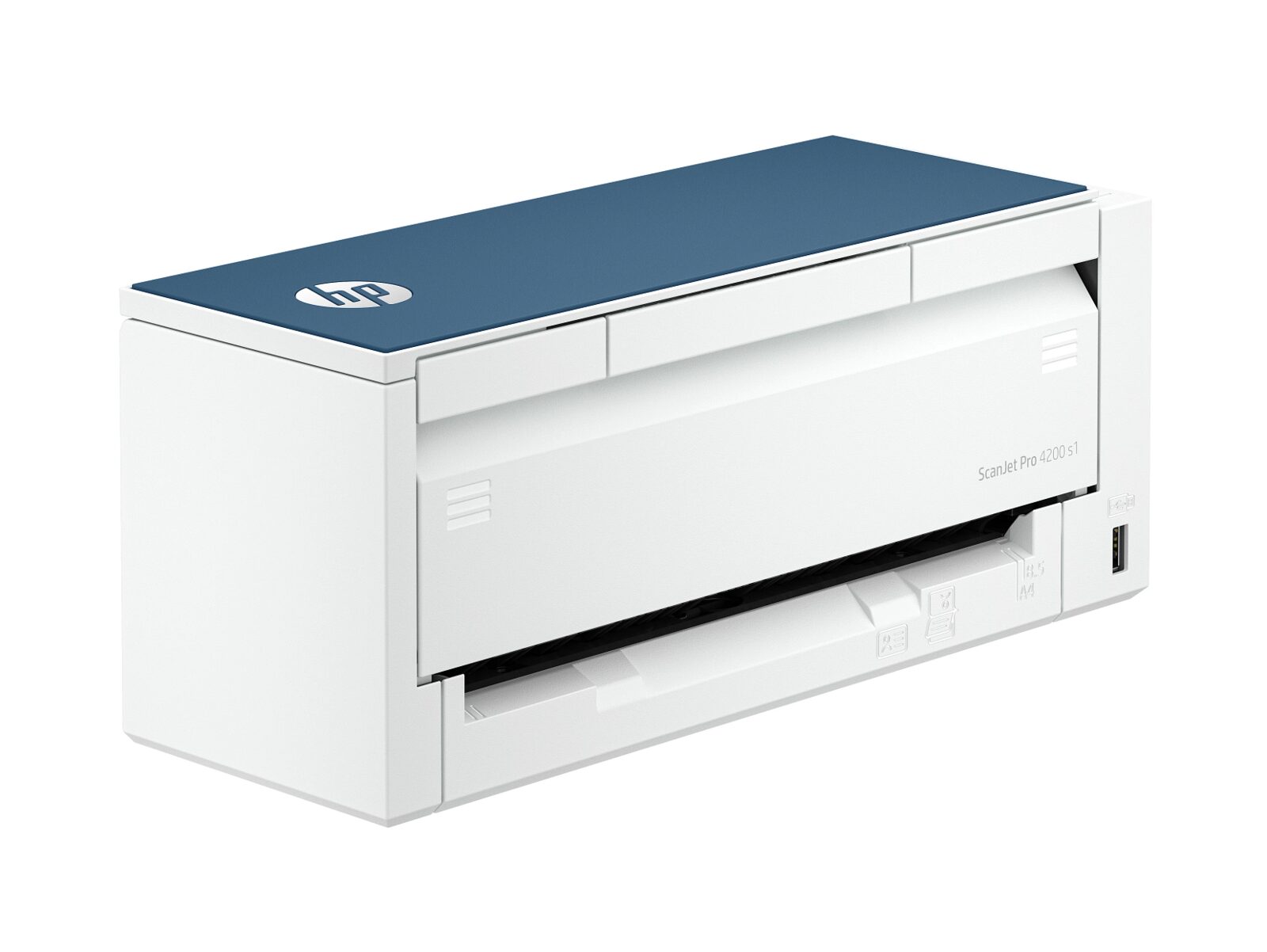
HP ScanJet Pro 4200 s1
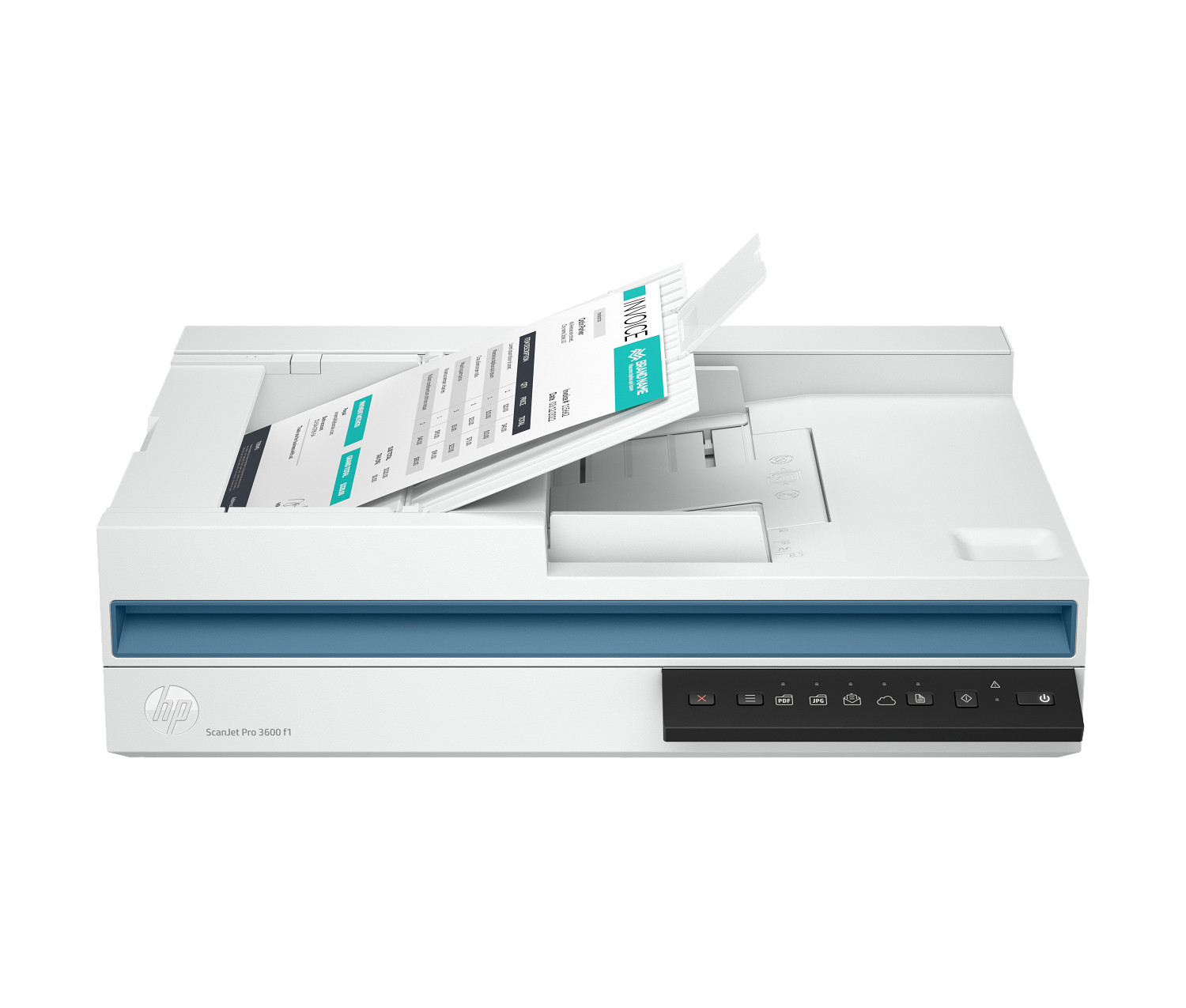
HP ScanJet Pro 3600 f1
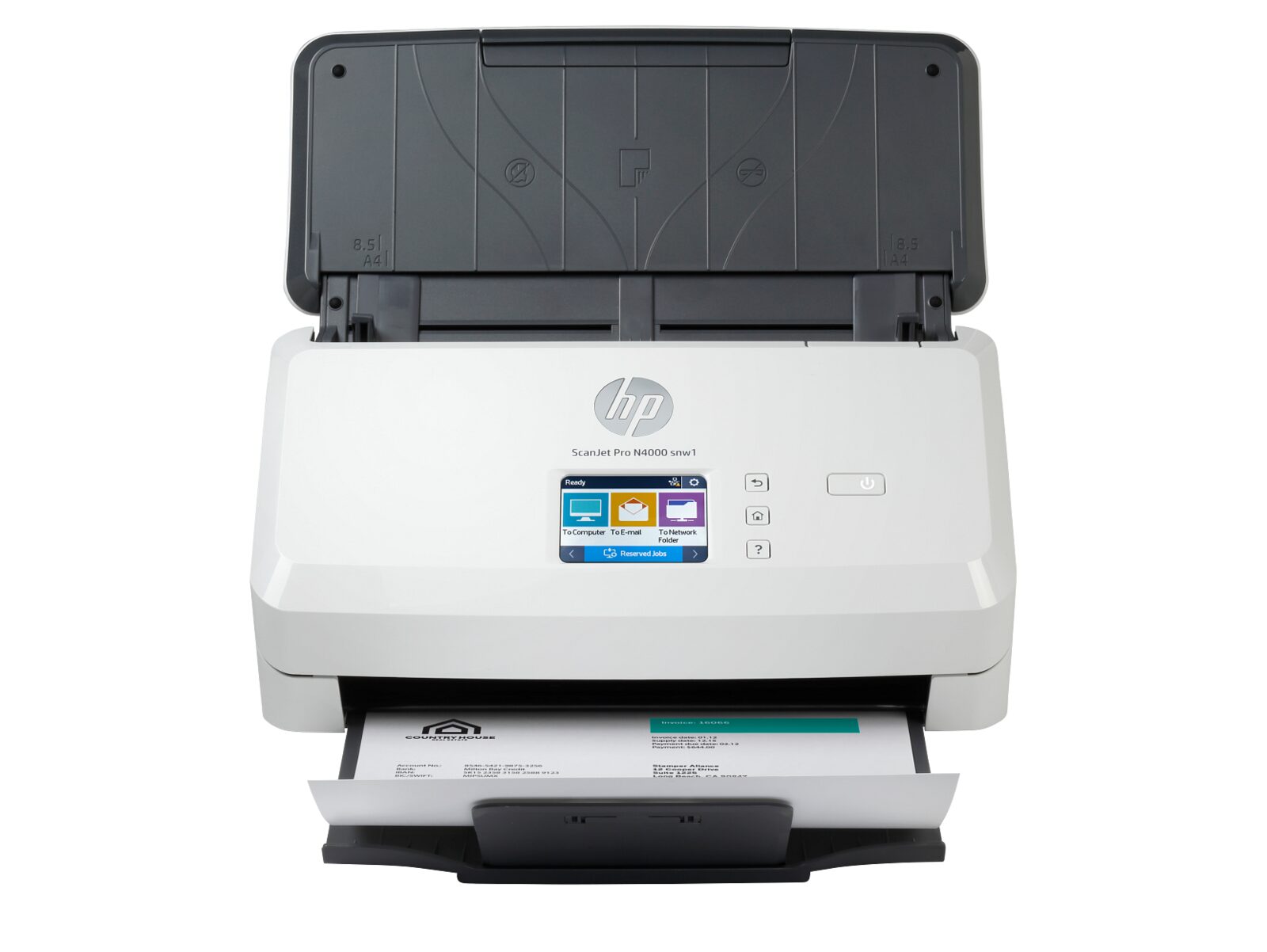
HP ScanJet Pro N4000 snw1
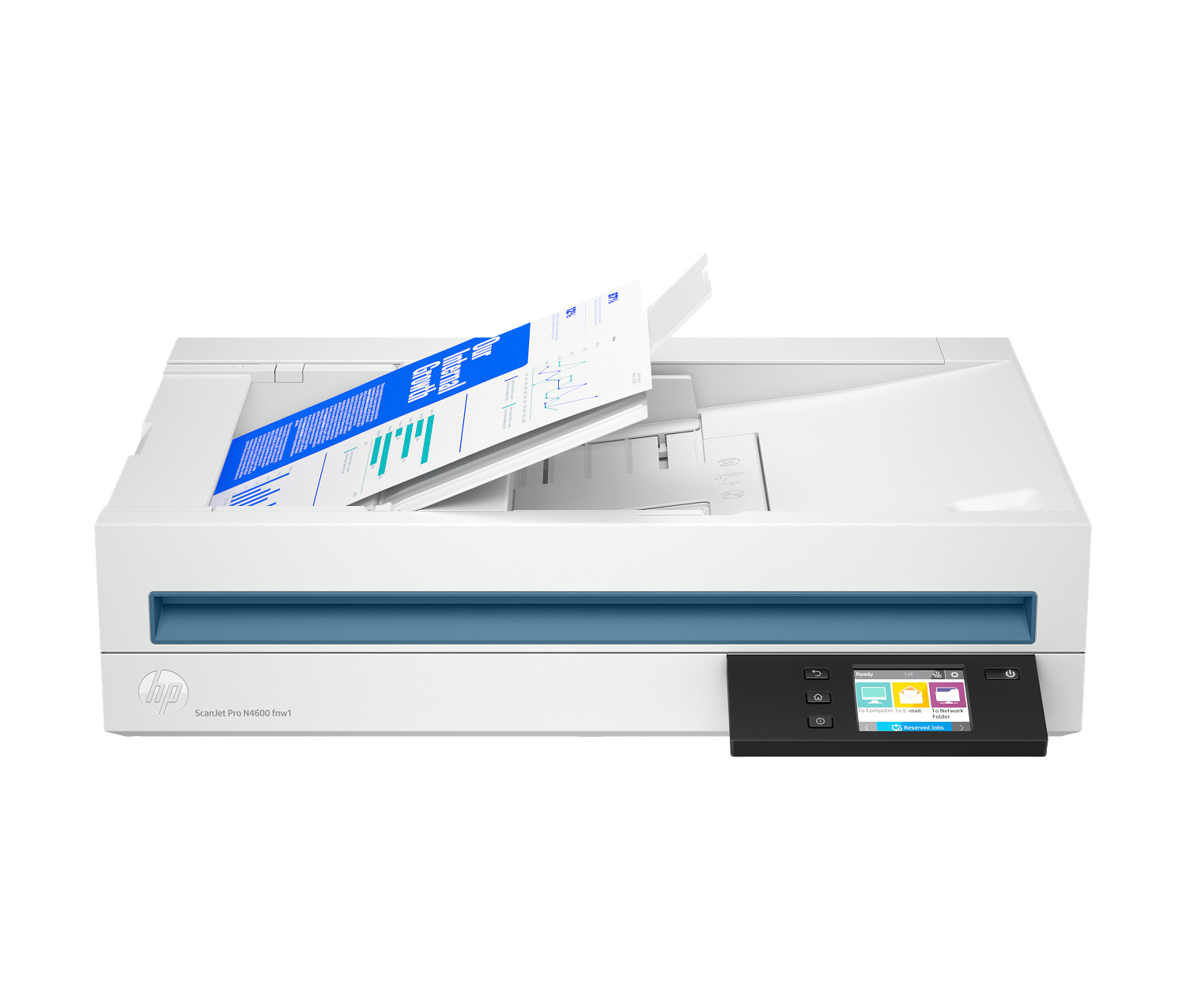
HP ScanJet Pro N4600 fnw1
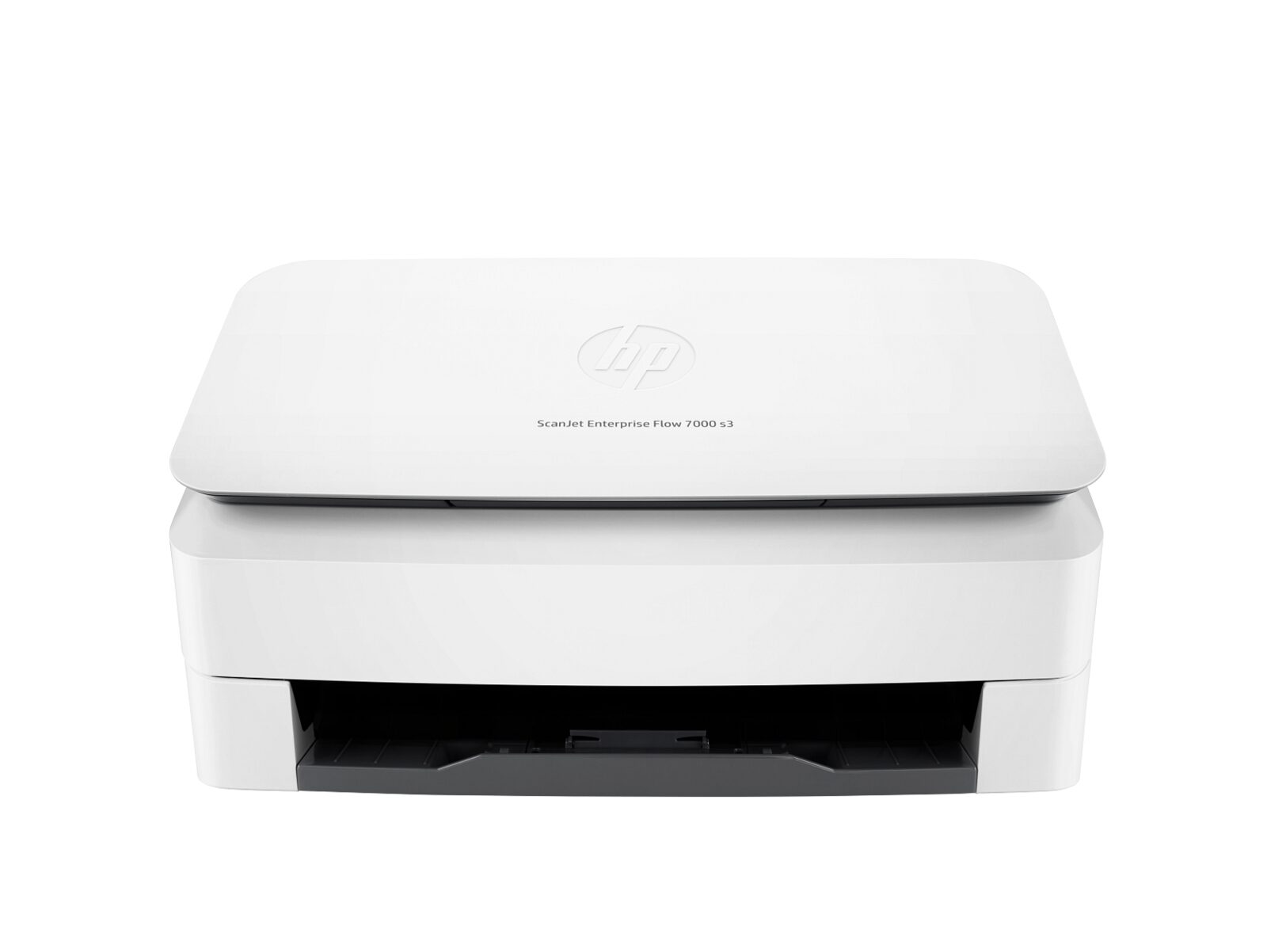
HP ScanJet Enterprise Flow 7000 s3
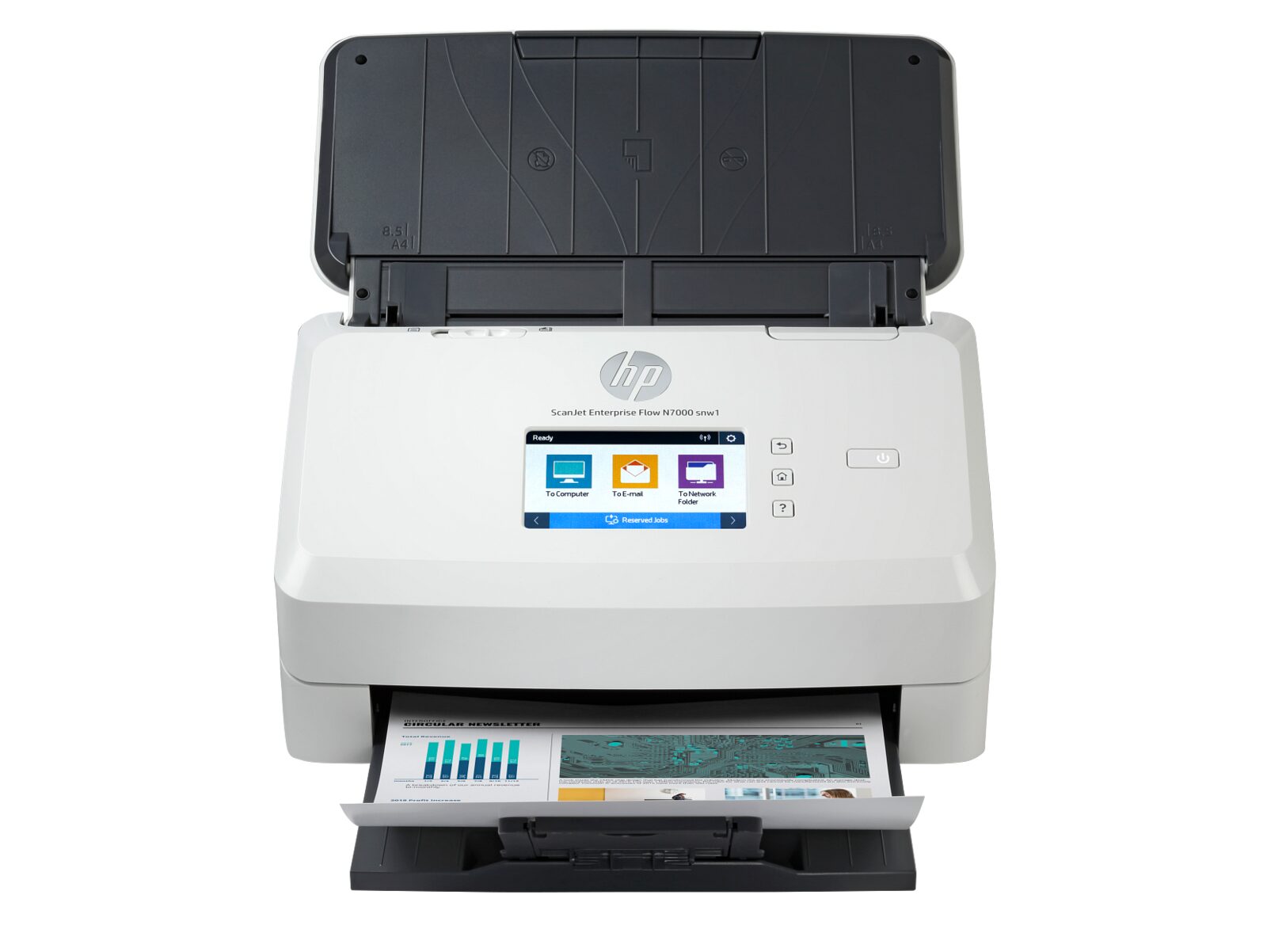
HP ScanJet Enterprise Flow N7000 snw1
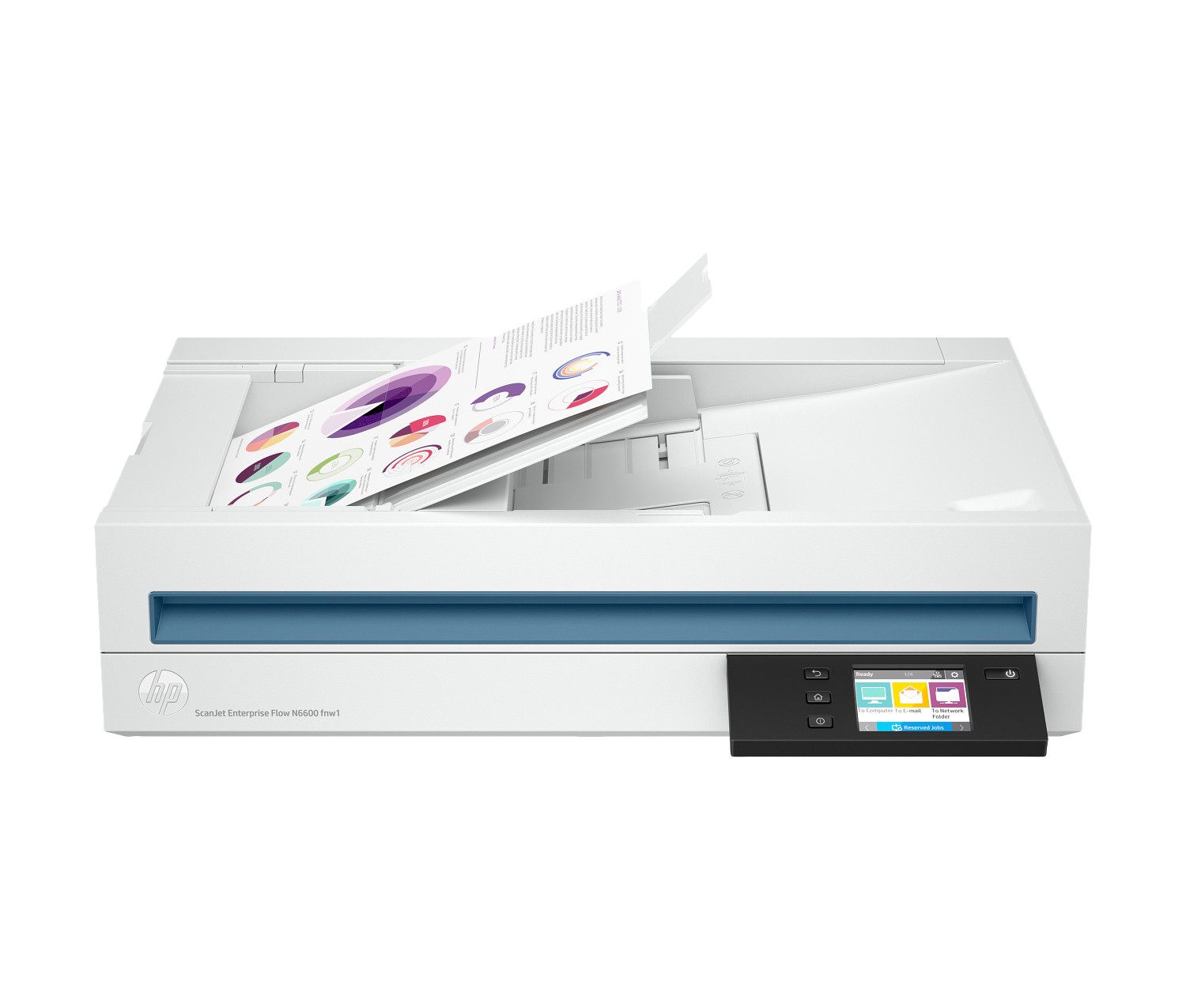
HP ScanJet Enterprise Flow N6600 fnw1
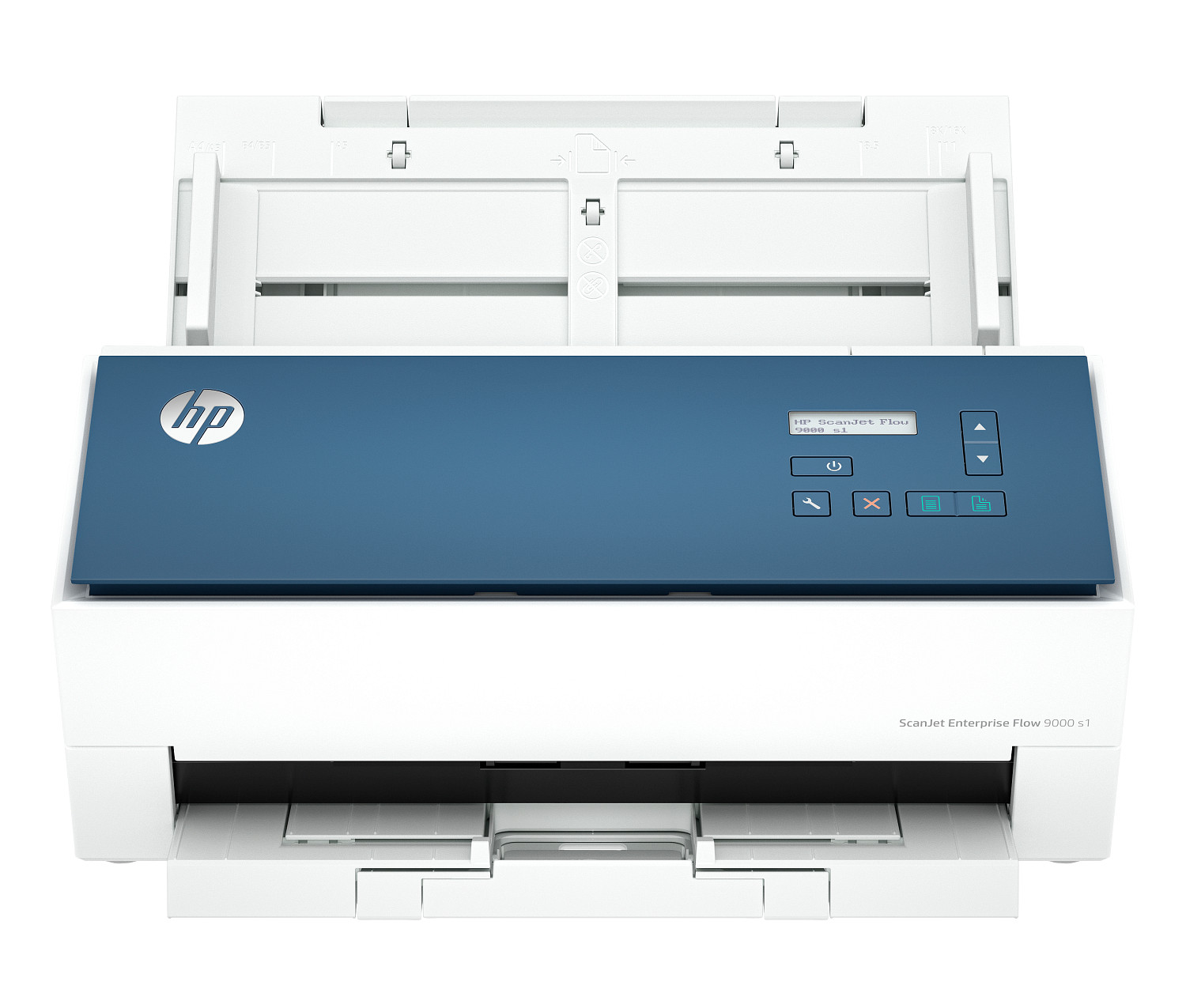
HP ScanJet Enterprise Flow 9000 s1
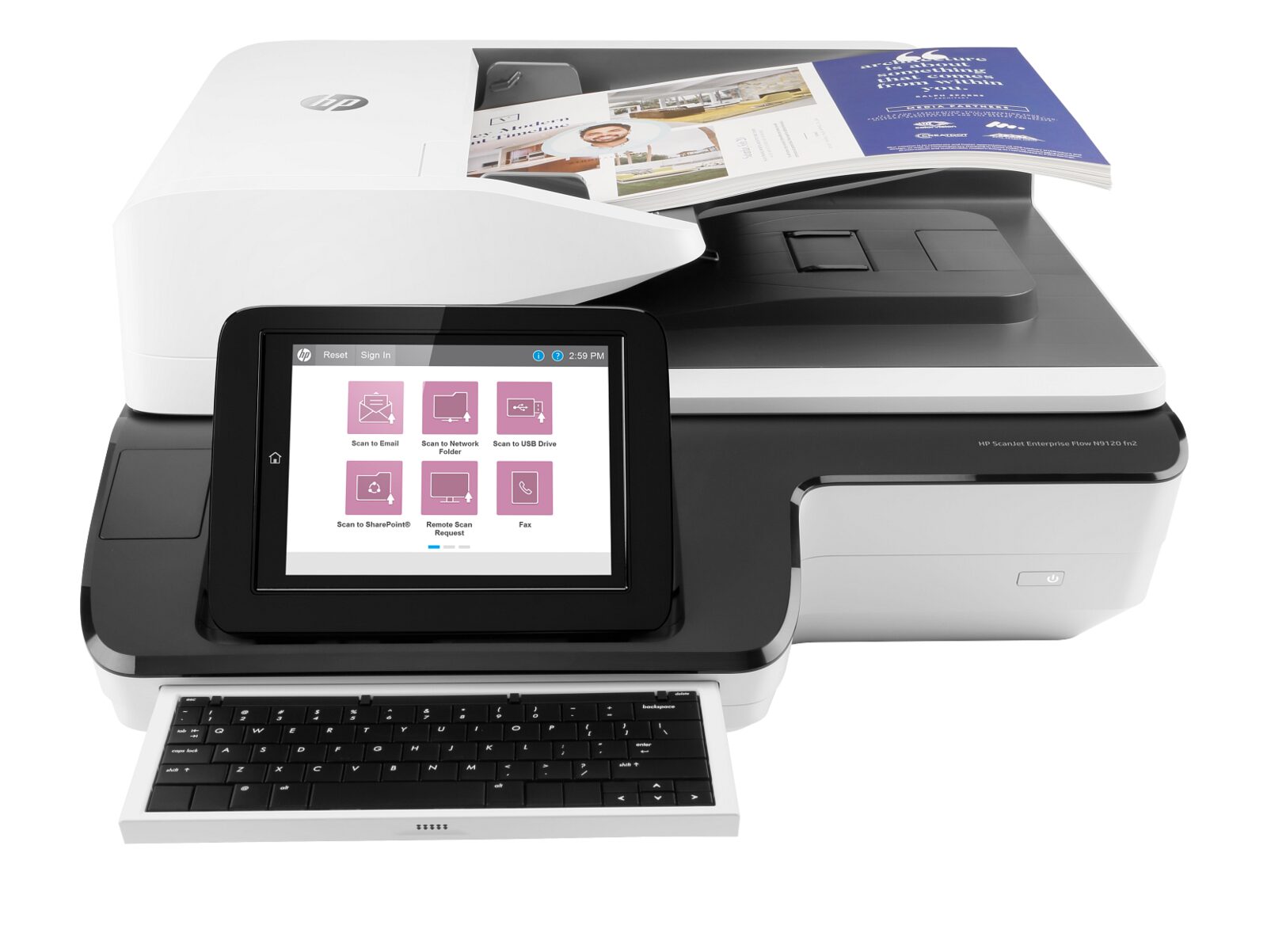
HP ScanJet Enterprise Flow N9120 fn2
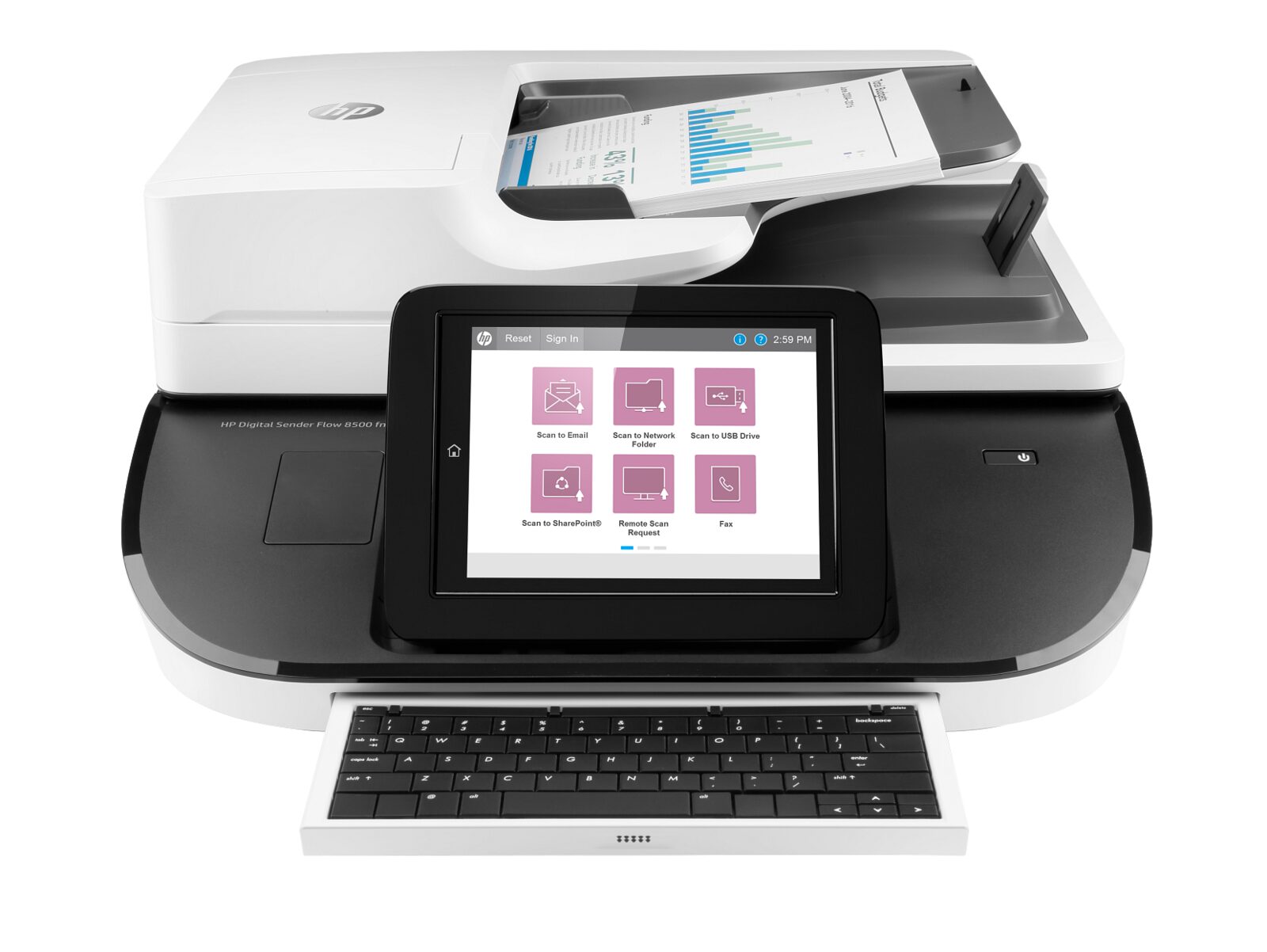
HP Digital Sender Flow 8500 fn2
Choosing the right printer for the way you actually work
Picking a new printing device is rarely about specifications on a box. It is about the rhythm of your day. A photographer batching wedding proofs cares about colour accuracy and edge-to-edge rendering on glossy paper. A small accounting firm running quarter-end statements cares about pages per minute, duplex reliability, and a paper tray that does not need refilling every twenty minutes. A family of four cares about quiet bedtime printing of homework and school permission slips, and forgiving wireless setup that does not need a phone call to a technical support line.
Before you compare models, write down what you genuinely print in a typical month. Be honest. Most home buyers overestimate page volume by three to four times, then end up paying for an inkjet engine sized for a small office. Most office buyers, on the other hand, underestimate, then end up replacing cartridges weekly and frustrating staff. A two minute estimate of monthly pages, split between black and colour, will guide every other decision you make on this page.
Inkjet, ink-tank, or toner: which engine is right for you?
Inkjet machines are the friendliest entry point. They are quiet, compact, render photos beautifully, and pair well with mobile devices. The trade-off is consumable cost: replacement cartridges add up if you print more than around two hundred pages a month. Ink-tank machines (sometimes called continuous-ink or refillable-tank designs) solve that problem by shipping with bottles of ink that last for thousands of pages, at the cost of a higher up-front price. Toner-based machines, often badged as monochrome or colour office models, are the best fit when you print at least four hundred pages a month, need crisp text, and want a paper path that holds up under sustained use.
If you are unsure, the rule of thumb most independent reviewers settle on is simple. Under one hundred pages a month, a basic cartridge-based all-in-one is usually the cheapest total cost of ownership over three years. Between one hundred and four hundred pages, an ink-tank model wins on cost-per-page while keeping vivid colour photo quality. Above four hundred pages, a small monochrome or colour toner unit will pay for itself within the first year and last far longer than its inkjet equivalents.
Connectivity, security, and the boring bits that matter
Wireless setup has become genuinely painless in the last few years, and almost every model on this page supports both modern Wi-Fi standards and the simpler tap-to-pair experience used by phones and tablets. Look for a model that supports your home or office network band (most US homes still rely on the older 2.4 GHz band, while newer mesh networks default to 5 GHz). If you live in an apartment building with hundreds of competing networks, prefer a unit with a wired Ethernet jack and place it near your router.
Security is the part most buyers ignore until something goes wrong. A printer is, in technical terms, a small computer with a hard drive, a network card, and a microphone for fax. Pick a device that supports automatic firmware updates, encrypted print queues, and a simple way to wipe stored data before you eventually retire or resell it. All current models on ProPrintMart receive ongoing firmware updates from the manufacturer for at least five years from the original release date.
Paper, photo, and scanning needs
Paper handling is the unglamorous specification that quietly decides whether a printer becomes a beloved tool or an expensive paperweight. A two hundred and fifty sheet input tray sounds like overkill for a home, but it means you reload paper three times a year instead of three times a month. Automatic two-sided printing (duplex) saves trees, money, and the awkward dance of feeding pages back through manually. If you scan multi-page documents — receipts, contracts, school records — an automatic document feeder with double-sided scanning is the single feature that will save you the most time over the lifetime of the device.
Photo printing has improved dramatically. Modern inkjet machines with five or six individual ink colours produce gallery-grade prints on the right paper, and dedicated photo trays mean you do not have to swap stock every time you switch from a tax return to a vacation snapshot. If photography is the primary reason you are shopping, prioritise a model with individual cartridges (so you only replace the colour you use), borderless printing on at least four-by-six inch paper, and a built-in card slot or front-facing USB-A port so you can print without involving a phone or laptop.
Total cost of ownership over three years
The sticker price on a printer is almost never what you actually pay over its lifetime. A more useful number is the three-year total cost of ownership, which includes the device itself, replacement consumables at your true monthly volume, an estimate for any service you might need, and the residual value when you eventually upgrade. As a rough planning figure, an entry-level inkjet costs about three to four hundred dollars over three years for a typical home; an ink-tank model lands closer to four hundred dollars and includes far more pages; a small office toner unit lands between five and eight hundred dollars but supports thousands of pages a month without flinching.
Every product page on ProPrintMart shows the manufacturer’s rated yield for the cartridges or bottles each model uses, and we link to the matching consumables in our store so you can see real prices before you buy. We do not run "instant ink" subscription programmes, so you will never pay a monthly fee just to use the printer you already own.
If you are not sure which model is right for your home or office, our small support team is happy to talk through the trade-offs without a sales pitch. Reach us by email at support@proprintmart.net or by phone at (575) 239-1200, Monday through Friday, nine in the morning to six in the evening Eastern time. Returns are accepted within thirty days of delivery in the original packaging; full details are on our returns page.
Why buy from ProPrintMart
We are a small US team that has been selling office equipment since the early days of online retail. We pick a tight catalogue of models we would put on our own desks rather than the giant unsorted inventory you find on auction marketplaces. We do not run flash sales or bait pricing; the price you see today is what the next visitor will pay tomorrow. We answer the phone when it rings and we ship the same day on orders placed before three in the afternoon Eastern time. If something arrives damaged or simply does not suit you, we make it right without an argument.
A short note on environmental impact
Office equipment has a real footprint. Every device on this site is shipped in fully recyclable corrugated packaging, with the foam inserts replaced by moulded pulp wherever the manufacturer offers that option. The boxes themselves are sized to the unit, which sounds obvious but is not: oversized cartons add up to thousands of unnecessary truck miles a year across a national catalogue. We also include a postage-paid return label in every consumables order so empty bottles and used cartridges can be sent back for proper recycling at no cost to you. If you are retiring an old machine, our customer support team can advise on local e-waste drop-off programmes in your area, and several manufacturers offer free mail-in take-back for older equipment of the same brand.
Energy consumption is the other quiet contributor. A typical home all-in-one draws around two watts in standby, climbing to roughly thirty watts during active printing and dropping back within a minute. Office grade colour units draw closer to six watts in standby and up to a few hundred watts during a sustained run. Every model we sell carries the appropriate regional energy efficiency certification, and most include a configurable deep-sleep timer so the device powers down automatically overnight or on weekends. A small change in that single setting can cut the standby footprint of a household device by more than half across a year.
Setting up your new device
Unboxing should take ten minutes or less. Remove the protective tape from every visible opening, including the paper input tray and the rear access door, then slot in the supplied cartridges or fill the ink tanks following the colour coded instructions printed on the inside of the lid. Plug the unit into a grounded wall outlet rather than a multi-tap power strip; the small surge during initial calibration can briefly draw more current than a daisy chained adapter is comfortable with. Connect to your home or office network using the simple touchscreen prompts, accept the privacy choices that match your preferences, and run the built-in alignment routine on a clean sheet of plain paper. From box to first sharp test page is usually around a quarter of an hour for a home model and slightly longer for a fully featured office unit.
If you run into any trouble at all during setup, please reach out before reaching for online forums. We have walked thousands of customers through first-day questions and almost every issue we see is solved with a one or two minute phone call. Our team can also help you with optional features such as automatic two-sided printing, secure release printing, scan-to-email configuration, and connecting accounting or document management software. None of these calls cost extra; helpful setup support is part of the price you have already paid for the device itself.
More from ProPrintMart
Looking for something else? Head back to the ProPrintMart home page to explore featured printers and current promotions, or browse the dedicated series pages below for more options in a specific line.
- • Visit the ProPrintMart main page for the latest deals.
- • Browse every DeskJet home printer we stock.
- • Compare every LaserJet office printer in our catalog.
- • See every ScanJet document scanner currently in stock.
- • Check the full ProPrintMart printer catalog.
- • Read our printer buying guides on the blog.
Need help choosing? Contact our team or return to the ProPrintMart homepage at any time.
A practical buying guide for printers and scanners
The catalog above lists every printer and scanner we currently stock. The right model depends on what you actually print, how often you print it, and where the unit will live in your home or office.
If you only need a few pages a day for school forms, shipping labels, and the occasional photograph, an entry-level inkjet from the DeskJet or Envy line will save you money up front. If you print fifty or more pages every day, a LaserJet pays for itself in lower cost per page within the first year. Document scanners earn their keep the moment you start digitising paperwork that used to live in filing cabinets.
Which series should you choose?
DeskJet
Best for occasional household use. Sharp text, decent colour, low up-front cost, and a small footprint that fits on a shared desk.
Envy
Best for households that print photographs or creative projects. Better colour fidelity than DeskJet and optional photo paper trays.
OfficeJet
Best for small offices and remote workers who need a reliable all-in-one. Print, copy, and scan in a single unit with automatic document feeders.
LaserJet
Best for high-volume daily printing where every page must look identical. Toner lasts thousands of pages and the running cost stays low.
Smart Tank
Best for households or workgroups that go through hundreds of pages a month. Refillable ink tanks bring the cost per page down close to laser levels while keeping inkjet colour quality.
ScanJet
Best for digitising paper. From small flatbed units for occasional documents to high-speed sheet feeders that capture hundreds of pages per minute.
Common order questions before you buy
How quickly will my order ship?
Orders placed before 2 PM Eastern on a business day leave the warehouse the same day. Standard ground delivery takes two to five business days for most addresses. Tracking arrives by email the moment the carrier scans your parcel.
Are these brand new units?
Yes. Every printer and scanner in this catalog ships factory sealed in the original retail packaging. We do not sell refurbished, open-box, or grey-market units. The full original maker warranty applies from your delivery date.
What is the return policy?
You have thirty days from delivery to start a return for a full refund. The unit needs to come back in resaleable condition with all original accessories. Defective units are handled under the original maker warranty with our help filing the paperwork.
Do you offer business pricing or tax exemptions?
Yes. Schools, libraries, government buyers, and registered non-profits can submit tax-exempt paperwork during checkout. Bulk orders for ten or more units of the same model can be quoted directly through our team for a discount that is not posted publicly.
Can I cancel an order after I place it?
No. Once an order is placed it cannot be cancelled. Please review your cart carefully before completing checkout. If the unit arrives defective or damaged, our return policy covers the next steps.
Ongoing costs and what to budget for
The sticker price is only part of the story. The real cost of owning a printer over three to five years is the ink or toner you feed it, the paper you go through, and the small amount of electricity it draws while sitting on standby. Inkjet units have a lower up-front cost but a higher cost per page than laser units, which means heavy users save more money in the long run by paying more on day one.
Refillable tank designs like Smart Tank turn the equation around again by holding hundreds of millilitres of ink that you top up from inexpensive bottles. If you are printing for a small business, a classroom, or a busy family, that math usually wins. Scanners are simpler. Most of them have no consumables at all aside from a once-every-few-years replacement of the feed roller on high-volume sheet-fed units.
Browse by series
Jump to the dedicated series page for everything we stock in each line.