LaserJet Series Printers & Scanners
31 models in stock · Free US shipping over $200 · Full manufacturer warranty
LaserJet Series models in stock
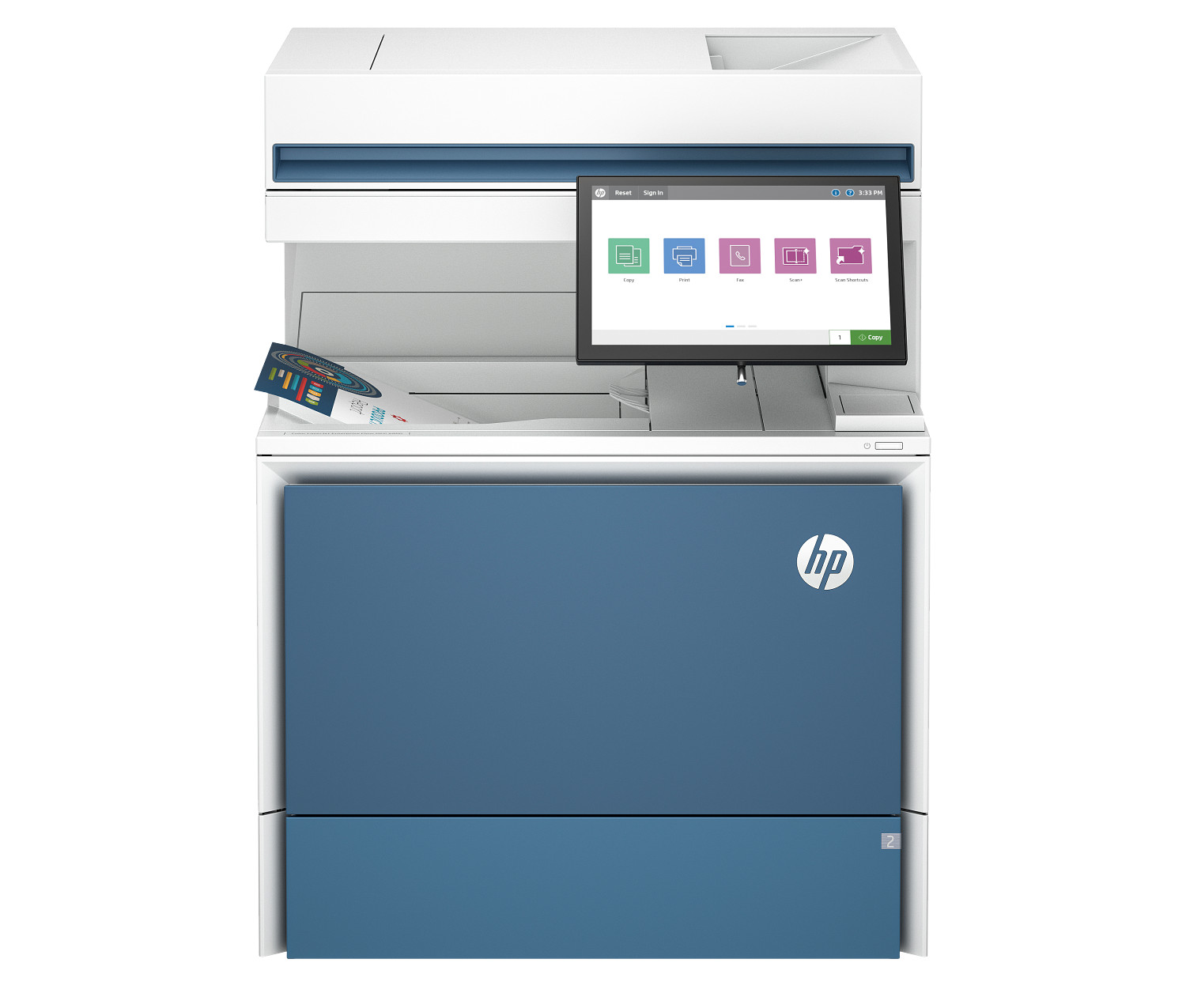
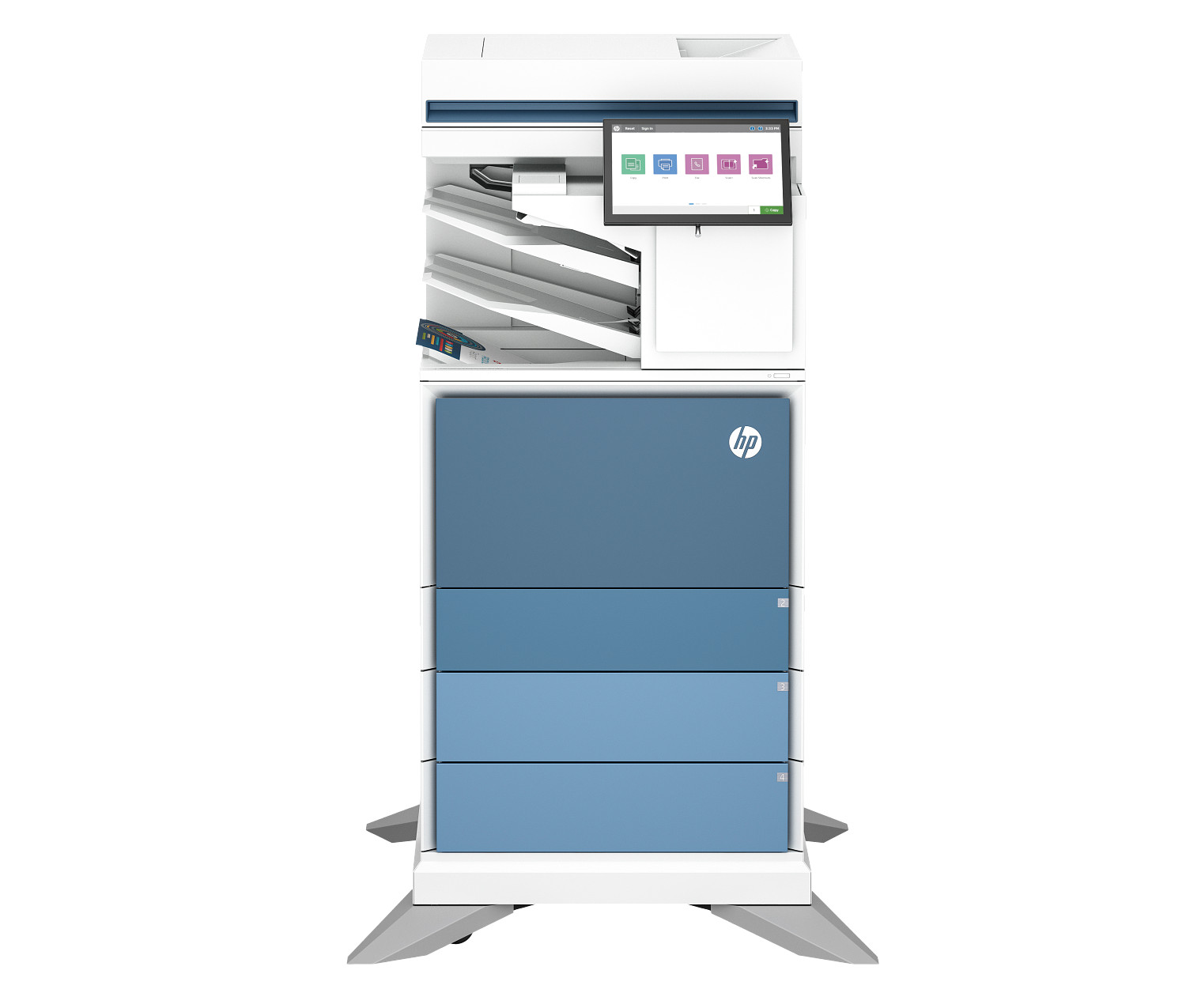
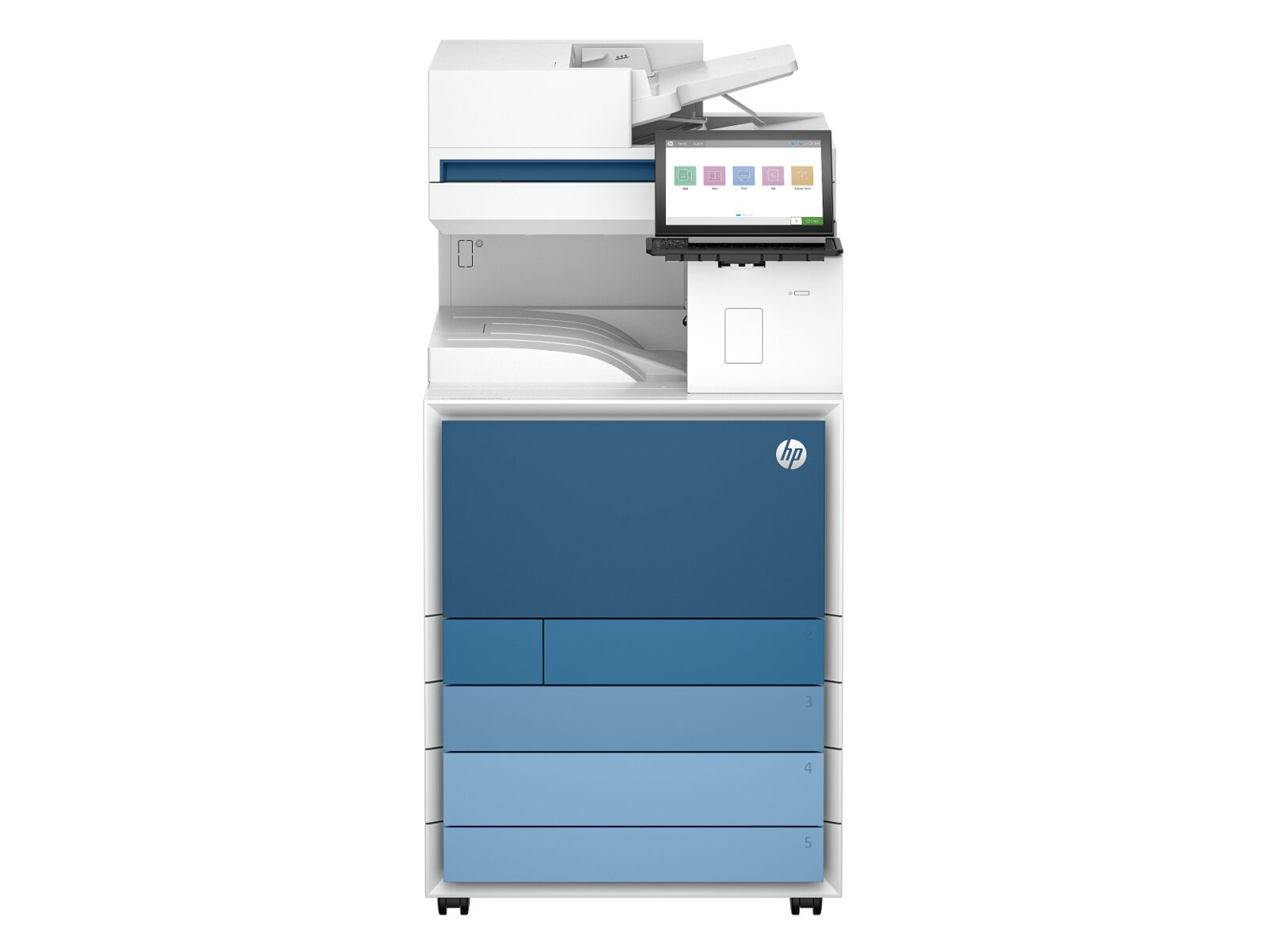
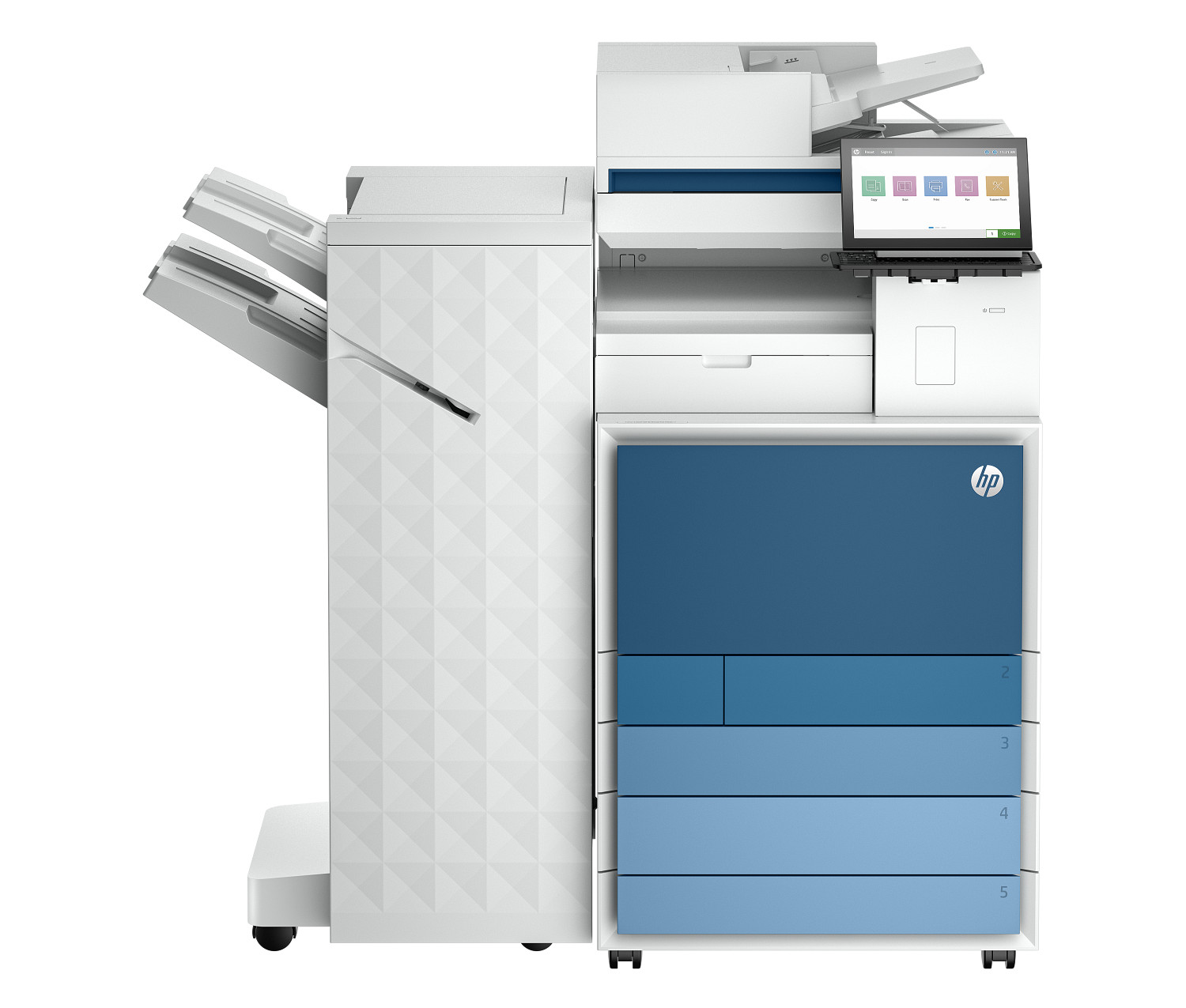
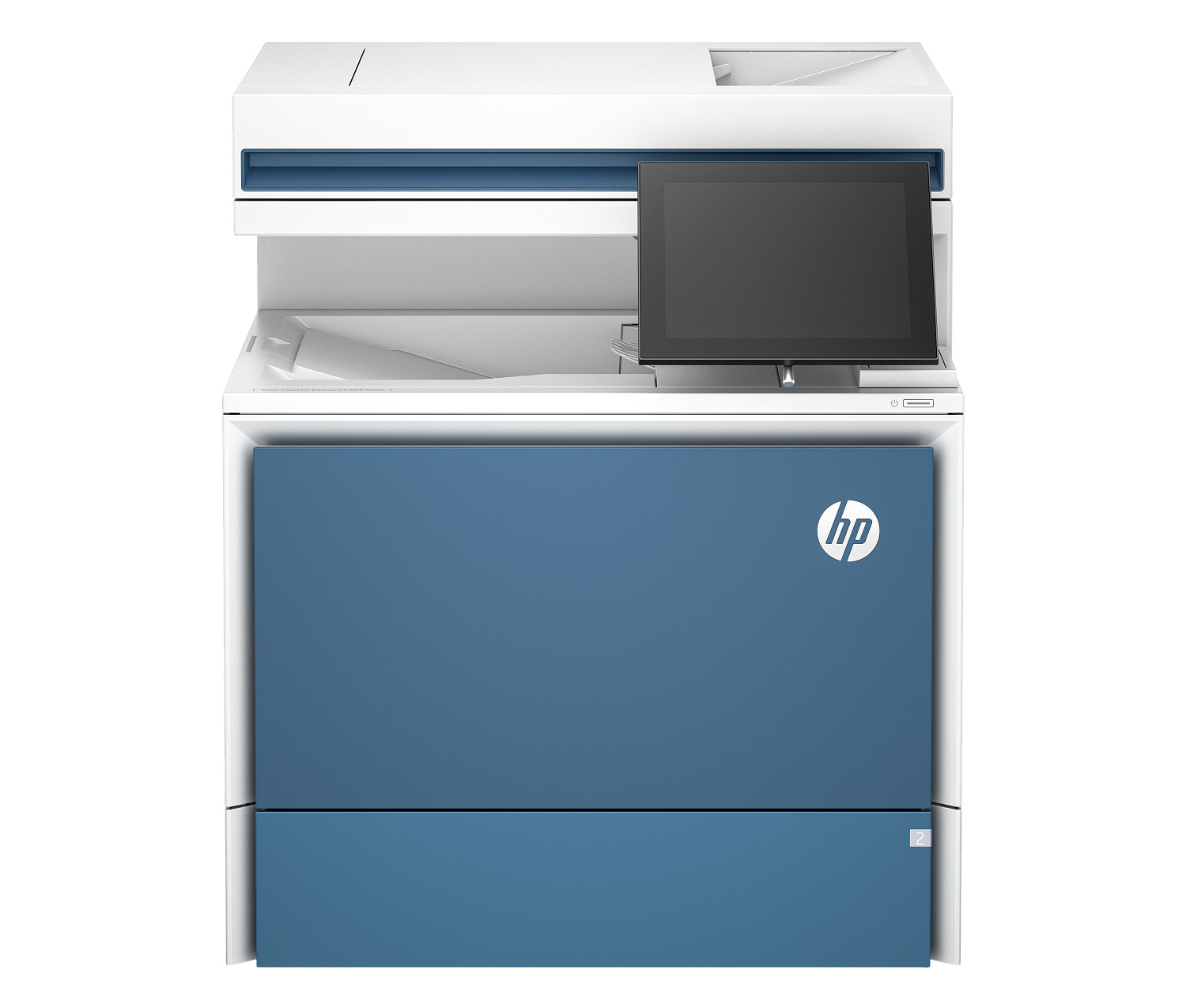
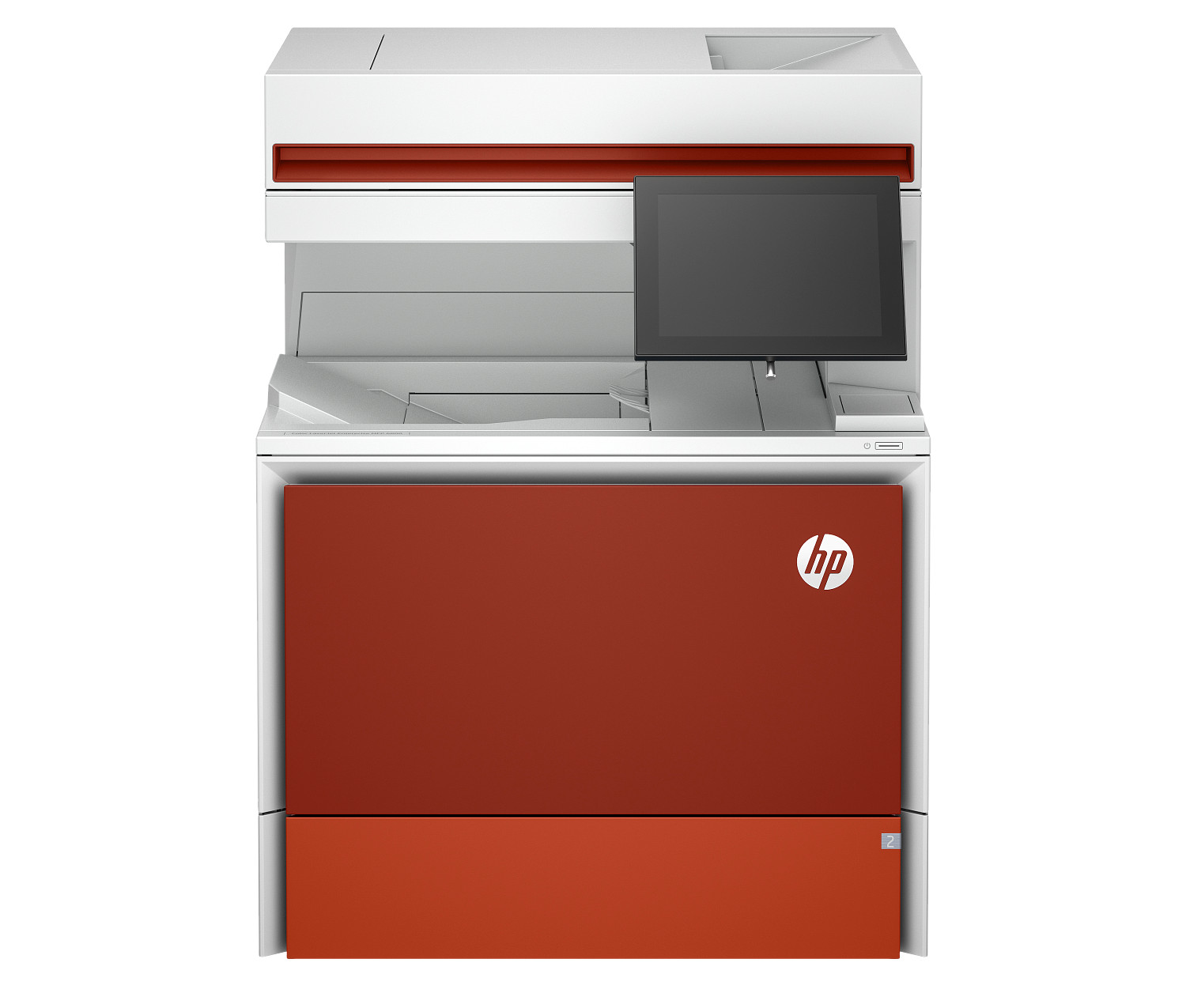
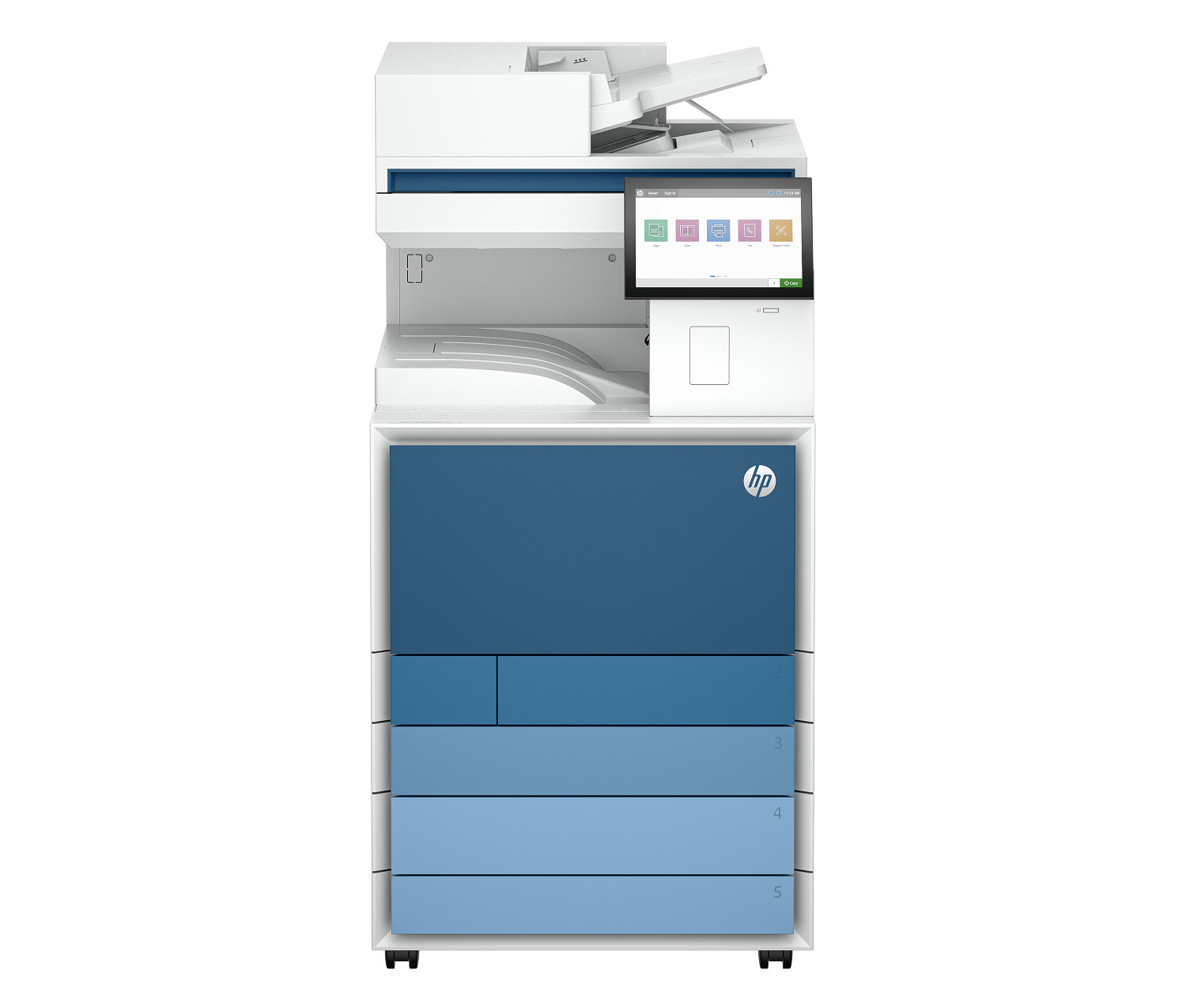
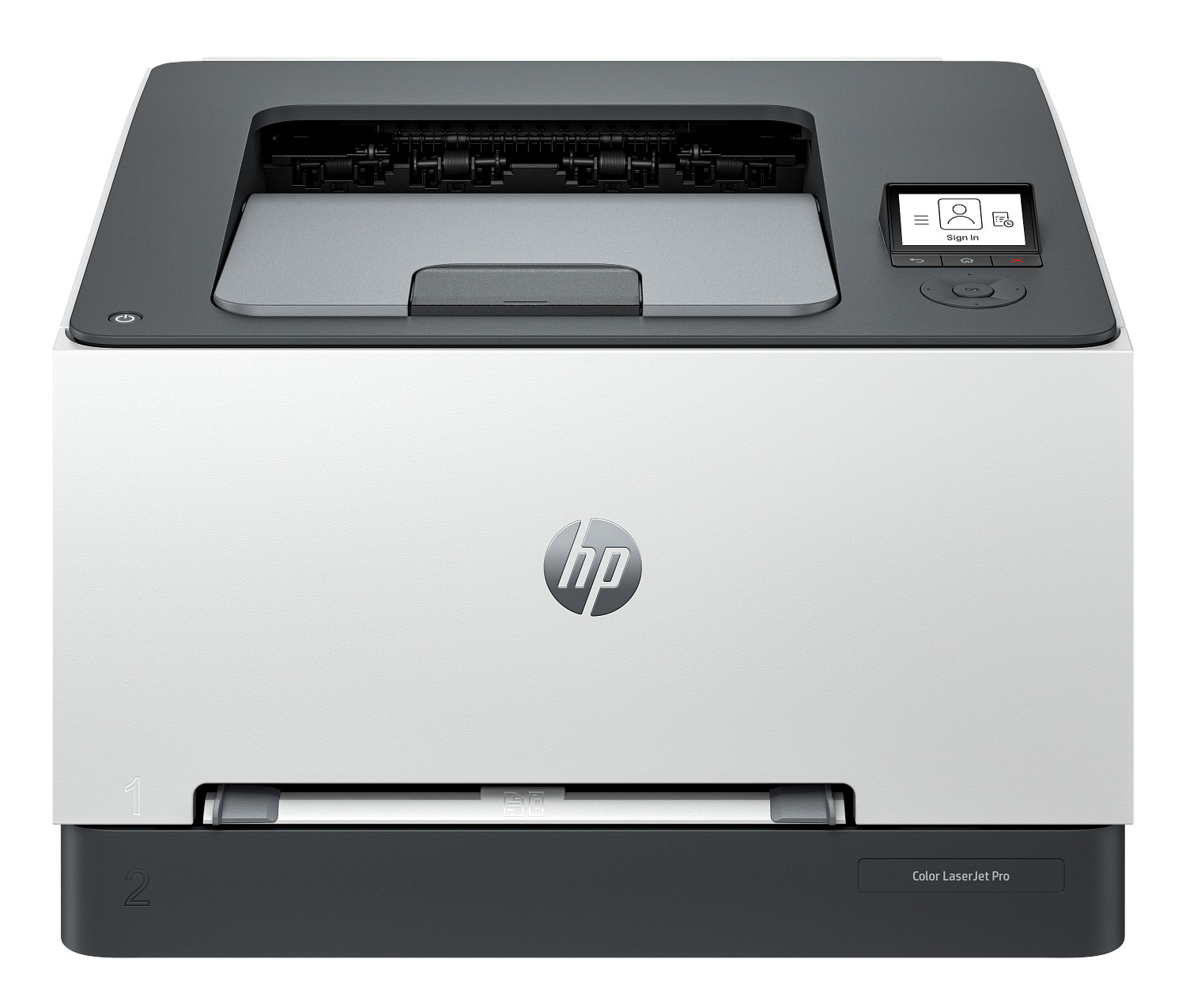
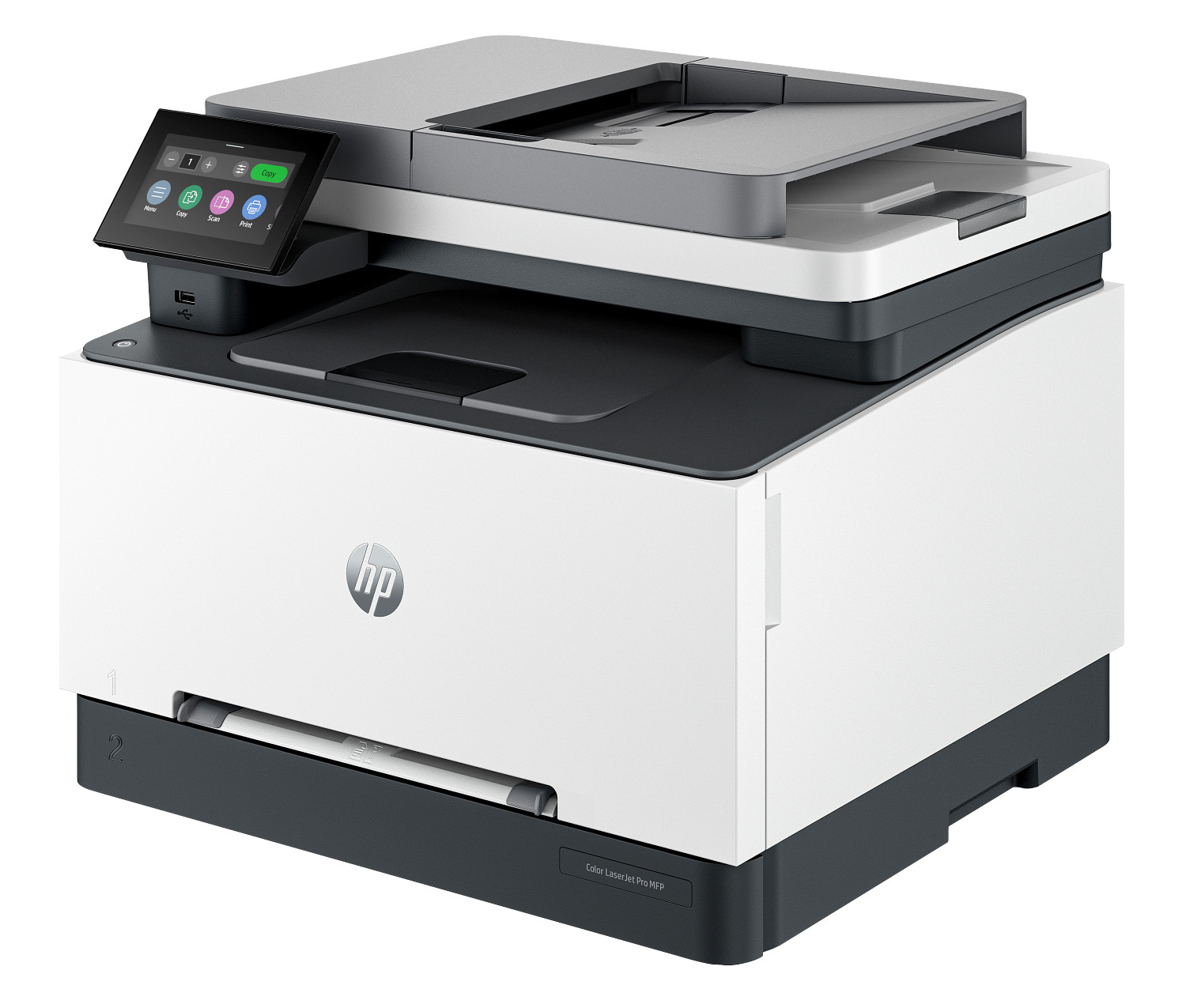
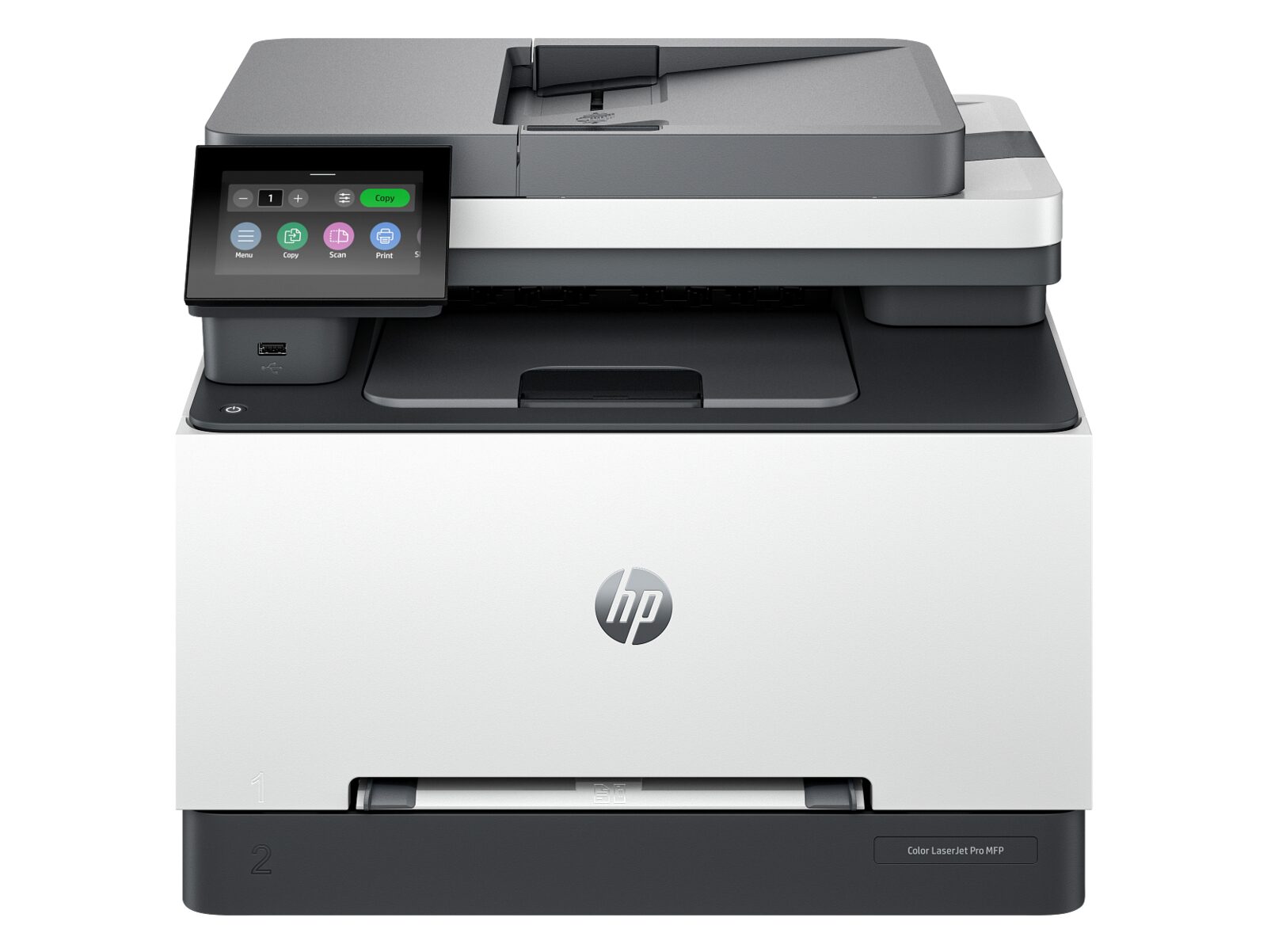
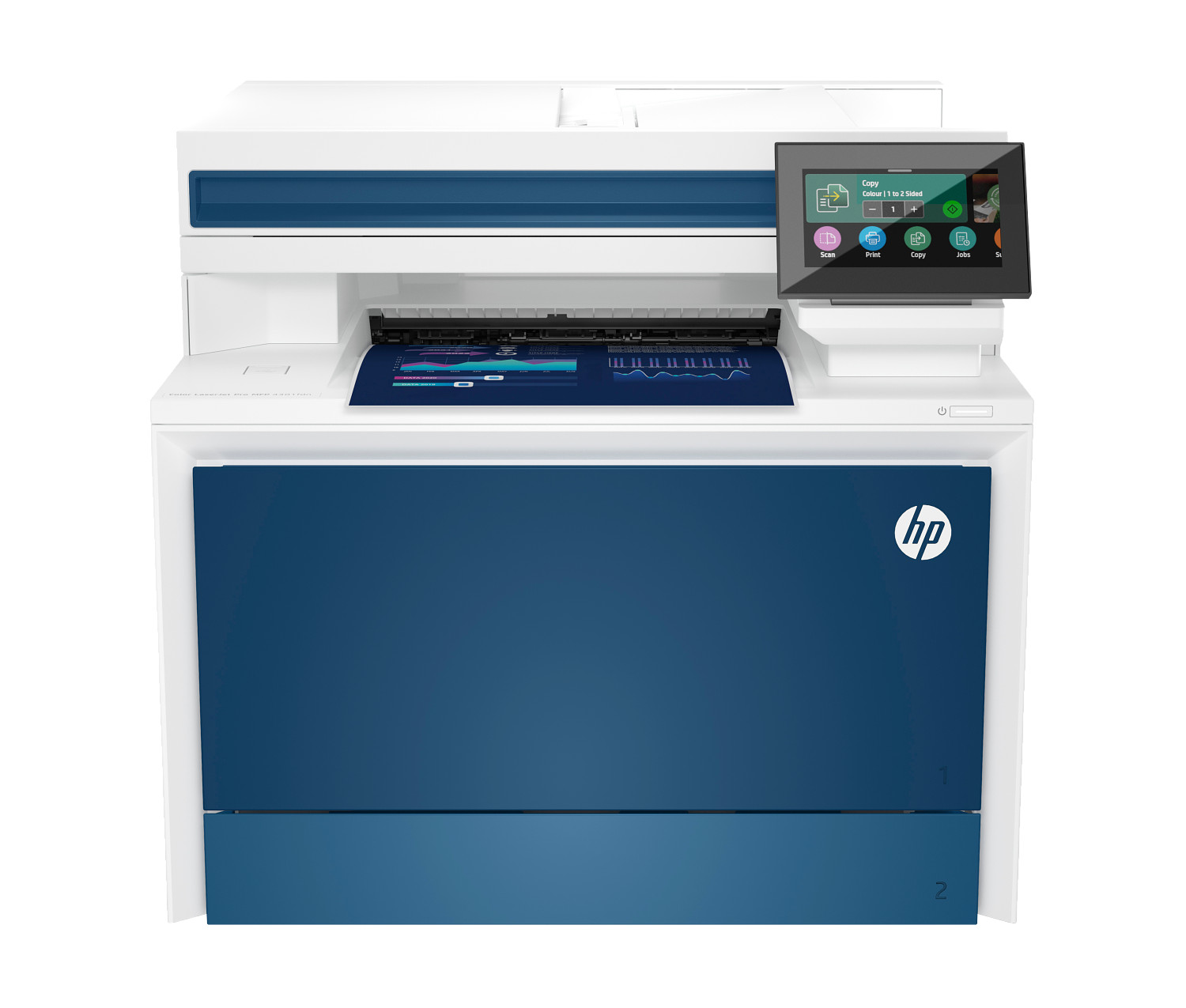
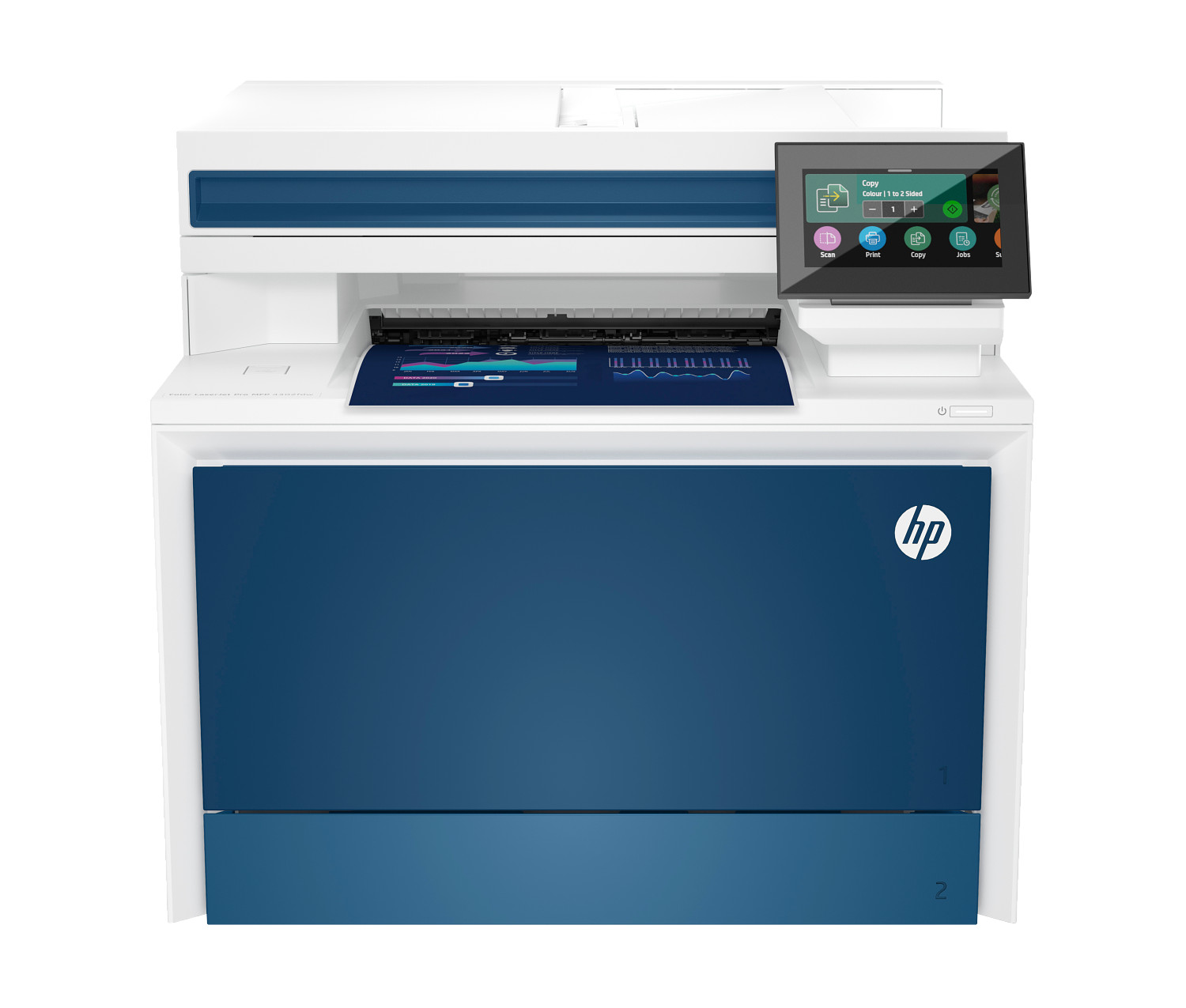
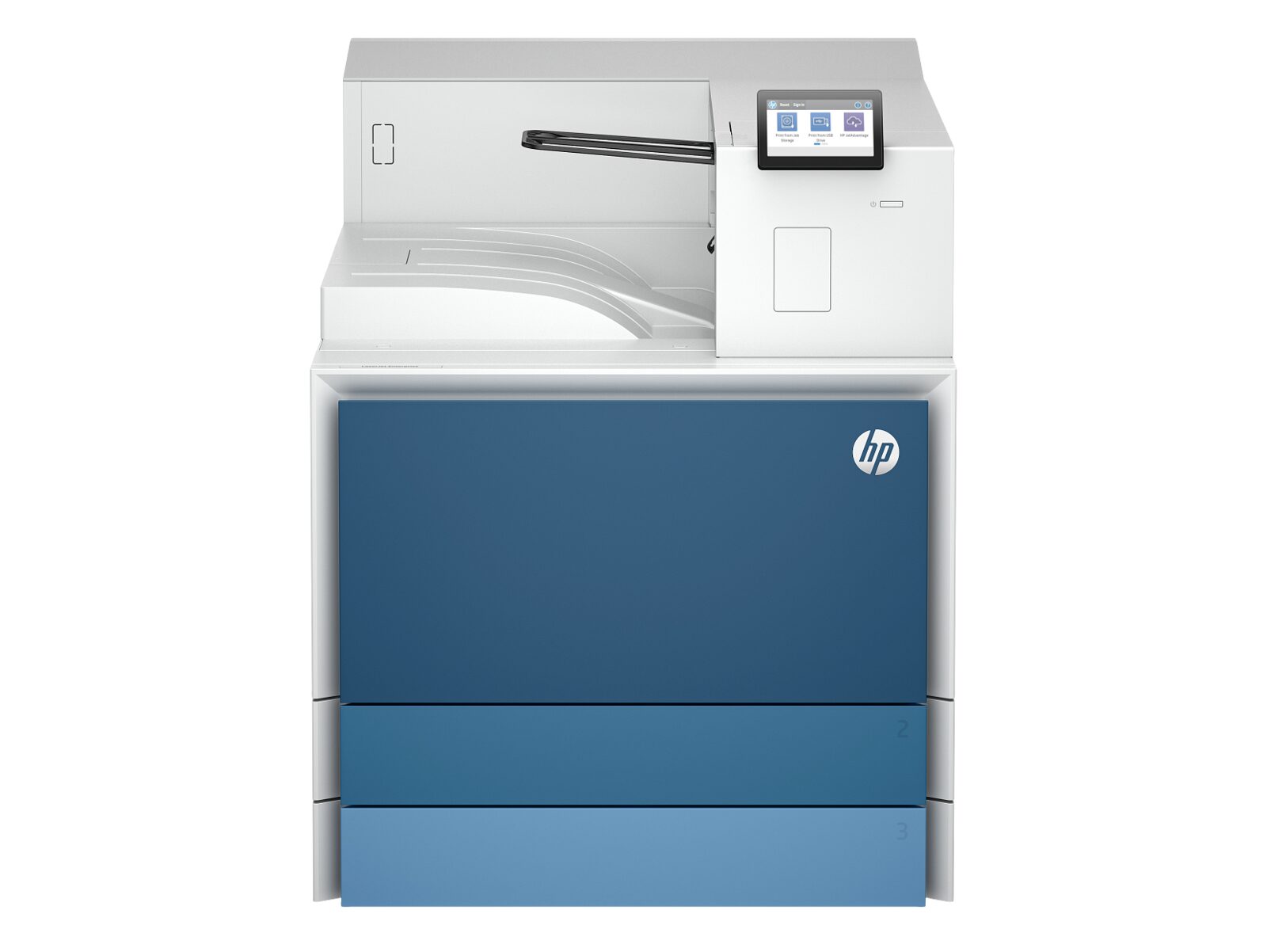
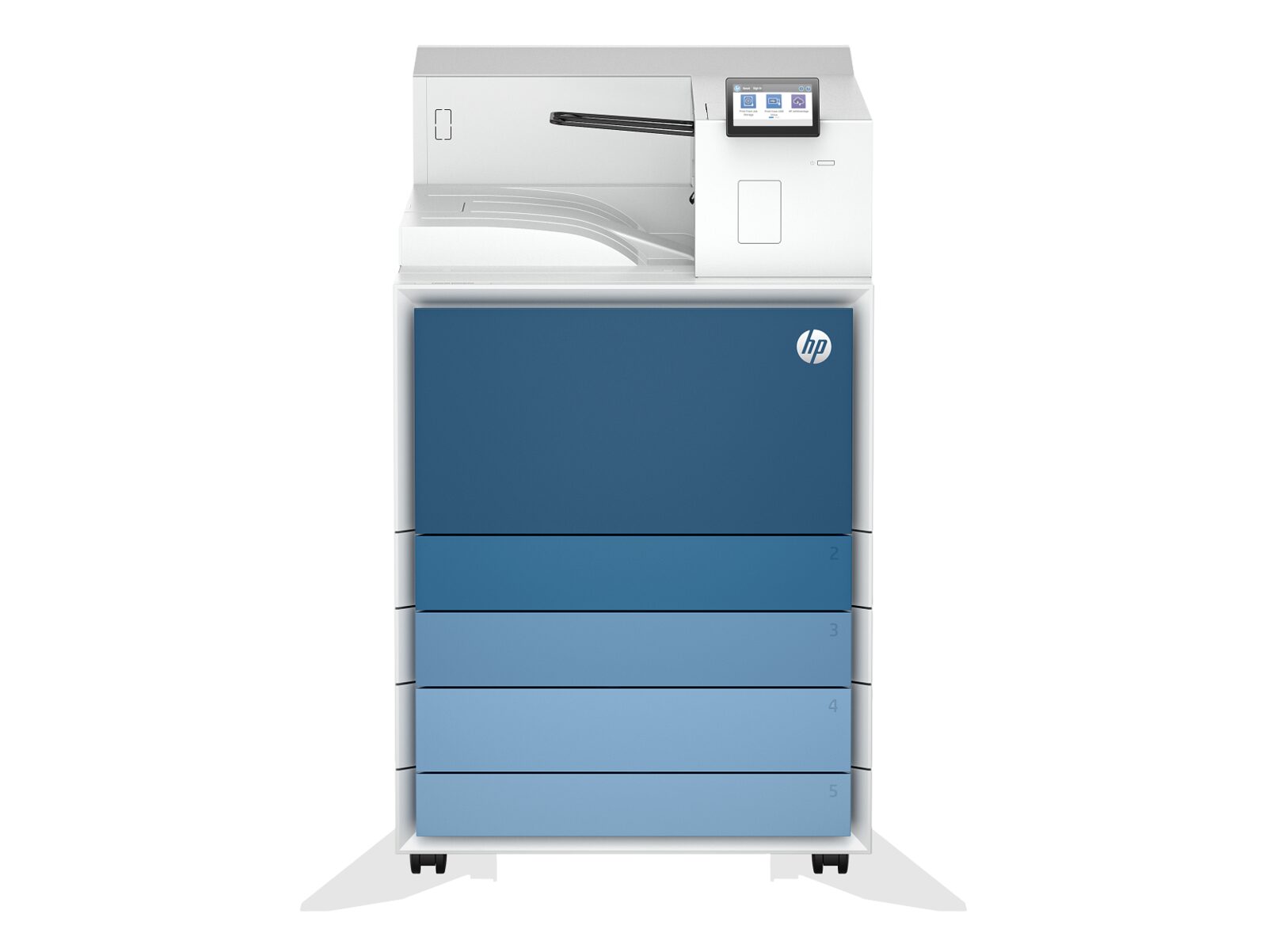
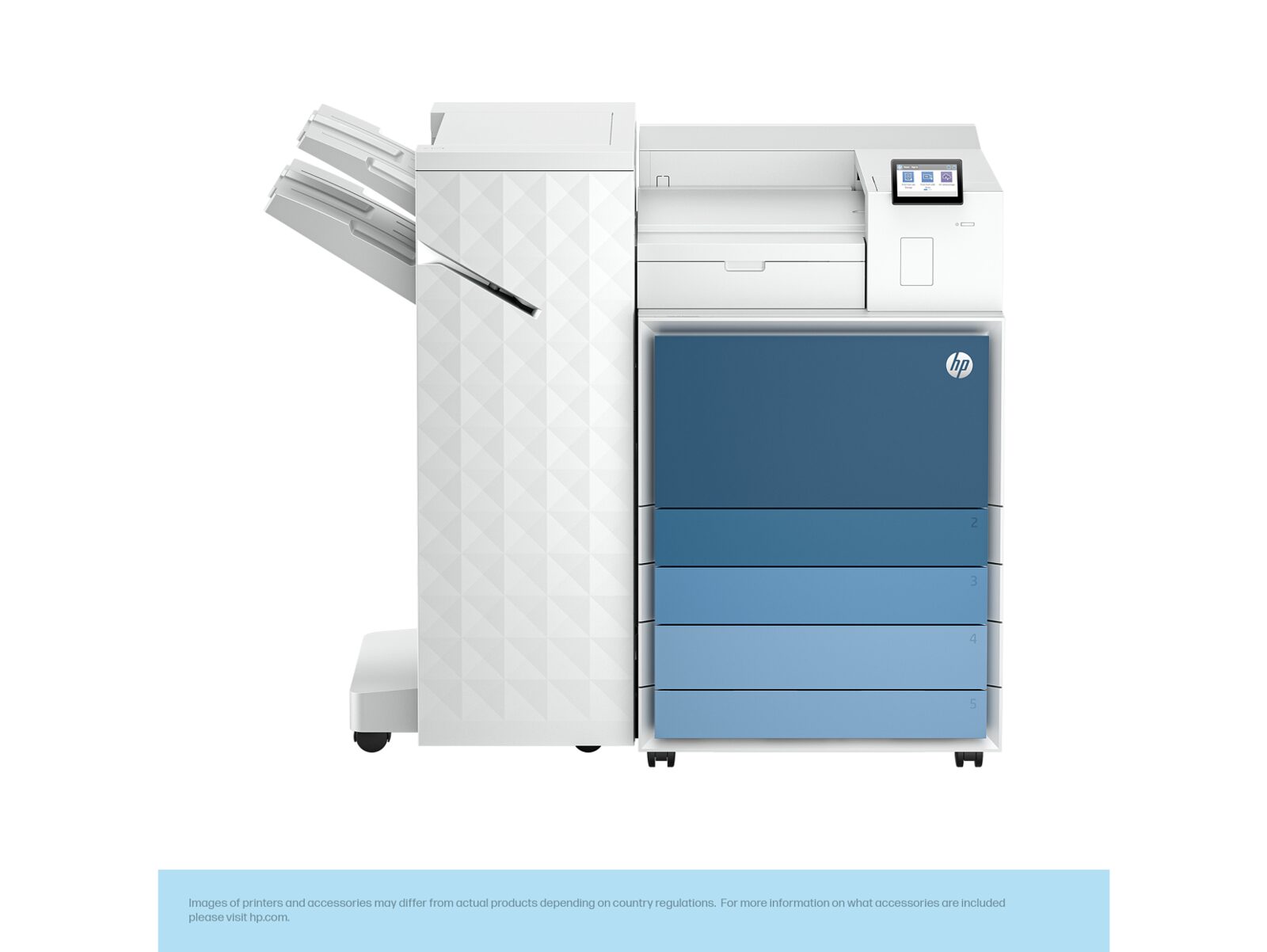
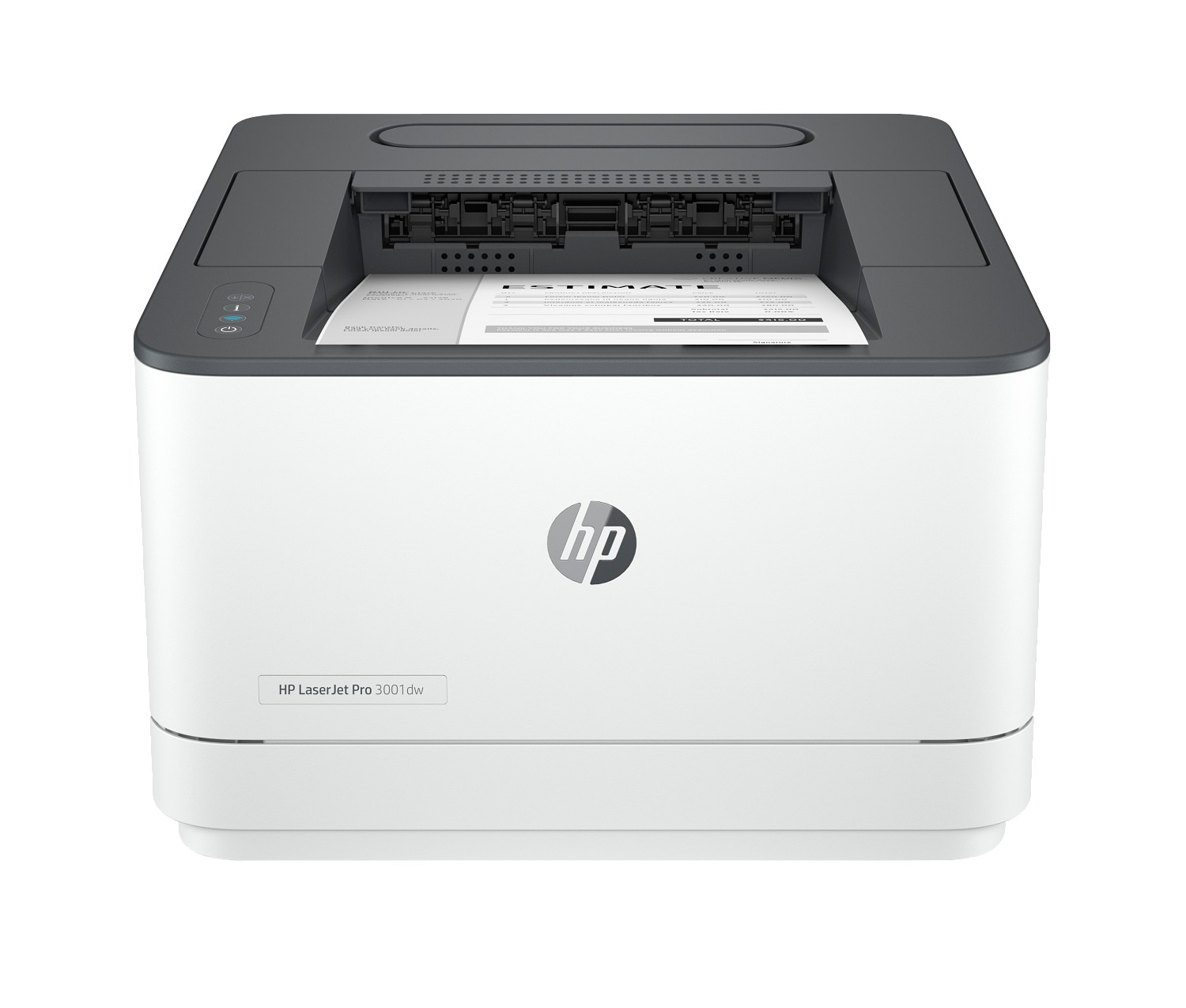
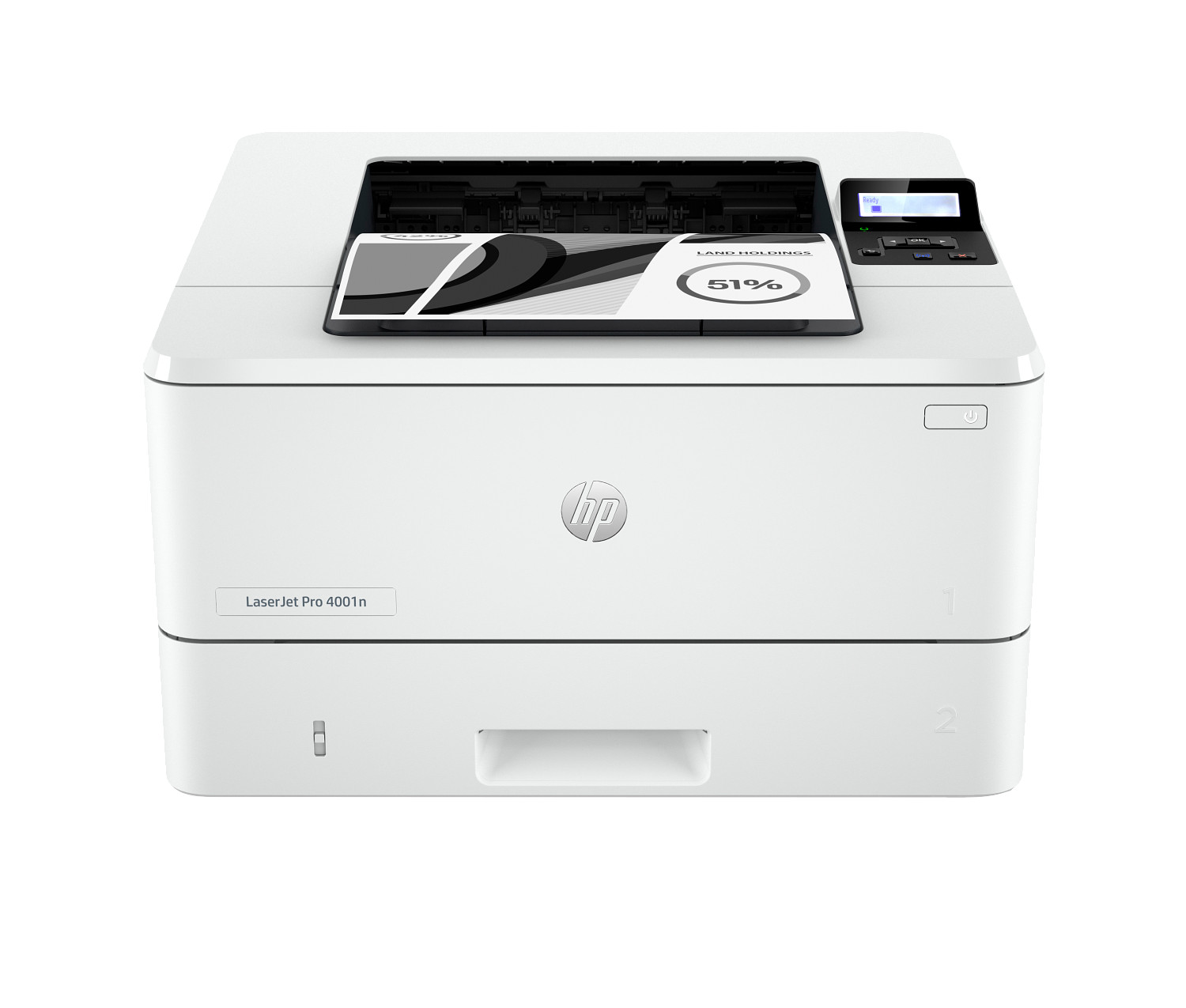
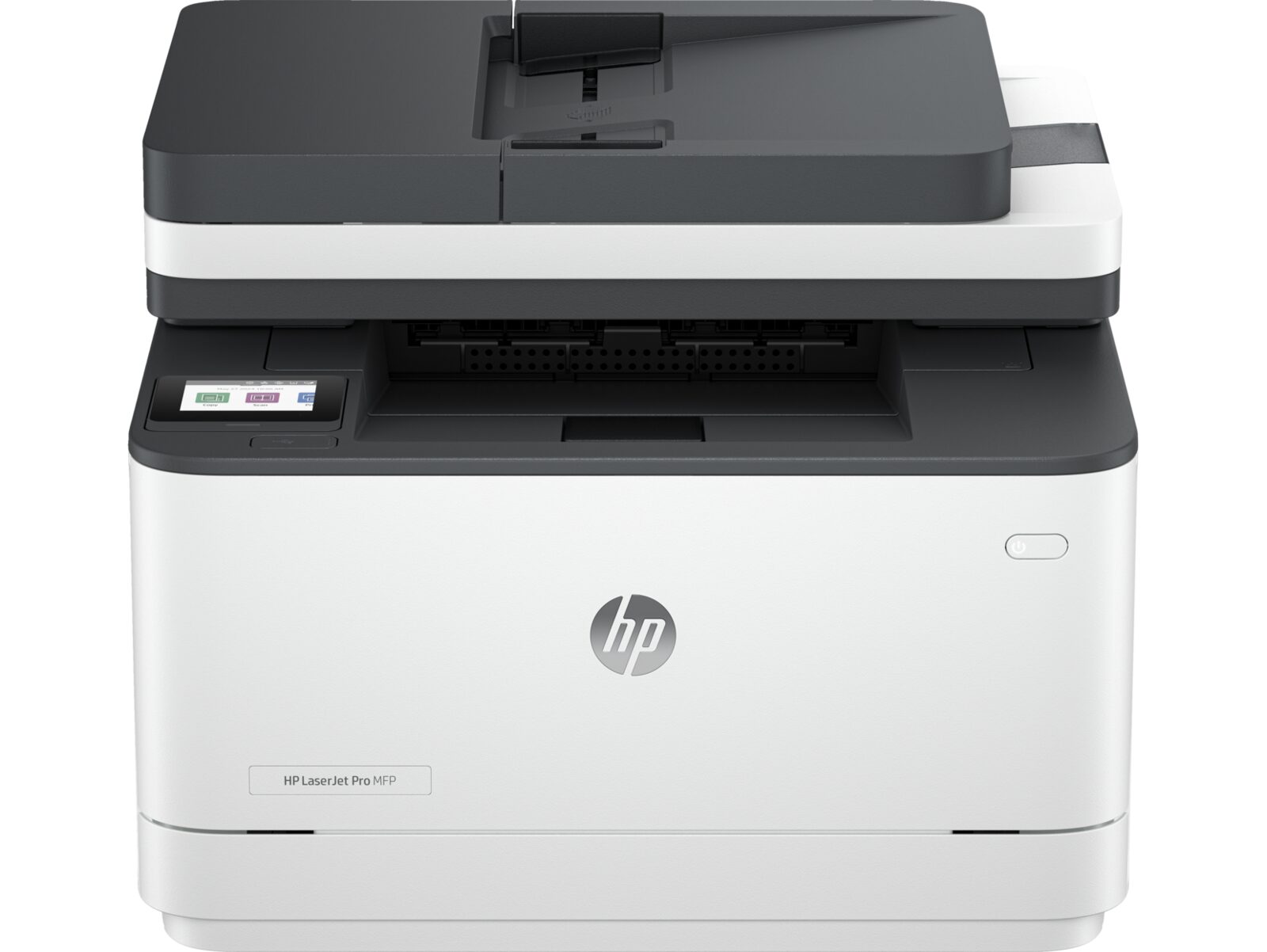
Why choose the LaserJet Series?
Who it's for
Best for offices printing 1,000+ pages per month, legal and finance teams that need crisp text, medical practices, schools, and any environment where uptime and total cost of ownership matter most.
Connectivity
LaserJet Pro and Enterprise models include gigabit Ethernet, dual-band Wi-Fi (on most desktop SKUs), Wi-Fi Direct, USB 2.0, and HP JetDirect for IT-managed deployments. AirPrint, open mobile print, and HP Smart cover mobile printing; HP Universal Print Driver and other cloud print services make centralised driver management straightforward.
Page yield & cost per page
Standard toner cartridges typically yield 1,500 to 3,000 pages; high-yield (X) cartridges deliver 6,000 to 25,000 depending on model. Recommended monthly volume ranges from 250 pages on personal models to 75,000+ on enterprise MFPs, with duty cycles up to 300,000 pages per month.
What's in the box
In the box: printer, starter toner cartridge, power cable, and printed setup instructions. Optional second paper trays, finishing units, and Trusted Platform Module security upgrades are available as add-ons on Enterprise SKUs.
How to choose the right LaserJet model
Pay attention to four numbers when comparing two LaserJet printers: print speed in pages per minute (how long a 20-page report takes to come off the tray), recommended monthly volume (how many pages the device is rated to print every month without strain), page yield per cartridge or ink bottle (how many pages one fresh consumable produces), and the price of the matching consumables. Together these drive your real total cost of ownership over the next two to three years far more than the up-front sticker price. The most common buyer mistake is over-buying on print speed and under-buying on consumable economics, then being surprised by the running cost a few months in.
If you are unsure which LaserJet model fits your workload, the fastest route to an answer is a short conversation with a US-based product specialist on our contact page. Tell us roughly how much you print a month, what kind of documents (text, color reports, photos, ID cards), and where the printer will physically live (home office, open-plan office, retail counter, classroom). We will reply within one business day with a one-line recommendation and a link to the matching product detail page on this site. There is no obligation to buy, and we will not follow up with marketing.
Living with the LaserJet day to day
Setting it up. Enterprise installs follow the usual SCCM, Intune, or universal-print-driver path — register the device in your management console, push the driver package to assigned device groups, and bind the unit to Active Directory so badge release pulls the right user profile when someone tap-authenticates at the panel.
Routine maintenance. Expect to swap a starter toner cartridge inside the first month, then a high-yield cartridge every three to twelve months depending on workload, and a fuser plus transfer roller around 100,000 to 200,000 pages on most desktop SKUs. The on-device dashboard counts down each consumable so procurement can pre-stage replacements.
Cloud and remote features. Pull-print release, badge or PIN authentication, and full audit trails ship as standard on Pro and Enterprise SKUs, with optional integrations for major print-management platforms. Secure print holds the document on the device until the requesting user verifies, which helps with HIPAA, PCI, and similar compliance regimes.
Warranty and US support. Pro models carry a one-year limited warranty by default. Enterprise SKUs frequently qualify for three-year next-business-day on-site coverage through Care Packs, which we note on each product page when it applies. ProPrintMart return window is 30 days on unopened units.
Every order is fulfilled from a US warehouse and shipped via tracked ground service, with delivery typically inside three to five business days nationwide. Need it sooner? Pick expedited two-day or overnight at checkout for an additional fee — exact rates are calculated live based on the destination ZIP code and the dimensional weight of the box. International buyers can request a freight quote by emailing support@proprintmart.net with the destination country and the model number you are interested in.
LaserJet buyer's guide: Pro vs Enterprise, mono vs colour, MFP vs single-function
Pro vs Enterprise. The LaserJet lineup splits into two broad families: LaserJet Pro for small offices and individual workgroups, and LaserJet Enterprise for floor-level deployment in larger organisations. Pro models top out at duty cycles of around 30,000 to 50,000 pages per month, ship with a smaller panel, and skip the optional finishing units. Enterprise models start where Pro ends — duty cycles up to 300,000 pages per month, larger panels, optional second and third paper trays, optional output finishers, and the security feature set that IT teams expect for a shared device. If you are buying for fewer than ten people who together print less than 5,000 pages a month, Pro is almost always the right call; above that, Enterprise pays back the extra investment in lower per-page running cost and longer service life.
Mono vs colour. Mono LaserJet models cost less to buy, less to run, and are generally faster than the colour equivalent at the same price tier. Colour models are worth the premium when you regularly print marketing collateral, charts, ID cards, or any document where colour is a comprehension aid rather than decoration. A useful rule of thumb: if more than one in ten of the pages you print needs to be in colour, buy a colour model; if it is less than that, a mono model with an occasional trip to a print shop is cheaper over three years.
MFP vs single-function. Multifunction printers (MFPs) bundle print, copy, scan, and often fax into one device. Pick an MFP when you want to consolidate hardware on one floor, when you do regular paper-to-PDF work, or when you need a single device for users who only print occasionally. Pick a single-function dn-suffix unit when scanning is handled by a dedicated ScanJet, when you want maximum print speed for the budget, or when you have multiple teams sharing one busy print queue and want to avoid scan-job back-up.
Toner economics. Standard LaserJet toner cartridges typically yield 1,500 to 3,000 pages, while the high-yield variants (usually marked X or with a higher number) yield 6,000 to 25,000 pages depending on the engine. The cost per page on high-yield cartridges is meaningfully lower — often by 30% or more — so on a unit you plan to keep busy, the high-yield consumable pays back inside the first replacement cycle. Genuine HP toner is recommended for warranty cover and for consistent yield; third-party toner can be cheaper up front but page-for-page savings rarely materialise once you account for failed pages and shorter drum life.
Total cost of ownership. Over a three-year window, the up-front sticker price of a LaserJet is usually 30% to 40% of the total cost of ownership. The remainder is dominated by toner, paper, and (for fleet-managed units) the management software. Two units with the same up-front cost can have wildly different running costs depending on the toner cartridge yield and the price per cartridge — always model two or three years of expected volume before settling on a model. The product specialists on our contact page are happy to run that math for free; tell us roughly how much you print per month and what you are choosing between, and we will reply with a per-page cost comparison within one business day.
Network deployment. LaserJet Pro and Enterprise models include gigabit Ethernet, dual-band Wi-Fi (on most desktop SKUs), Wi-Fi Direct for one-tap mobile printing, USB 2.0, and HP JetDirect for IT-managed deployments. AirPrint, open mobile print, and HP Smart cover mobile printing across iOS, Android, macOS, and Chromebook devices, and the HP Universal Print Driver lets a single driver package cover an entire LaserJet fleet. For organisations with stricter security postures, most Enterprise units add Trusted Platform Module (TPM) chips, signed firmware verification, encrypted print job storage, and SIEM-friendly syslog output.
Print management at scale. Once you are running more than a handful of LaserJet units, fleet-management software earns its keep — HP Web Jetadmin (free) covers asset inventory, firmware roll-out, supplies forecasting, and usage reporting across LaserJet units and many third-party devices. For organisations on a print-as-a-service contract, third-party tools such as PaperCut and PrinterLogic add user-level quotas, secure pull-print release, and chargeback reporting. The Enterprise LaserJet line is designed to slot into all of the above without additional licensing on the device.
Brand-new, never refurbished
Every LaserJet Series unit is sealed from the manufacturer with the original setup ink or toner, power cord, USB cable, and quick-start guide included.
Free shipping over $200
Standard ground shipping arrives in 5–7 business days to all 50 US states.
Volume pricing for teams
Need 5 or more units? Use the Get a Quote button or email support@proprintmart.net for tiered pricing within one business day.
30-day return window
Unopened products may be returned for a full refund within 30 days of delivery. See our Return Policy for full details and exceptions.
Browse other printer series
Looking at a different lineup? Compare the LaserJet side by side with our other five product series:
Need help choosing the right LaserJet model? Our product specialists answer in one business day. Contact us or call (575) 239-1200.