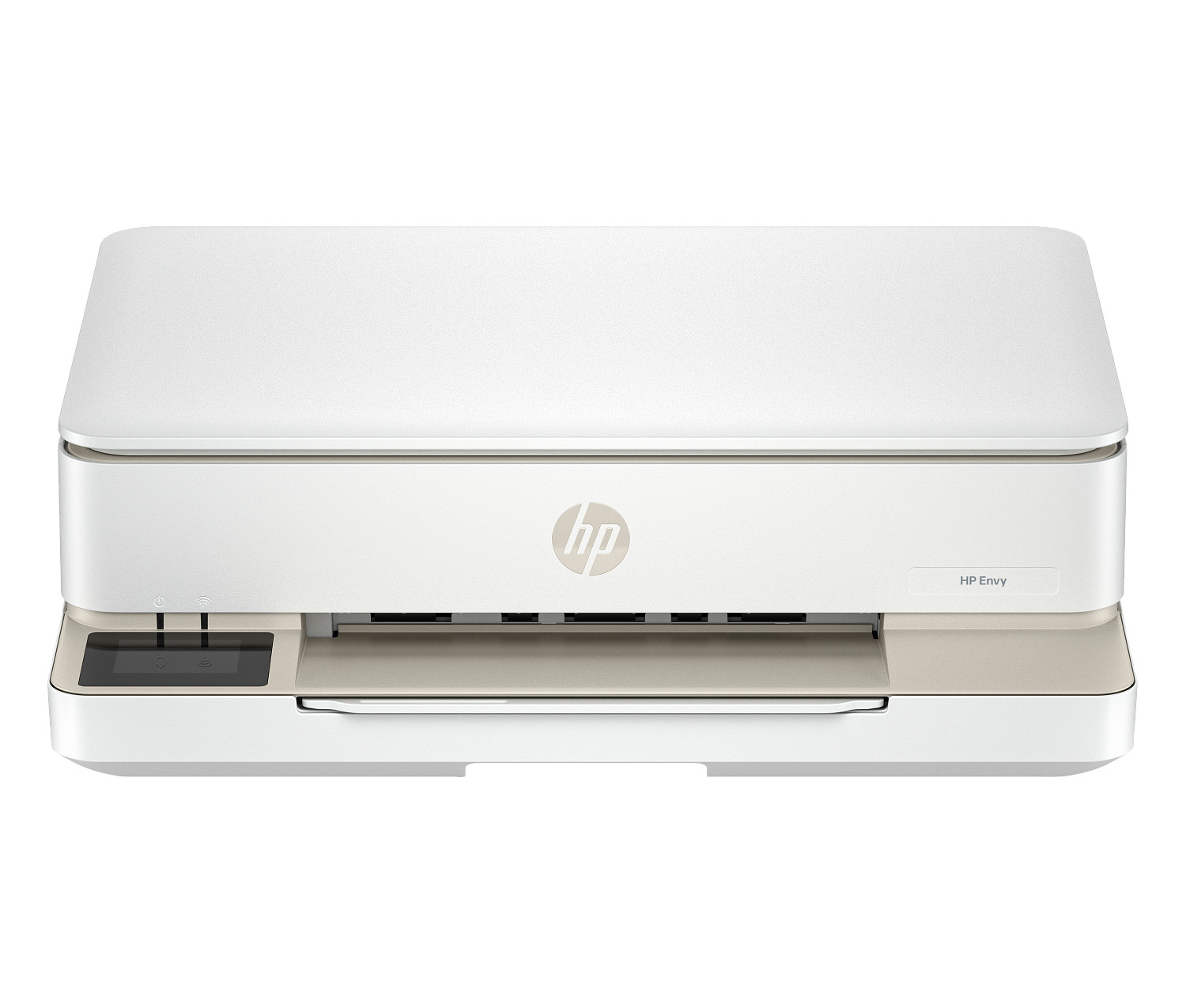
Printer Technology
Laser vs. Inkjet: Which Is Right for Your Office?
Laser and inkjet printers each have strengths. Understanding which one fits your daily printing needs can save your business thousands of dollars over time.
Read More
Practical tips, product insights, and useful information to help you make smart decisions about your printing and scanning equipment.
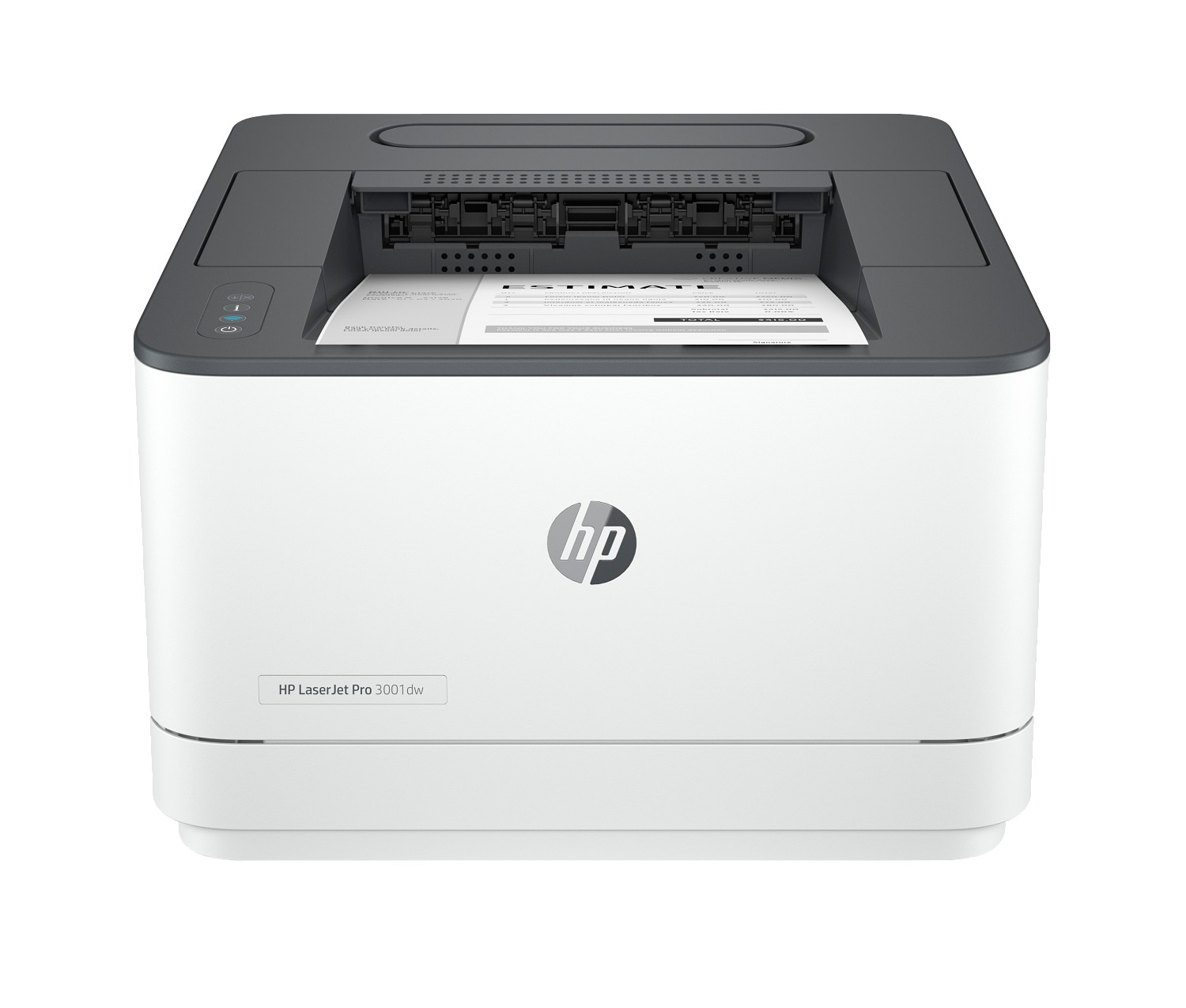
When your office prints thousands of pages every month, a regular home printer just won't cut it. Here's why investing in a heavy-duty printer saves you money in the long run.
Laser and inkjet printers each have strengths. Understanding which one fits your daily printing needs can save your business thousands of dollars over time.
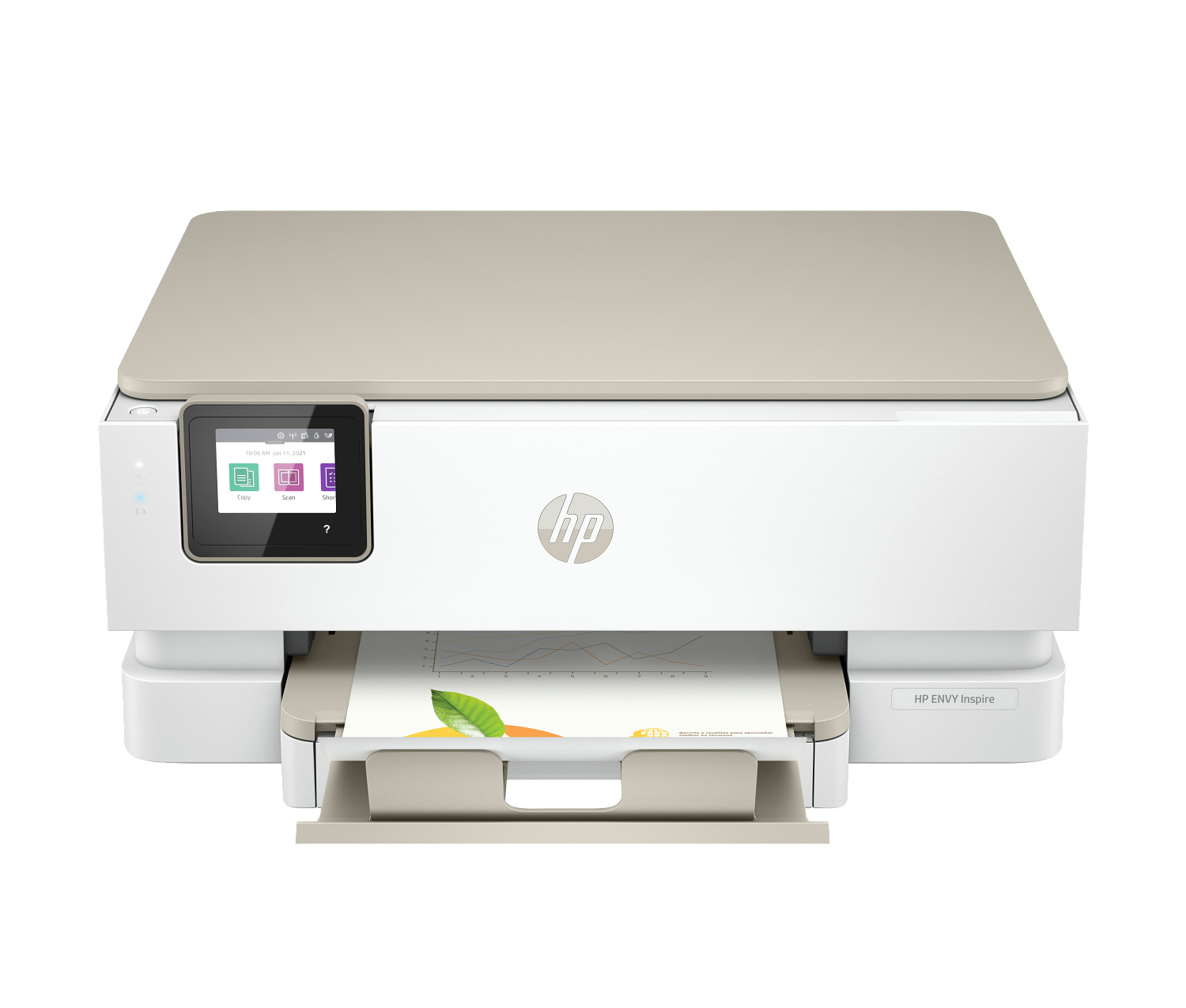
Every printer has a 'duty cycle' number, but most people misread it. Here's what it actually means and which number you should really be looking at.
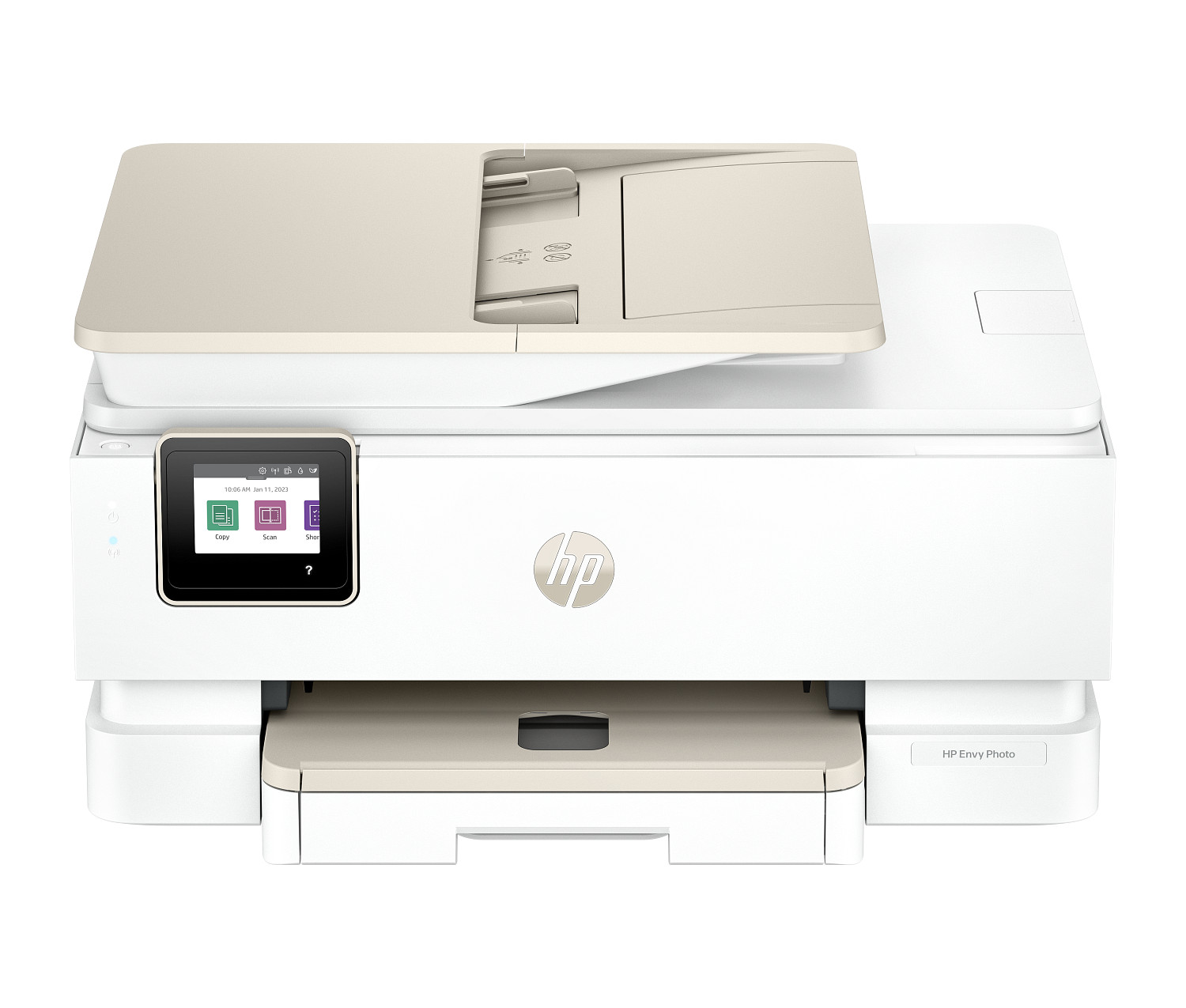
An all-in-one (multifunction) printer can replace three or four separate devices. Here's how to decide if consolidation is the right move for your office.
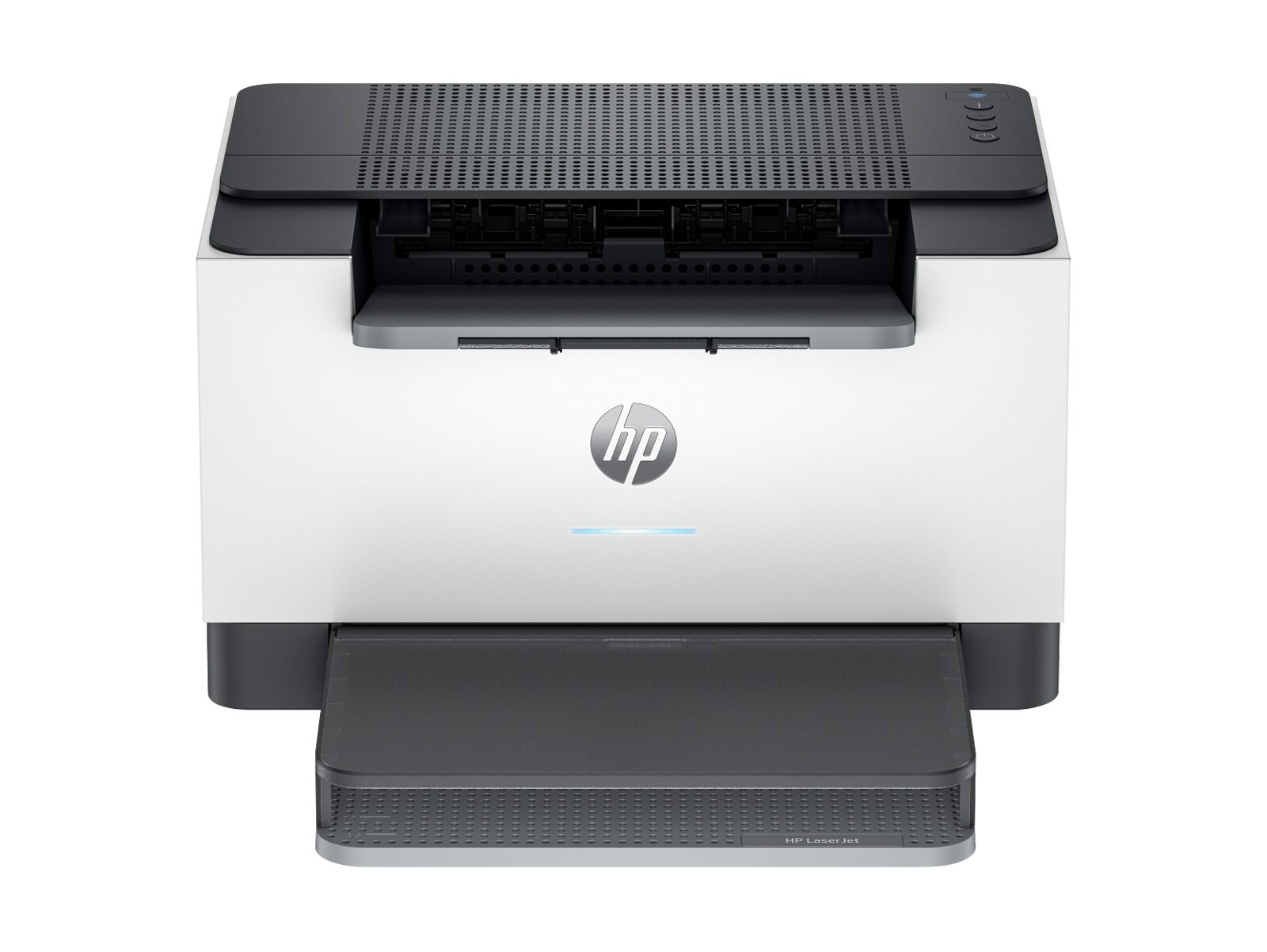
Printing costs can quietly eat into your budget. These five straightforward changes can reduce your spending without sacrificing productivity.
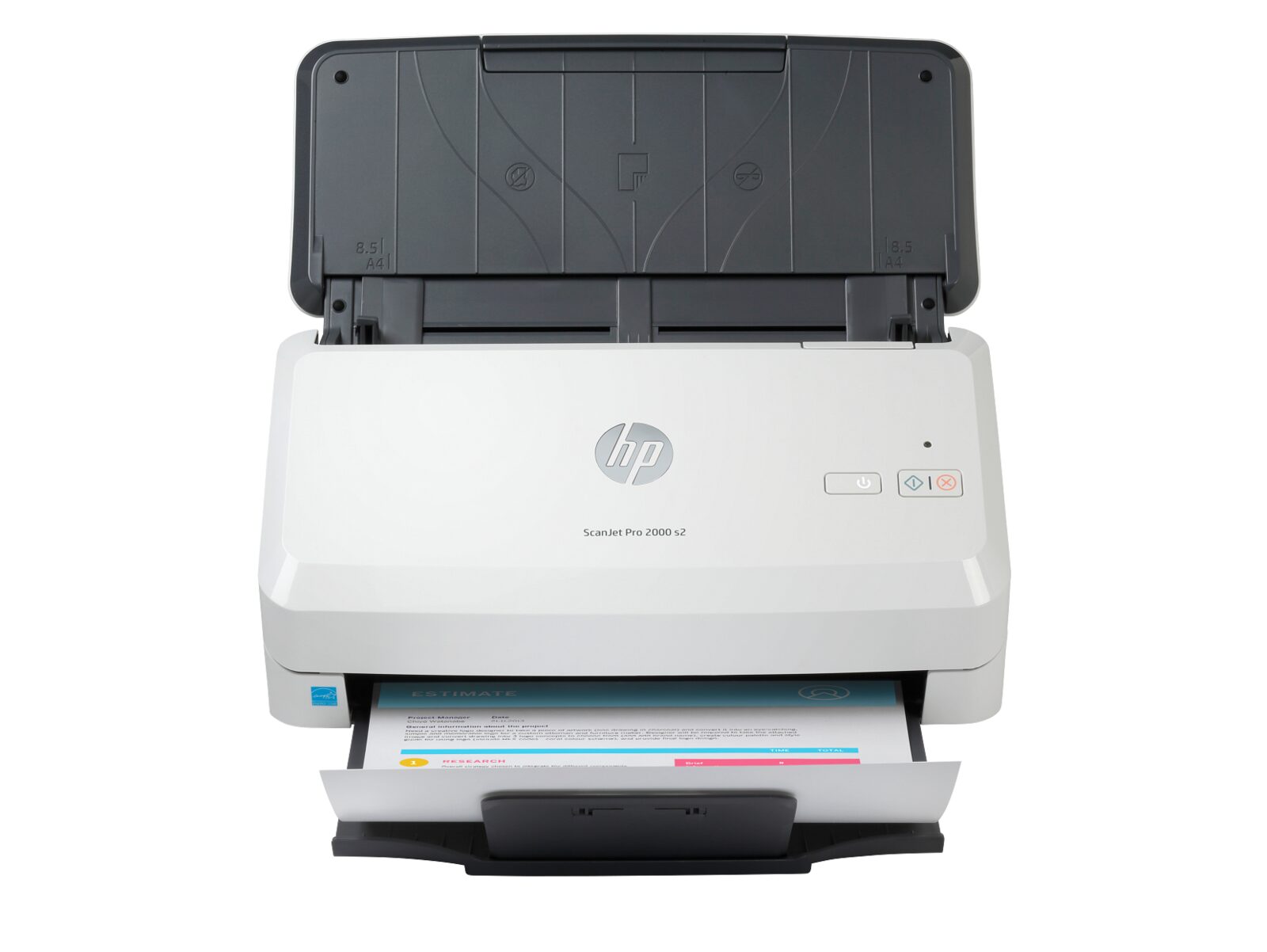
Whether you're digitizing a filing cabinet or processing hundreds of documents daily, choosing the right scanner makes all the difference. Here's what to look for.
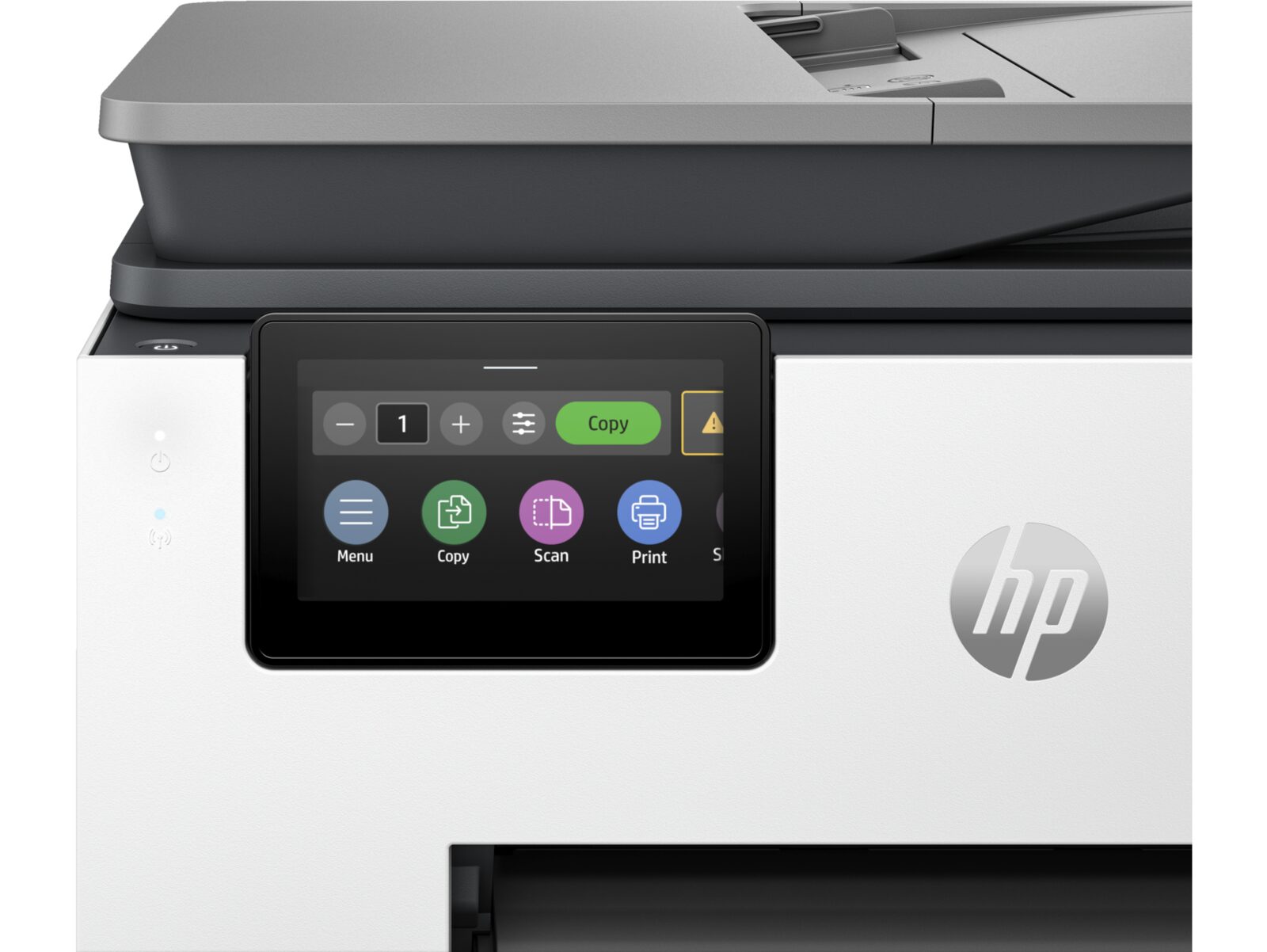
PPM is the most visible number on any printer spec sheet. But it doesn't tell the whole story. Here's how to read print speed specs like a pro.
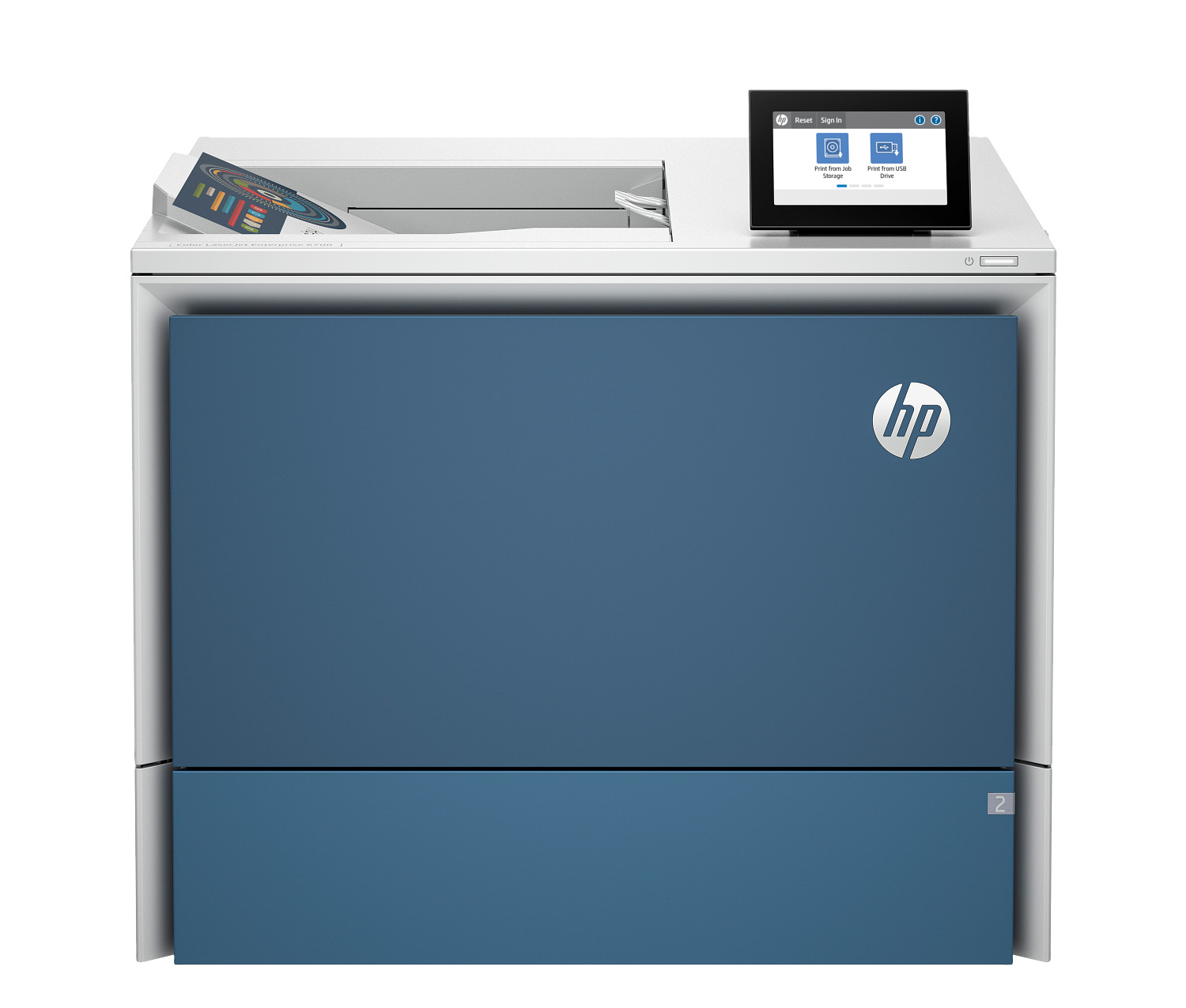
Enterprise printers look similar to regular office printers but are built for a completely different level of performance. Here's what sets them apart.
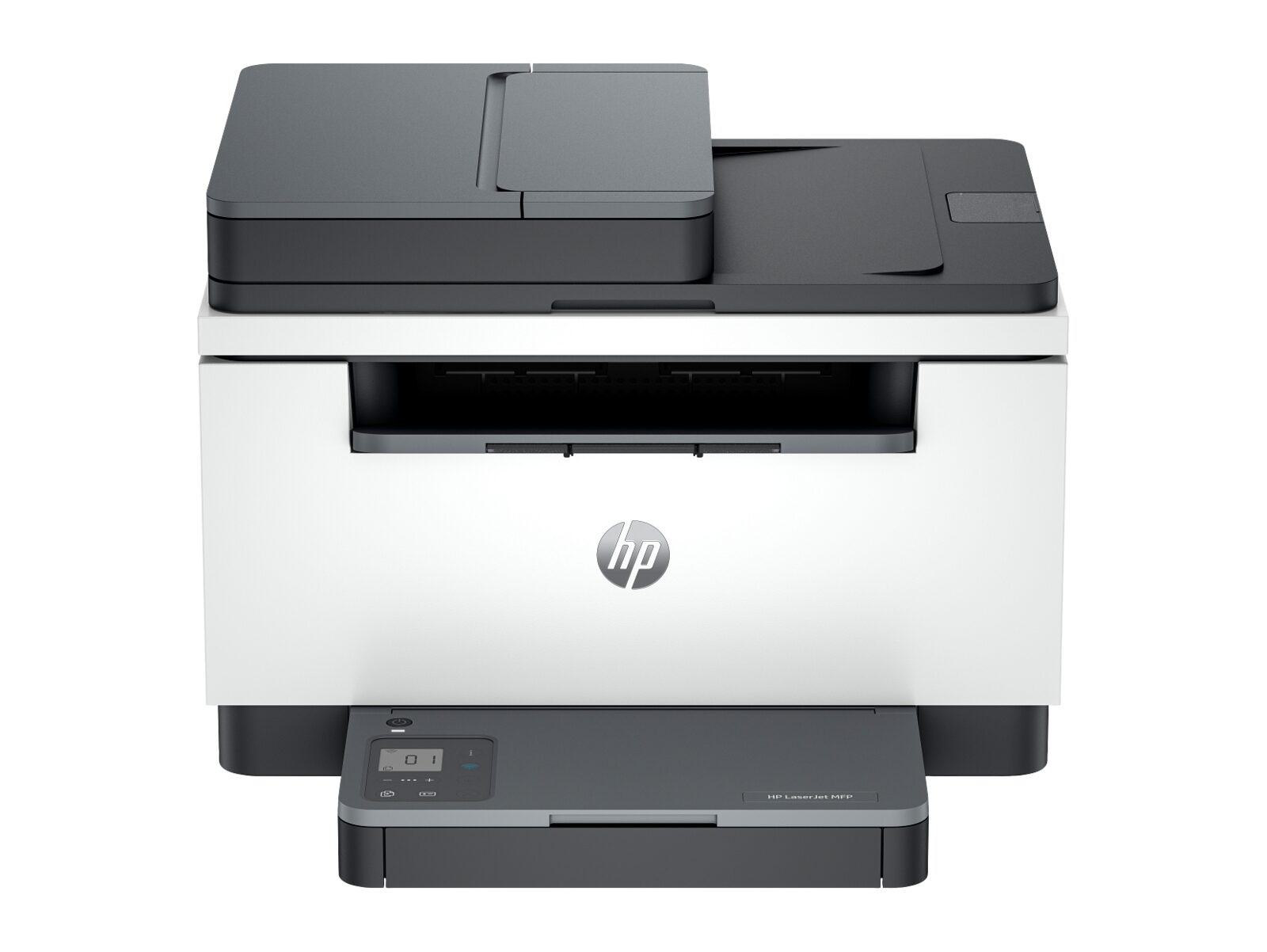
Just received your new enterprise printer? Here's how to get it unpacked, connected, and ready for your team in the shortest time possible.
Looking for something else? Head back to the ProPrintMart home page to explore featured printers and current promotions, or browse the dedicated series pages below for more options in a specific line.
Need help choosing? Contact our team or return to the ProPrintMart homepage at any time.
The ProPrintMart blog is a small library of plain-English guides written by the same US-based product specialists who answer your support emails. We focus on the questions buyers actually ask before, during, and after a printer purchase: which model fits a given workload, what print speed and duty cycle really mean in real offices, how to choose between an inkjet and a laser, when an all-in-one device makes sense, and how to keep cost per page under control over the life of the device.
Every article sticks to one topic, gives you the headline answer in the opening paragraph, and then explains the why so you can apply the same reasoning to the next decision. Each piece links to the relevant printer or scanner category on this site so you can move from theory to a concrete shortlist in one click. We update articles when releases a major firmware change, a new model line, or a fresh consumable price list.
If you have a question that is not yet covered, email support@proprintmart.net with the topic and the kind of buyer it would help. We add the highest-voted suggestions to our editorial calendar and publish the new articles within four weeks. Article suggestions never become marketing emails; we only contact you about the article you suggested if we need a clarifying detail before publishing.
Browsing six product series can feel like a lot when you just want a single recommendation. If you would rather skip the reading, our contact page offers email and phone routes to a real product specialist who will give you a one-line answer based on your monthly print volume, the documents you print, and the room the printer will live in. There is no obligation to buy and no follow-up marketing.
Every guide on this blog is written to answer one specific question that comes up before someone clicks "add to cart" on a printer or scanner — never as a thinly disguised sales pitch. If you are weighing two adjacent models, start with the family-overview articles ("Laser vs. Inkjet", "All-in-One Printers — Do You Need One?", "Document Scanners: Everything You Need to Know"). If you have already chosen a family and just need to size the model correctly, the duty-cycle and print-speed explainers walk through the maths. And if you are setting up a unit you have already bought, the setup walkthroughs cover unboxing, network onboarding, and the most common first-week pitfalls.
Households printing 50-250 pages a month should start with "Laser vs. Inkjet" and the DeskJet/ENVY/Smart Tank comparison points it links out to. Small offices in the 500-2,000-page band should start with the duty-cycle article and then the all-in-one buying guide. Departments and floors with shared printing should start with "Enterprise Printers vs. Office Printers" and then the heavy-duty article — both are written from the procurement side rather than the IT side. Once you have a shortlist, jump to the matching printer and scanner catalog page to compare specifications, or browse the ProPrintMart home page for the current featured picks.
New guides are published roughly every two to four weeks, focused on questions our US-based product specialists actually receive in the support queue that week. Existing guides are revised quarterly to keep model numbers, current price bands, and recommended monthly volumes accurate as the lineup evolves. If there is a printer-buying question you cannot find an answer to here, send the question through the contact page and we will either reply directly or turn the answer into the next blog post.