All-in-One Printers: Print, Scan, Copy & Fax Guide
One Device That Does It All
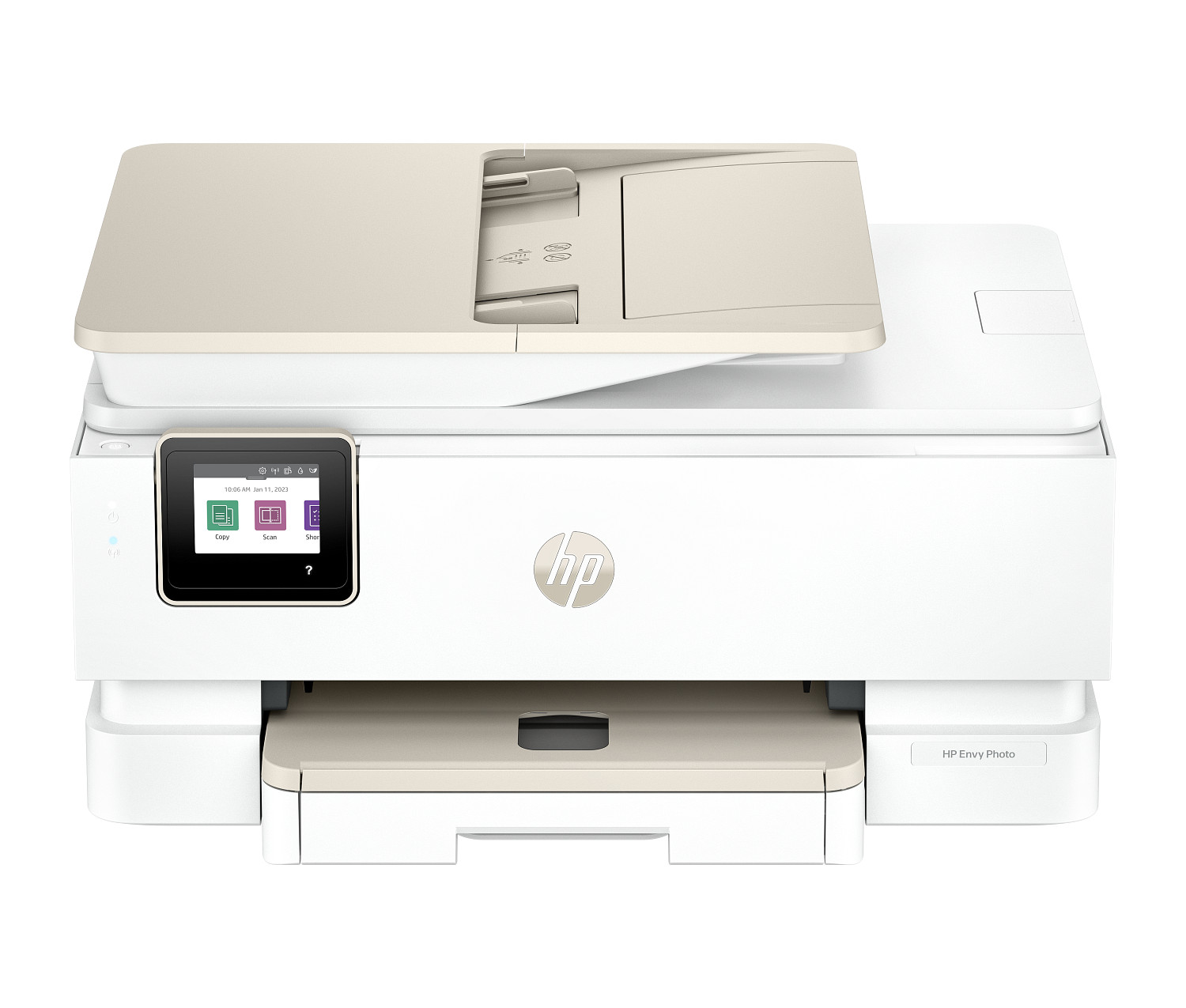
An all-in-one printer — also called a multifunction printer or MFP — combines printing, scanning, copying, and sometimes faxing into a single machine. For businesses, this isn't just a convenience feature. It's a practical way to reduce equipment costs, save office space, and simplify your IT setup.
What Can an All-in-One Actually Do?
Modern enterprise MFPs go way beyond basic printing and copying. Here's what you get:
- High-speed printing: Most business MFPs print 30-50+ pages per minute in both black and white and color
- Duplex scanning: Scan both sides of a document in a single pass using the automatic document feeder (ADF), then send it directly to email, a shared folder, or cloud storage
- Fast copying: Make multiple copies with finishing options like stapling, collating, and hole-punching
- Secure faxing: Still essential in healthcare, legal, and government sectors where fax is a required communication method
The Benefits of Consolidation
Save money: One MFP costs less to buy and maintain than a separate printer, scanner, copier, and fax machine. You also only need one type of toner to keep in stock.
Save space: In a typical office, four separate devices take up a lot of real estate. One MFP occupies a single footprint.
Simpler IT management: One device means one network connection and one set of security policies to maintain — far easier than managing multiple separate machines.
When You Might Want Separate Devices
If your office does extremely high-volume scanning (like a law firm digitizing thousands of case files), a dedicated scanner will be faster and more reliable than an MFP's built-in scanner. Similarly, if one department needs constant access to printing while another needs constant access to scanning, separate devices prevent bottlenecks.
Choosing the Right MFP
Look at the specs that matter most for your workflow: print speed (PPM), ADF capacity (how many pages it can scan at once), paper tray capacity, and connectivity options. If multiple people will use it, Wi-Fi and Ethernet are essential. If security matters, look for features like PIN-based pull printing and encrypted hard drives.