Enterprise Printers vs. Office Printers: What's Different?
Built for Different Demands
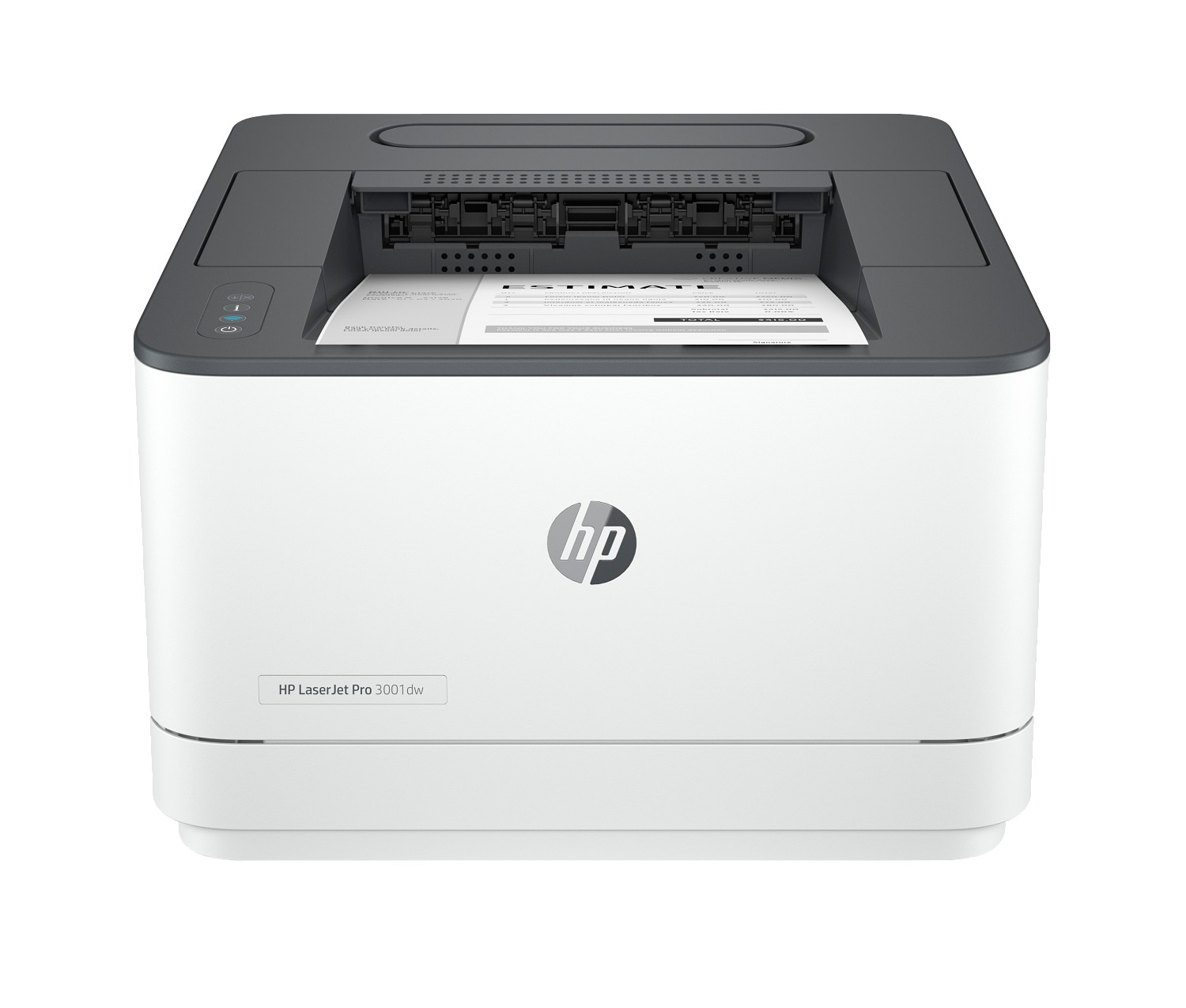
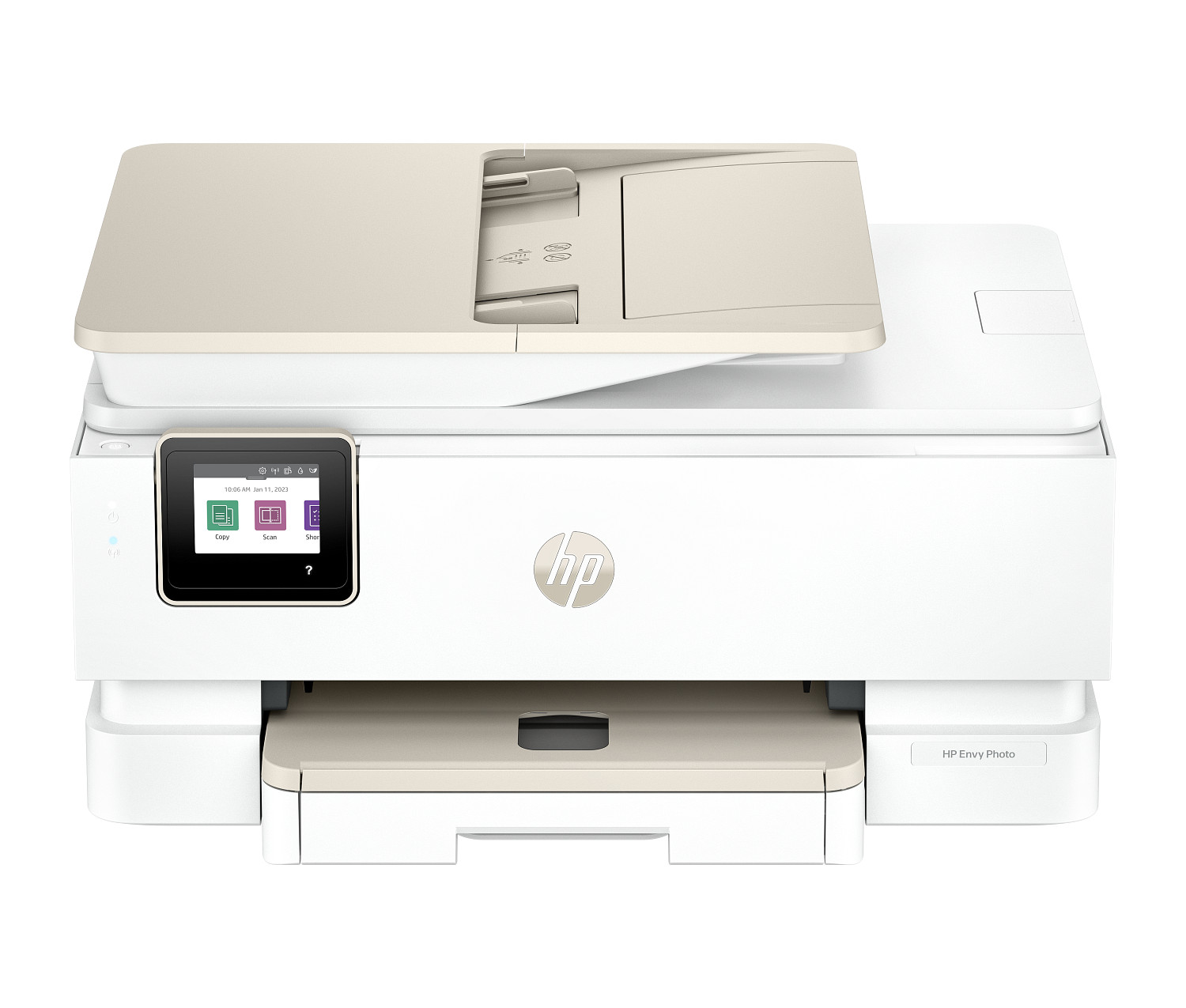
Walk into any office supply store and you'll find machines ranging from $100 to $500. They look professional enough, and they work fine for light use. But put one of those units in a busy corporate environment — where 20 people are sending jobs to it all day long — and it will struggle, jam, and eventually break down far sooner than expected.
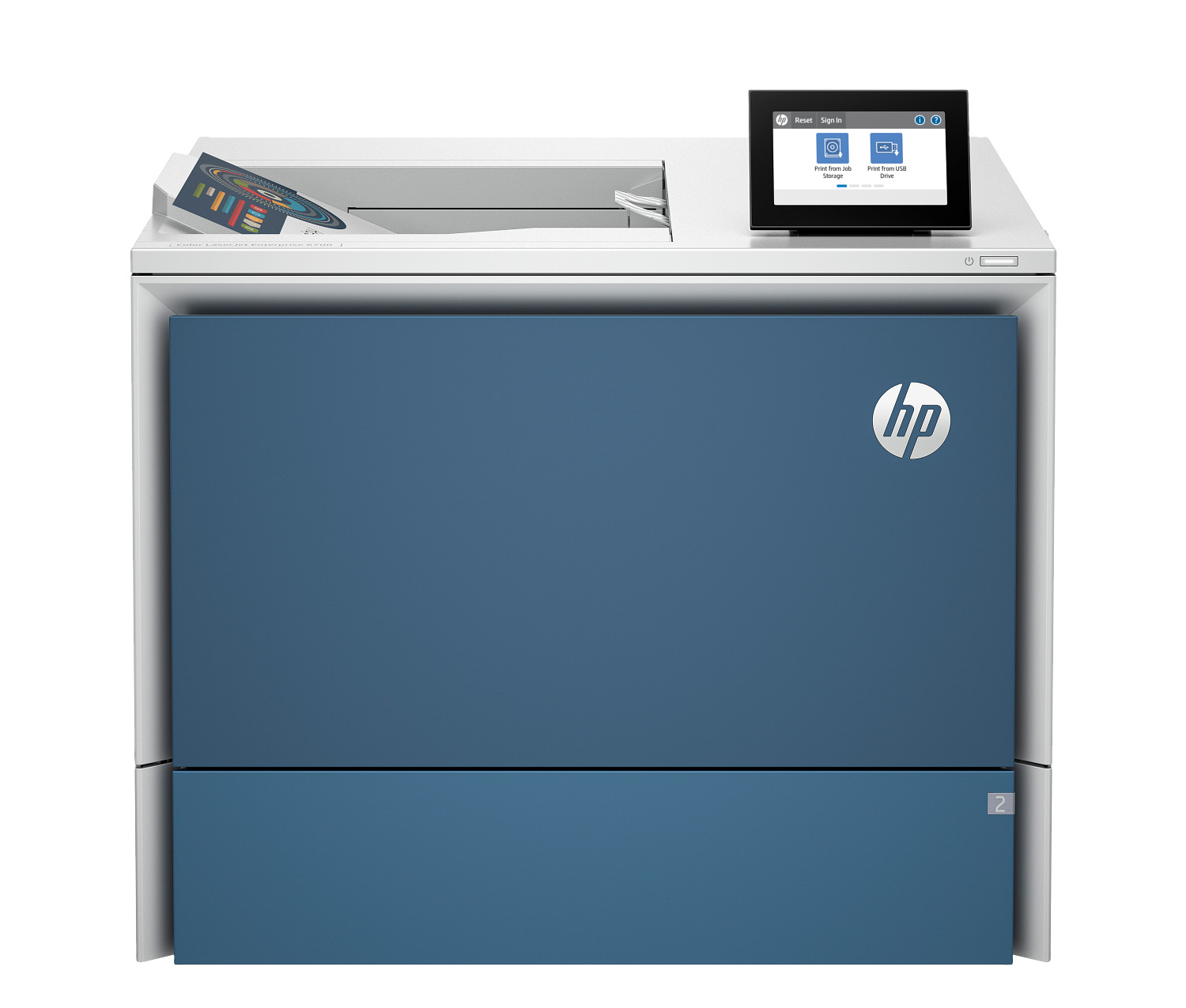
Enterprise-grade equipment is a different breed entirely. It is designed from the ground up for continuous, heavy-duty operation in demanding environments. Here's what makes the category different:
Build Quality and Durability
Enterprise-class units use heavier-gauge metal frames, industrial-quality rollers, and more robust fuser assemblies. Consumer models use more plastic components to keep costs down. The difference becomes obvious after the first 50,000 pages — enterprise machines keep running smoothly while consumer-grade hardware starts jamming and wearing out.
Speed and Capacity
A typical consumer office unit runs at 15-25 PPM with a 250-sheet paper tray. Enterprise-grade equipment starts at 40+ PPM and often comes with 500+ sheet input capacity, with options to add additional trays for 2,000+ sheets total. Some models include built-in finishing options like stapling, hole-punching, and booklet making.
Security Features
This is where enterprise-class hardware really shines. It includes features that consumer models simply don't have:
- Secure boot: Verifies the device firmware hasn't been tampered with every time it powers on
- Encrypted storage: Documents stored on the device's internal drive are encrypted
- Pull printing: Documents don't release until the user authenticates at the device with a PIN or badge — preventing sensitive documents from sitting in the output tray
- Network security: Enterprise-grade firewall, access controls, and compliance with IT security policies
Total Cost of Ownership
Enterprise-grade units cost more upfront — typically $500 to $5,000+ depending on the model. But the cost per page is dramatically lower because they use high-yield toner cartridges, have longer-lasting components, and come with on-site warranty service. Over a 3-5 year lifespan, an enterprise unit usually costs less in total than burning through multiple consumer-grade replacements.
When to Make the Jump
If your office prints more than 3,000 pages a month, or if more than 5 people share a single device, it's time to consider enterprise equipment. The upfront investment pays for itself through reliability, lower per-page costs, and fewer headaches.