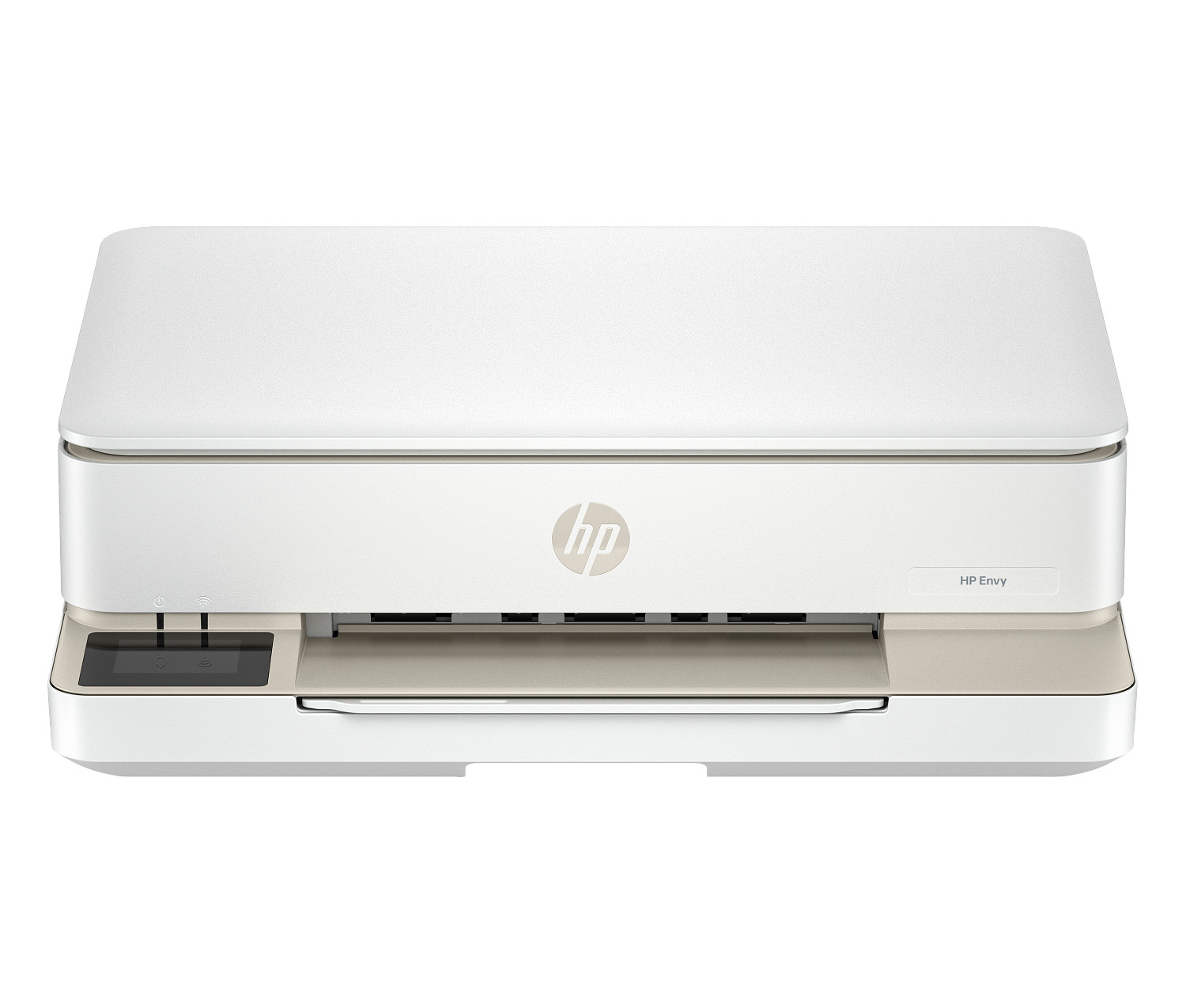
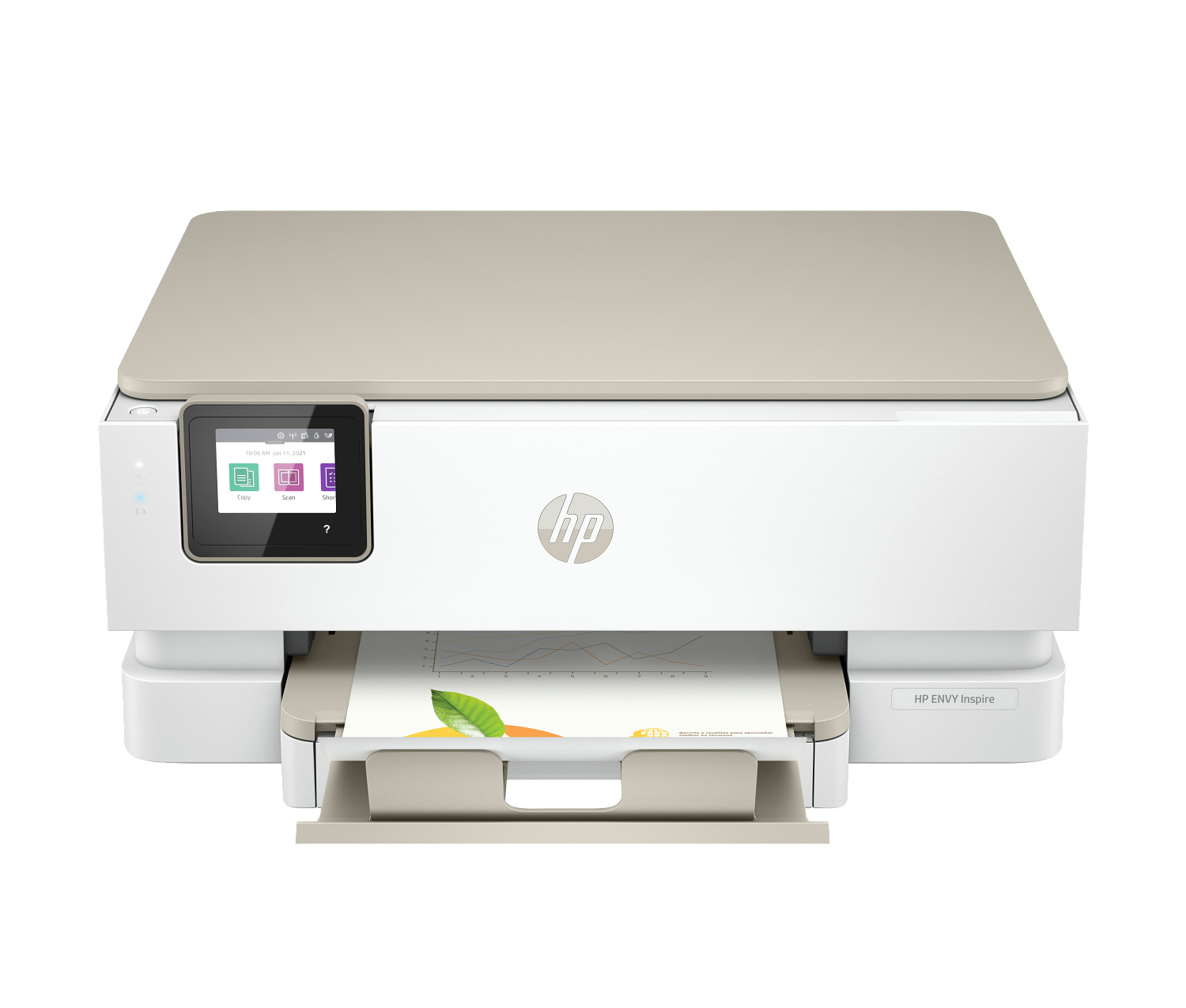
Print Speed Explained: What PPM Really Means for Your Office
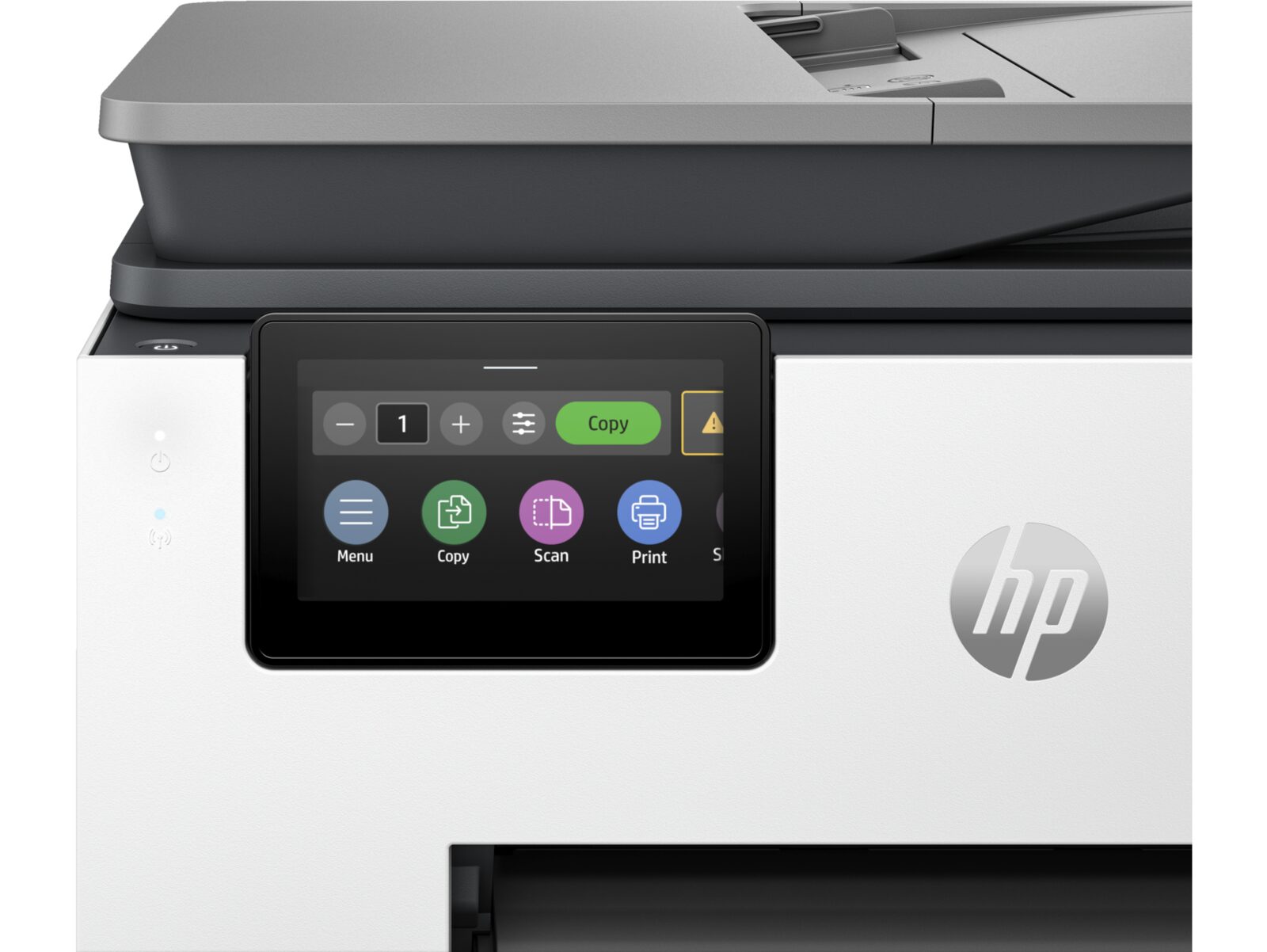
Pages Per Minute: The Headline Number
When you compare printers, the first number you see is usually PPM — Pages Per Minute. A printer rated at 40 PPM can theoretically output 40 standard pages in one minute. Sounds simple, right? The reality is a bit more nuanced.
What PPM Actually Measures
PPM ratings are measured under ideal conditions: printing a standard text document, at standard quality, after the printer has already warmed up and started printing. It represents the engine speed — how fast the mechanical parts can move paper through the system once everything is running.
In real-world use, your effective speed will usually be lower because of factors like:
- Complex documents with graphics or photos take longer to process
- Color printing is slower than black and white on most models
- Higher quality settings reduce speed
- Duplex (two-sided) printing takes additional time to flip the page
The Hidden Metric: First Page Out Time
PPM matters for long print runs, but for the person printing a single email or a one-page invoice, a different spec matters more: First Page Out Time (FPOT). This measures how long it takes from the moment you hit "Print" to when the first page lands in the output tray.
A printer might be rated at 50 PPM but take 10 seconds to warm up and deliver that first page. If most of your jobs are 1-3 pages, FPOT has a bigger impact on your daily experience than raw PPM.
How Much Speed Do You Actually Need?
- Small office (1-5 people): 25-35 PPM is usually plenty
- Medium workgroup (5-15 people): 35-50 PPM prevents queue buildup
- Large department (15+ people): 50-70+ PPM keeps everything flowing smoothly
When multiple people share a printer, faster speeds prevent the frustrating queue that forms when one person sends a 100-page report and everyone else has to wait.