Document Scanners: A Complete Buyer's Guide
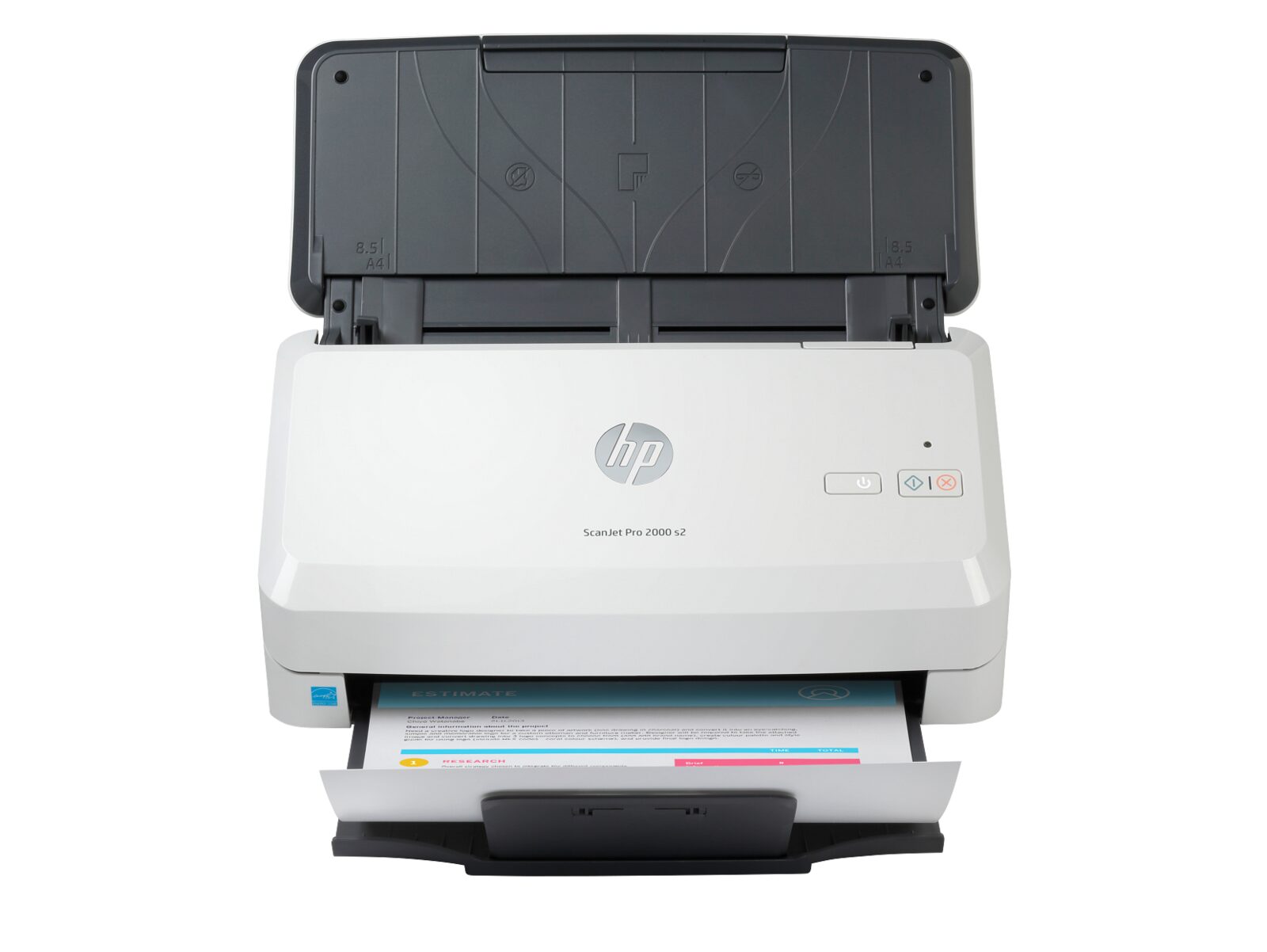
Why Dedicated Scanners Still Matter
Yes, most multifunction printers can scan. But if your office needs to digitize large volumes of documents — think legal files, medical records, accounting paperwork, or old archives — a dedicated document scanner is a completely different tool. It's faster, handles more paper types, and produces better quality scans than an MFP's built-in scanner.
Types of Document Scanners
Scanners come in different sizes for different workloads:
- Desktop scanners: Compact units for individual workstations. Good for scanning 500 to 2,000 pages per day. Perfect for small offices or individual departments.
- Departmental scanners: Larger machines with bigger document feeders, designed for 3,000 to 10,000 pages per day. These are shared across teams.
- Production scanners: Heavy-duty machines for mailrooms, service bureaus, or any operation scanning tens of thousands of pages daily.
The Specs That Actually Matter
Scan Speed (PPM and IPM)
PPM tells you how many pages the scanner processes per minute for single-sided scanning. IPM (Images Per Minute) is the duplex speed — since most business scanners read both sides simultaneously, IPM is typically double the PPM. A good departmental scanner runs at 40-60 PPM / 80-120 IPM.
Document Feeder Capacity
The automatic document feeder (ADF) determines how many pages you can load at once. If you're scanning 50-page contracts all day, a 100-sheet ADF means fewer interruptions. Production scanners can hold 500+ sheets at a time.
Double-Feed Detection
This is critical. Ultrasonic sensors detect when two pages stick together and feed through at once. Without this, you can lose pages without even knowing it. Every business scanner should have this feature — don't buy one that doesn't.
Image Processing
Good scanners automatically straighten crooked pages (deskew), remove blank pages, adjust brightness and contrast, and prepare documents for text recognition (OCR). This saves hours of manual cleanup work.
Choosing the Right Scanner for Your Needs
Match the scanner to your daily volume. If you scan 200 pages a day, a desktop scanner is fine. If you scan 5,000+ pages daily, invest in a departmental or production model. Buying too small means slow processing and frequent jams; buying too big means wasted money on features you don't use.