5 Simple Ways to Cut Your Office Printing Costs
Printing Is Expensive — But It Doesn't Have to Be
For many businesses, printing costs are one of those expenses that nobody really tracks. Paper gets ordered, toner gets replaced, and nobody thinks about it until the annual budget review. But those costs add up — the average office worker prints about 10,000 pages per year, and the total cost of ownership (hardware, supplies, maintenance, energy) can reach thousands of dollars per printer annually.
Here are five changes you can make right now to bring those costs down:
1. Set Duplex (Two-Sided) Printing as the Default
This is the single easiest cost-saving measure. By configuring every printer to default to double-sided printing, you immediately cut your paper consumption by up to 50%. Most employees won't even notice the change, and anyone who needs single-sided output can override it for that specific job.
2. Default to Black and White
Color printing costs 5 to 10 times more per page than black and white. Set all network printers to default to monochrome output. Users who genuinely need color for a presentation or client deliverable can manually select color for that job. You'll be surprised how few people actually need color for their day-to-day printing.
3. Use High-Yield Toner Cartridges
Standard-yield cartridges are cheaper to buy but more expensive per page. High-yield (or extra-high-yield) cartridges cost more upfront but print significantly more pages, reducing your cost per page by 20-40%. For any printer doing serious volume, always buy the highest yield cartridge available.
4. Right-Size Your Printer Fleet
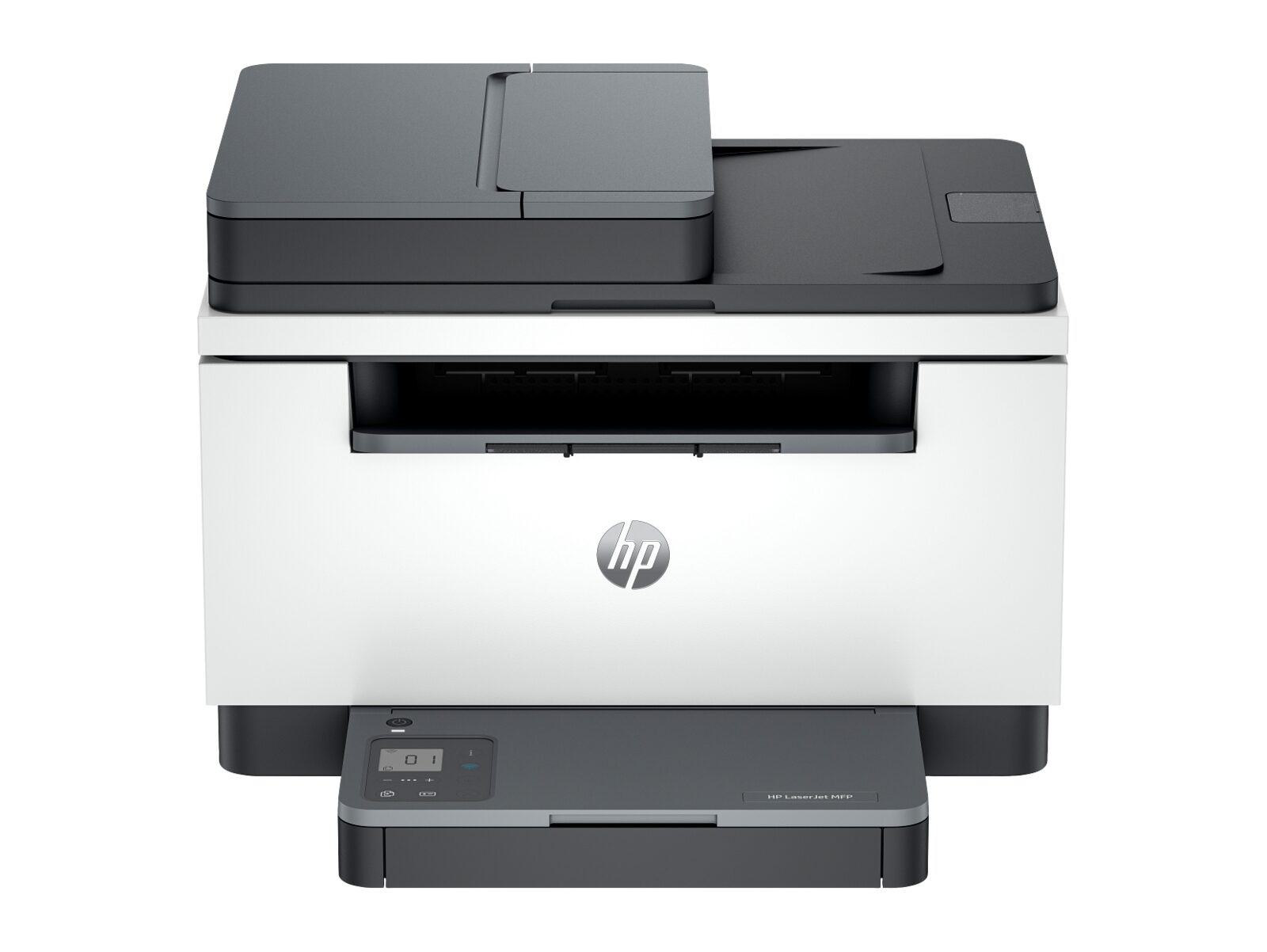
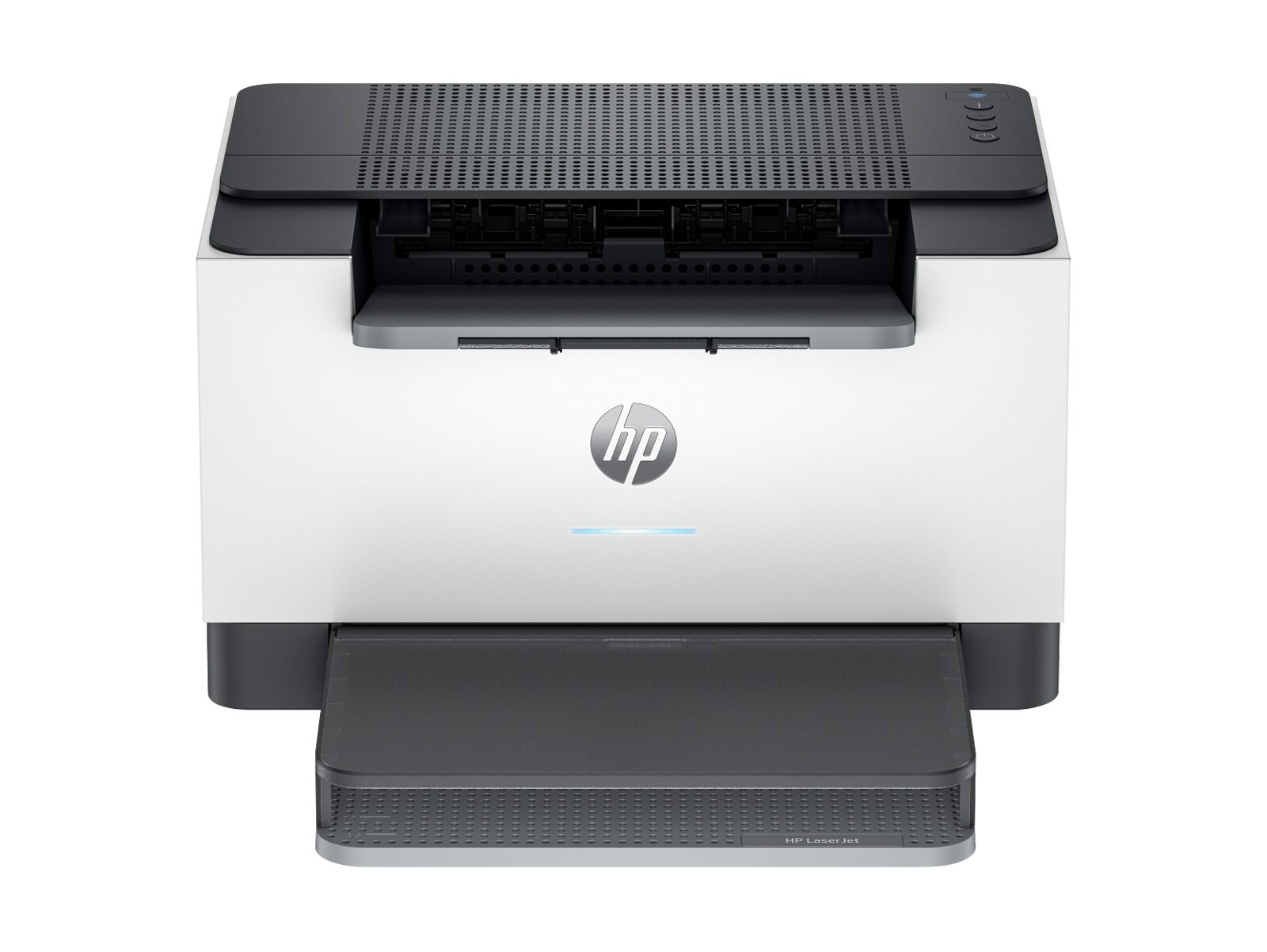
Many offices have too many personal printers — small, inefficient devices sitting on individual desks. Each one has a high cost per page and generates its own maintenance needs. Consolidating to fewer, strategically placed departmental printers is almost always more cost-effective. One enterprise MFP can easily serve a team of 10-20 people at a fraction of the per-page cost of individual desktop printers.
5. Track and Monitor Usage
Use your printer's built-in usage tracking features to monitor who is printing, how much, and whether it's color or black and white. Simply making people aware that their usage is being tracked tends to reduce unnecessary printing. It also helps you identify which departments have the highest costs so you can target your efforts.